Google Maps Enhances Android Auto Alerts for Safer Driving
Google has introduced a significant update to Google Maps on Android Auto, focusing on reducing driver distractions by redesigning incident alert notifications. This enhancement aims to provide critical information without compromising safety.
Background on Incident Reports in Google Maps
In 2024, Google Maps integrated incident reporting, a feature popularized by Waze, allowing users to report hazards, traffic conditions, and other road incidents. This functionality was extended to Android Auto, enabling drivers to receive real-time updates directly on their vehicle’s display. However, the initial design of these alerts received mixed feedback due to their intrusive nature.
Challenges with Previous Alert Design
The original alert system displayed pop-up notifications that temporarily replaced essential navigation information, such as turn-by-turn directions and estimated time of arrival (ETA). These overlays remained on the screen until the driver interacted with them, leading to potential distractions. A 2025 survey by 9to5Google revealed that while some users appreciated the alerts, a majority found them disruptive to the driving experience.
Details of the Redesigned Alert System
The updated alert system introduces a more streamlined approach:
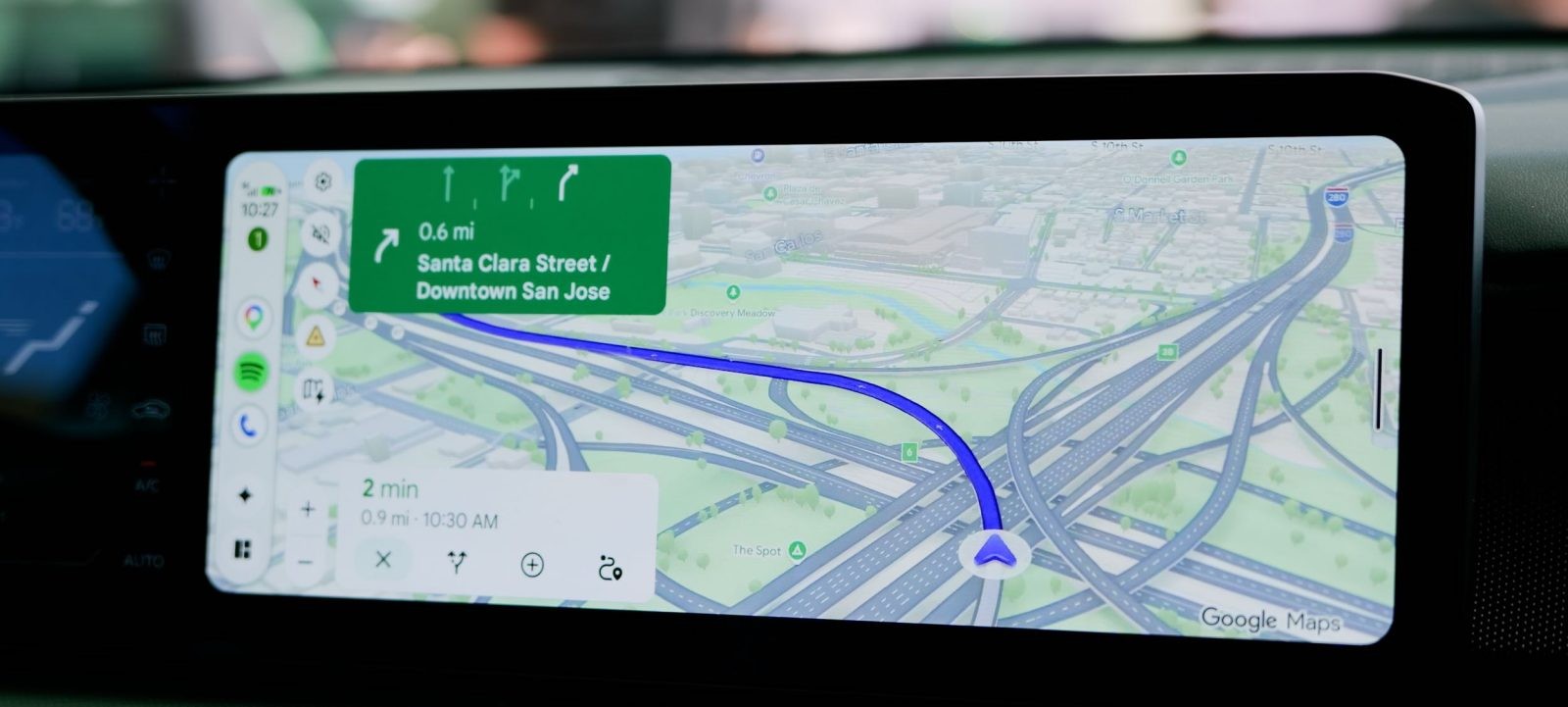
– Overlay Positioning: Alerts now appear directly over the ETA section, ensuring that other navigation elements remain visible and undisturbed.
– Non-Intrusive Display: The alerts are designed to be less obtrusive, allowing drivers to maintain focus on the road.
– Automatic Dismissal: After a brief display period, the alerts disappear without requiring user interaction, reducing the need for manual dismissal.
Impact on Different Display Configurations
The effectiveness of the new design varies based on the vehicle’s display dimensions:
– Taller Displays: In vehicles like the Subaru Forester, the new alert system maintains the visibility of navigation instructions, offering a less distracting experience compared to the previous design.
– Wider Displays: For cars with shorter, wider screens, such as the Kia Niro EV, the alerts adjust by slightly shifting nearby shortcuts during their brief appearance, ensuring that essential information remains accessible.
Rollout and User Feedback
The redesigned alert interface is currently being deployed to Android Auto users. It remains unclear whether this update is linked to recent versions of the Android Auto or Google Maps applications. Users are encouraged to share their experiences and feedback to assist in further refinements.
Conclusion
This update underscores Google’s commitment to enhancing driver safety by minimizing distractions. By refining the alert system in Google Maps for Android Auto, the company aims to provide timely information in a manner that supports attentive and safe driving practices.