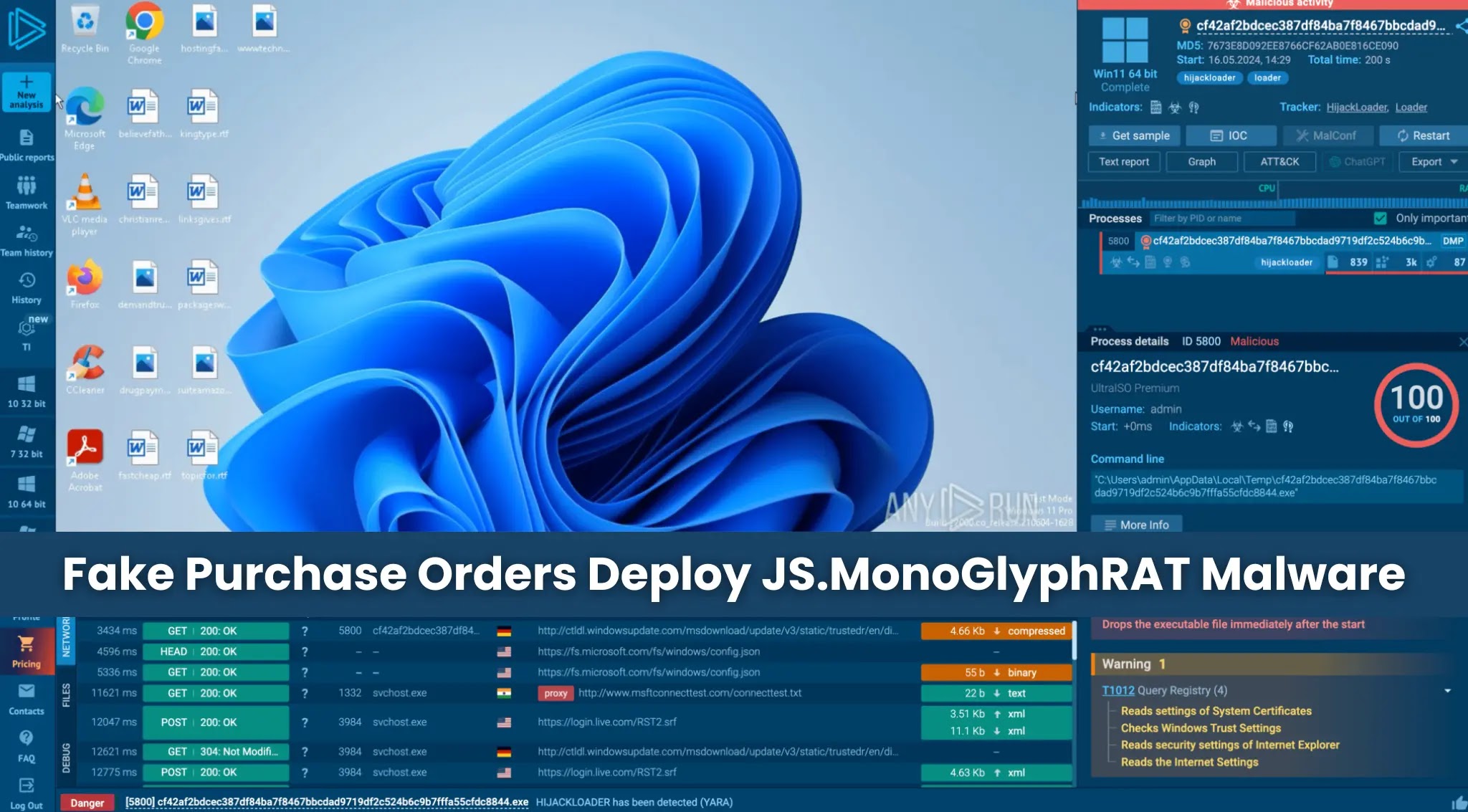
Cybercriminals Exploit Fake Purchase Orders to Deploy JS.MonoGlyphRAT Malware
A sophisticated cyberattack campaign is currently targeting U.S. enterprises by distributing a newly identified malware known as JS.MonoGlyphRAT. This malicious software is disseminated through phishing emails that masquerade as legitimate business documents, such as purchase orders, quotes, or requests for proposals. Upon opening the attached JavaScript file, unsuspecting employees inadvertently grant attackers persistent access to their organization’s network.
Understanding JS.MonoGlyphRAT
JS.MonoGlyphRAT is a remote access trojan (RAT) that enables cybercriminals to control infected systems remotely. The malware is delivered via JavaScript files attached to phishing emails, which are designed to appear as routine business communications. Once executed, the malware establishes a foothold within the network, allowing attackers to execute commands, exfiltrate data, and deploy additional malicious payloads.
Obfuscation Techniques
One of the defining characteristics of JS.MonoGlyphRAT is its use of advanced obfuscation methods. The malware employs a technique where variable and function names are constructed from repeated characters in mixed case, such as IiIiIiIiiIII or KkkKKKkKkK. This approach makes the code extremely difficult to read and analyze, effectively evading detection by traditional security tools that rely on signature-based detection methods.
Targeted Sectors and Geographic Reach
The campaign has primarily targeted organizations across the United States, with confirmed victims in the technology sector, managed security service providers (MSSPs), telecommunications, and education. However, instances of this malware have also been reported in Germany, Sweden, Australia, and several other countries, indicating a global threat that extends beyond U.S. borders.
Detection Challenges
JS.MonoGlyphRAT currently registers as Unknown malware on major threat intelligence platforms like VirusTotal and ThreatFox. This means that standard antivirus programs, which rely on known signatures, are unable to detect it. The only reliable method to identify this malware is by monitoring for suspicious behavior on a system in real time, rather than matching files against a known signature database.
Financial and Operational Risks
The financial consequences of a successful JS.MonoGlyphRAT infection can be severe, potentially reaching into the millions. Organizations face risks including ransomware deployment, data theft, regulatory penalties, business email compromise, and extended operational downtime. Since JS.MonoGlyphRAT can download and deploy additional malicious payloads, even a single compromised machine can become the starting point of a far larger and costlier breach for the entire organization.
Attack Vector: Phishing Emails
The attack begins with a single email. Employees in procurement, sales, or finance receive a message containing a JavaScript file named something like PURCHASE_ORDER_12258.js or QUOTE_B2026.js. These filenames are designed to look like routine business documents that someone in a buying or selling role would open without a second thought.
Execution and Persistence
Once the file runs through Windows Script Host (WSH), it silently copies itself into a subfolder within the user’s profile directory. It then creates a scheduled task to execute the copied script at regular intervals, ensuring persistence on the infected system. The malware establishes communication with a command-and-control (C2) server, awaiting further instructions from the attackers.
Command-and-Control Communication
JS.MonoGlyphRAT communicates with its C2 server using HTTP requests. The malware sends system information to the server and can receive commands to execute additional payloads, exfiltrate data, or perform other malicious activities. The use of standard HTTP protocols allows the malware to blend in with normal network traffic, making detection more challenging.
Mitigation Strategies
To protect against JS.MonoGlyphRAT and similar threats, organizations should implement the following strategies:
1. Employee Training: Educate staff about the dangers of phishing emails and the importance of verifying the authenticity of unexpected attachments, even if they appear to be routine business documents.
2. Email Filtering: Deploy advanced email filtering solutions to detect and block phishing attempts before they reach employees’ inboxes.
3. Behavioral Analysis: Utilize security solutions that monitor for suspicious behavior on endpoints, rather than relying solely on signature-based detection methods.
4. Regular Updates: Ensure that all systems and software are up to date with the latest security patches to minimize vulnerabilities that could be exploited by malware.
5. Access Controls: Implement strict access controls and least privilege principles to limit the potential impact of a compromised account.
6. Incident Response Plan: Develop and regularly update an incident response plan to quickly address and mitigate the effects of a malware infection.
Conclusion
The emergence of JS.MonoGlyphRAT underscores the evolving tactics of cybercriminals who exploit social engineering and advanced obfuscation techniques to infiltrate organizations. By understanding the methods used in these attacks and implementing comprehensive security measures, enterprises can better defend against such sophisticated threats.