Samsung’s latest One UI 9 update introduces a significant change to the Lockdown Mode feature. Previously, users could manually activate Lockdown Mode via the power menu, which would disable biometric authentication methods like fingerprint and facial recognition, requiring a PIN, pattern, or password to unlock the device.
In One UI 9, this manual option has been removed. Now, whenever the power menu is accessed and then dismissed, the device automatically enters Lockdown Mode. This means that after viewing the power menu, users must enter their PIN, pattern, or password to regain access, as biometric methods are disabled until the device is unlocked.
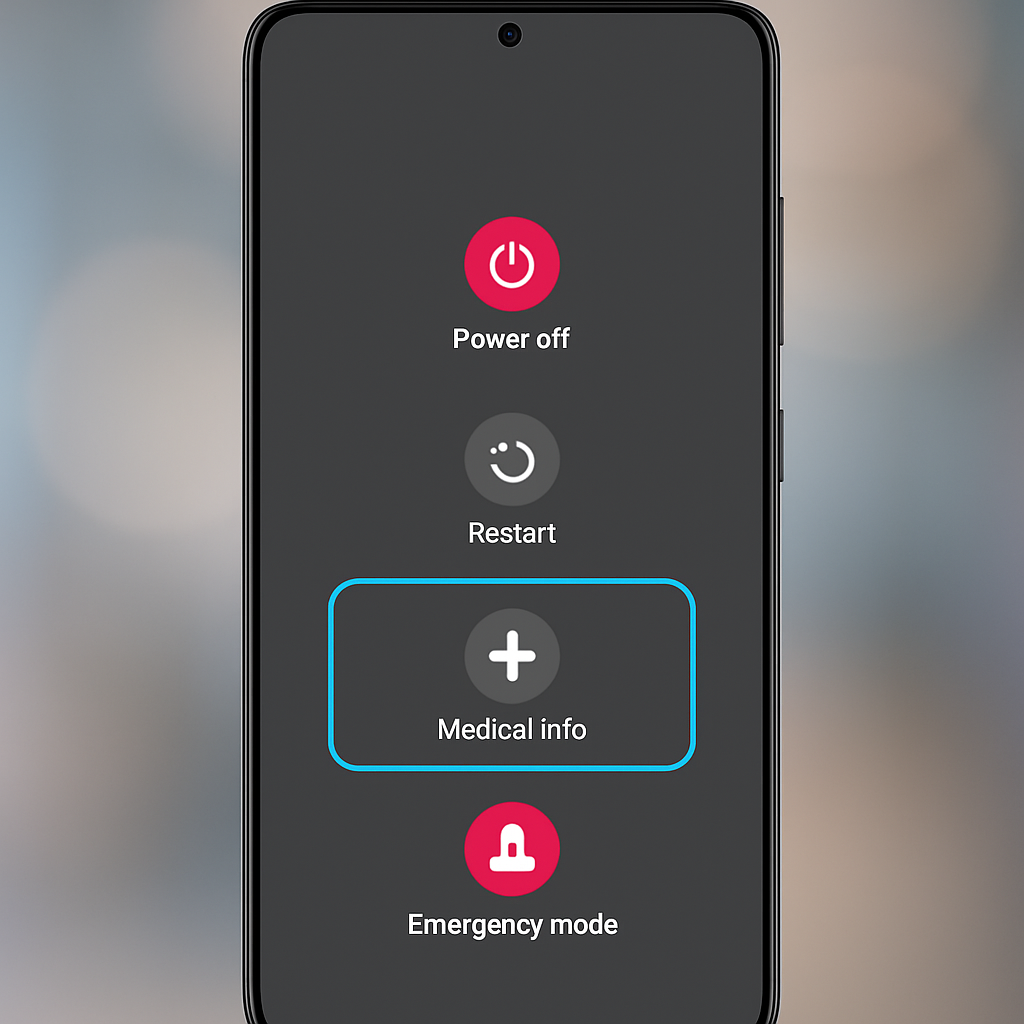
Additionally, the power menu has been updated to replace the ‘Lockdown’ button with a ‘Medical info’ option, streamlining the menu’s functionality.
While this change enhances device security by ensuring that biometric authentication is disabled after accessing the power menu, it may also introduce inconvenience for users accustomed to the previous manual activation method. It’s important to note that this feature is currently present in the One UI 9 beta 2 release, and its inclusion in the final stable version remains to be seen.
Source: 9to5Google