Reflecting on iPadOS 26: A Year of Progress and Persistent Challenges
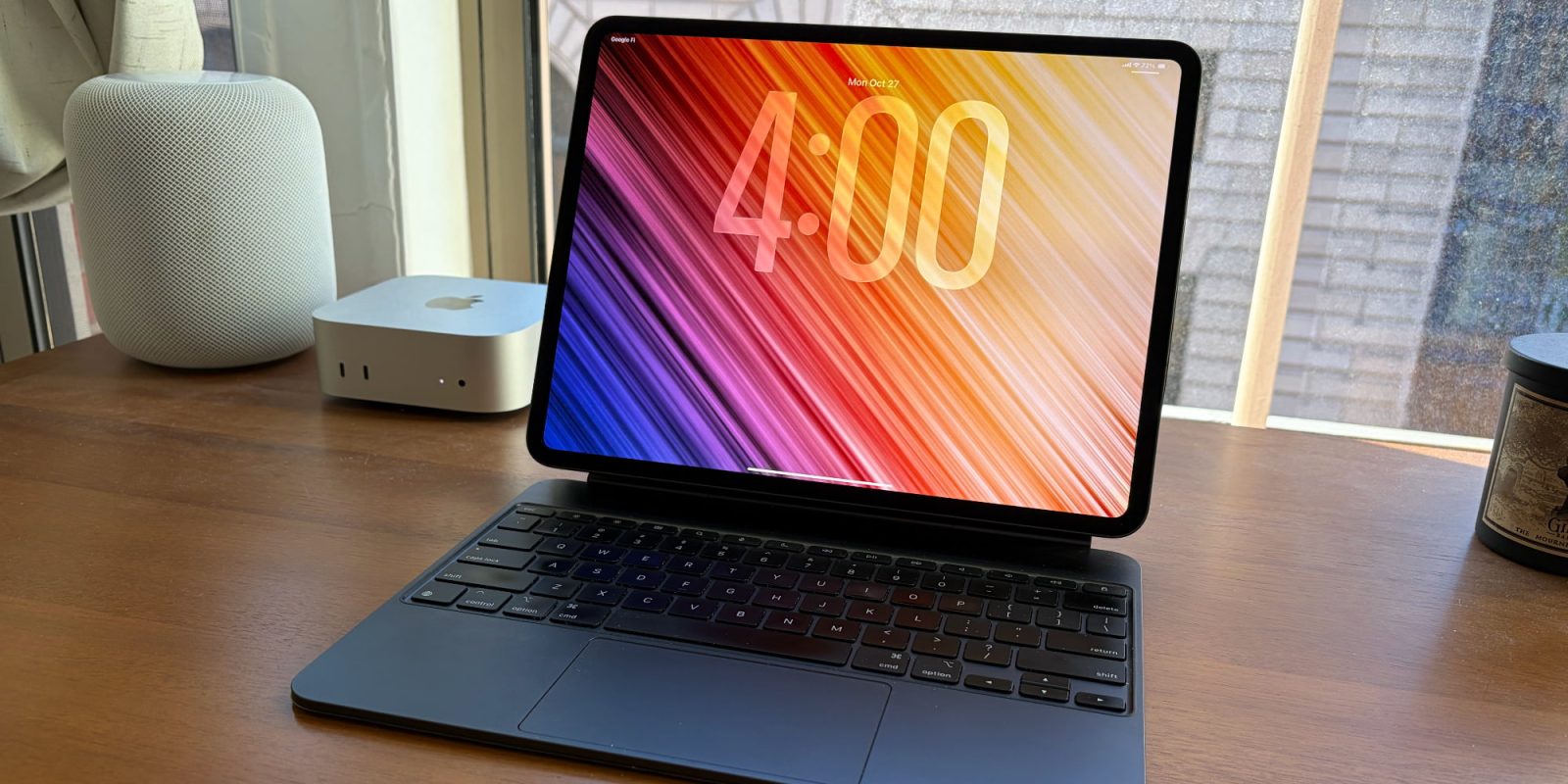
One year has passed since Apple introduced iPadOS 26, a significant update aimed at enhancing the iPad’s productivity capabilities. As a dedicated iPad Pro user, I’ve experienced firsthand the advancements and the areas where the system still falls short.
Advancements in iPadOS 26
The introduction of a comprehensive app windowing system marked a pivotal shift in iPadOS 26. This feature allows users to freely resize and position app windows, offering a level of flexibility previously unseen on the platform. For instance, I often keep certain apps in fullscreen mode while others are resized as popovers on the screen’s periphery, tailoring the workspace to my specific needs.
Another notable enhancement is the persistent dock, reminiscent of macOS. By enabling a setting that keeps the dock visible, users can now access more apps and file folders directly from the dock, streamlining workflow and improving efficiency.
The Files app, in conjunction with the new Preview app, has significantly improved file management on the iPad. Tasks that once required a Mac can now be accomplished seamlessly on the iPad, bridging the gap between the two platforms.
The addition of a menu bar has also been a welcome change. While it doesn’t yet fully mirror the macOS experience, it serves as a centralized hub for app features and controls, enhancing user navigation and accessibility.
Ongoing Challenges in iPadOS 26
Despite these advancements, certain issues persist. The windowing system’s promise of ‘persistent size and placement’ is not always reliable. It’s not uncommon for apps to crash and revert to fullscreen mode, necessitating manual repositioning and resizing. This inconsistency is particularly frustrating given the robust hardware of devices like the M5 iPad Pro, equipped with 16GB of RAM and a 10-core CPU.
The reintroduction of Slide Over in iPadOS 26.1 was a step forward, but it falls short of its predecessor. The inability to maintain multiple apps in Slide Over simultaneously limits multitasking capabilities, a regression from iPadOS 18.
Additional minor issues include:
– Right-clicking often feels sluggish compared to the instantaneous response on a Mac.
– When using a trackpad and cursor, attempts to resize app windows sometimes result in unintended movements, disrupting the intended layout.
Conclusion
iPadOS 26 represents a significant leap forward in aligning the iPad’s software capabilities with its powerful hardware. The enhancements in window management, file handling, and user interface have transformed the iPad into a more versatile and productive tool. However, the persistence of certain issues indicates that there is still room for refinement. As Apple continues to evolve iPadOS, addressing these challenges will be crucial in realizing the iPad’s full potential as a primary computing device.