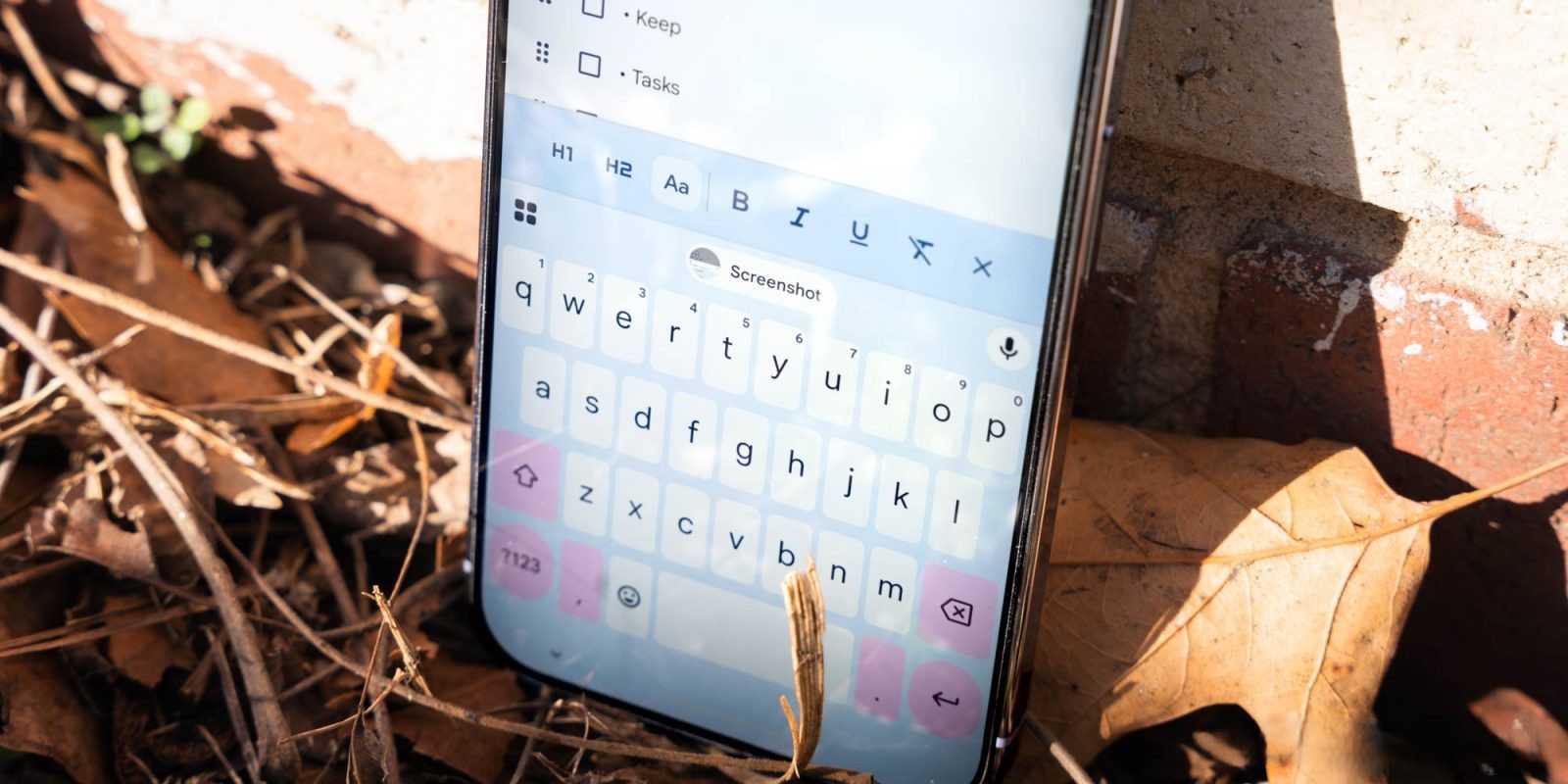
Google’s Gboard, the widely used virtual keyboard for Android devices, is undergoing a significant transformation with the introduction of the Material 3 (M3) Expressive redesign. This update, initially introduced in January 2026, is now being more broadly rolled out to beta users, bringing a fresh aesthetic and functional enhancements to the shortcuts interface.
Evolution of the Shortcuts Interface
Traditionally, Gboard’s shortcuts page featured a grid layout where each tool was housed within small rectangular cards. Users had the option to adjust the keyboard’s height to display all shortcuts in a single view, eliminating the need for vertical scrolling. This design prioritized density, allowing quick access to a multitude of tools without navigating through multiple pages.
The M3 Expressive redesign introduces a more modern and visually appealing approach. Shortcuts are now encapsulated within rounded pill-shaped containers, with two shortcuts per row. Instead of vertical scrolling, users can swipe left to access additional pages of tools. This design aligns with Google’s broader Material 3 design principles, emphasizing fluidity and user-friendly interactions.
Key Changes and Enhancements
– Visual Consistency: The redesign maintains the existing icons but enlarges the text labels adjacent to them. This change enhances readability and ensures that users can quickly identify each shortcut. However, some longer labels may scroll within their containers if they exceed the available space.
– Customization Options: Users can tap the pencil icon to enter the customization mode, where they can rearrange or modify shortcuts. This interface also adopts the M3 Expressive design, providing a cohesive experience throughout the app.
– Suggestions Strip Refinement: In the suggestions strip, shortcuts have shed their containers, offering a cleaner look. Additionally, the traditional back button has been replaced with a close ‘x’ in the top-left corner, streamlining the interface.
Broader Context and Related Updates
This shortcuts redesign is part of a series of updates aimed at modernizing Gboard’s interface:
– Settings Page Overhaul: Prior to the shortcuts update, Gboard’s Settings page received the M3 Expressive treatment. This update introduced containers to group related preferences, enhancing navigation and usability.
– Emoji and GIF Picker Redesign: In May 2025, Gboard revamped its emoji, GIF, and sticker picker interfaces. The update removed the All tab and introduced a carousel for navigating between different media types. However, some aspects of this redesign were later reversed based on user feedback, demonstrating Google’s responsiveness to user preferences.
– Introduction of New Shortcuts: Gboard has continually expanded its functionality with new shortcuts. For instance, the Flick keys to enter symbols feature allows users to quickly input numbers and symbols by swiping down on specific keys. Additionally, the Auto-switch after apostrophes shortcut automatically returns the keyboard to the letter layout after typing an apostrophe, streamlining the typing process.
User Feedback and Future Prospects
The rollout of the M3 Expressive redesign has been met with mixed reactions. While many users appreciate the modern aesthetics and improved readability, some have expressed concerns about the reduced density of shortcuts, which may require additional swipes to access certain tools. Google has a history of iterating on its designs based on user feedback, as evidenced by the partial reversal of the emoji picker redesign in June 2025. Therefore, it’s plausible that further refinements to the shortcuts interface may be forthcoming.
As of May 2026, the M3 Expressive shortcuts redesign is available to beta users running Gboard version 17.3. Stable channel users have yet to receive this update, but the broader beta rollout suggests that a wider release is imminent. Users interested in experiencing the new design can join the Gboard beta program through the Google Play Store.
Conclusion
Gboard’s adoption of the Material 3 Expressive design for its shortcuts interface signifies a commitment to modernizing and enhancing user experience. While the redesign introduces a fresh look and improved readability, it also prompts discussions about the balance between aesthetics and functionality. As Google continues to refine its products, user feedback will play a crucial role in shaping the future of Gboard’s interface and features.
Twitter Post:
Gboard’s new Material 3 Expressive redesign brings a sleek look to shortcuts! Swipe through tools with ease and enjoy enhanced readability. #Gboard #Material3 #AndroidUpdates
Focus Key Phrase:
Gboard Material 3 Expressive redesign
Article X Post:
Hashtags:
Article Key Phrase:
Category: Google News