Enhancing Google Docs with Gemini’s Persistent Instruction Feature
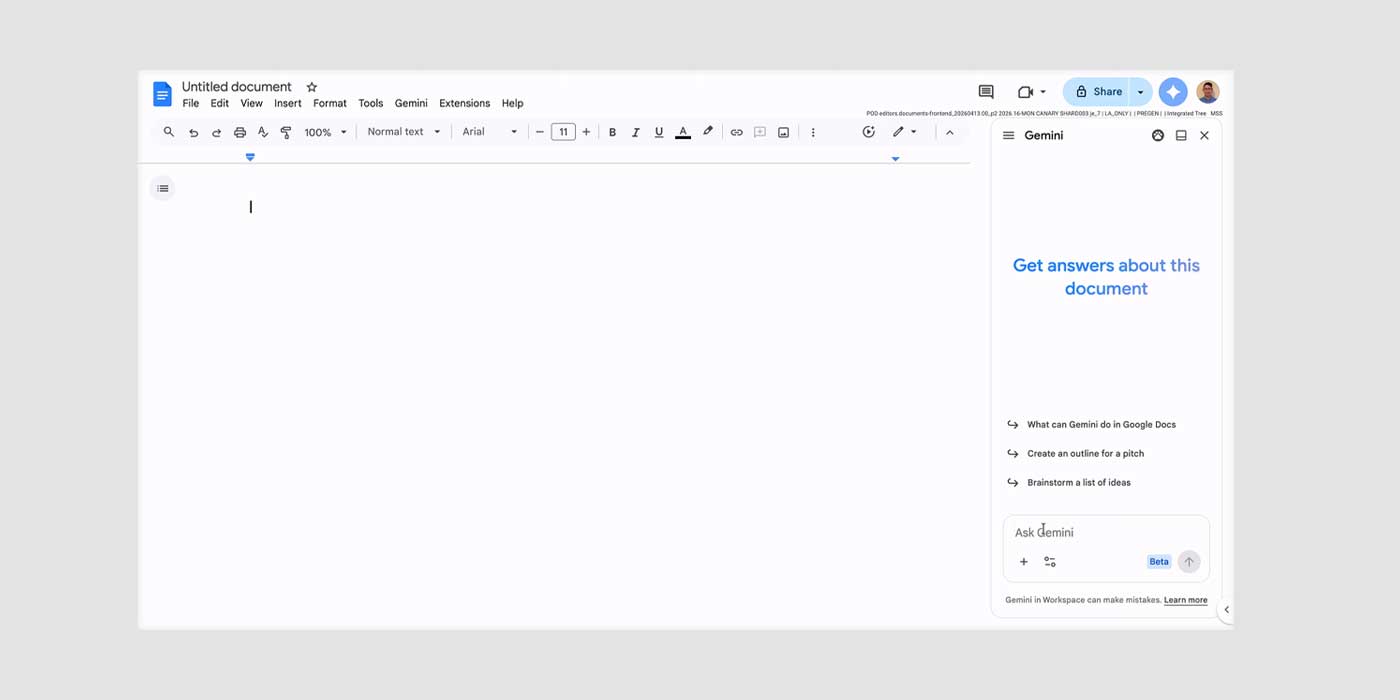
Google has introduced a significant enhancement to its Gemini integration within Google Docs, allowing users to set persistent instructions that the AI will remember across all documents. This update, effective immediately, aims to streamline the user experience by reducing the need to repeatedly specify preferences for tone, style, and formatting.
With this new feature, users can establish foundational guidelines that Gemini will consistently apply. For instance, one might instruct Gemini to Always respond in bullet points, When summarizing documents, always include three bullet points at the top, or Use a concise and professional tone for all my documents. These persistent instructions are designed to eliminate the repetitive task of setting preferences for each individual document, thereby enhancing efficiency and consistency.
Each active instruction will be visible in the sources page, accessible via the pill under each Gemini-generated response. Additionally, the Gemini personalization section within Google Docs settings will list all previously set instructions, allowing users to monitor and manage the directives that Gemini is following.
The update supports up to 1,000 active instructions per Google Account and is currently available in the United States for English-language users. While Google has not specified a timeline for expansion to other regions or languages, the feature is presently accessible to Google AI Plus members and higher tiers, excluding the free edition of Gemini.
This development is part of Google’s ongoing efforts to enhance the functionality and user-friendliness of its Workspace suite. By integrating AI capabilities like Gemini’s persistent instructions, Google Docs continues to evolve into a more intuitive and efficient platform for document creation and management.