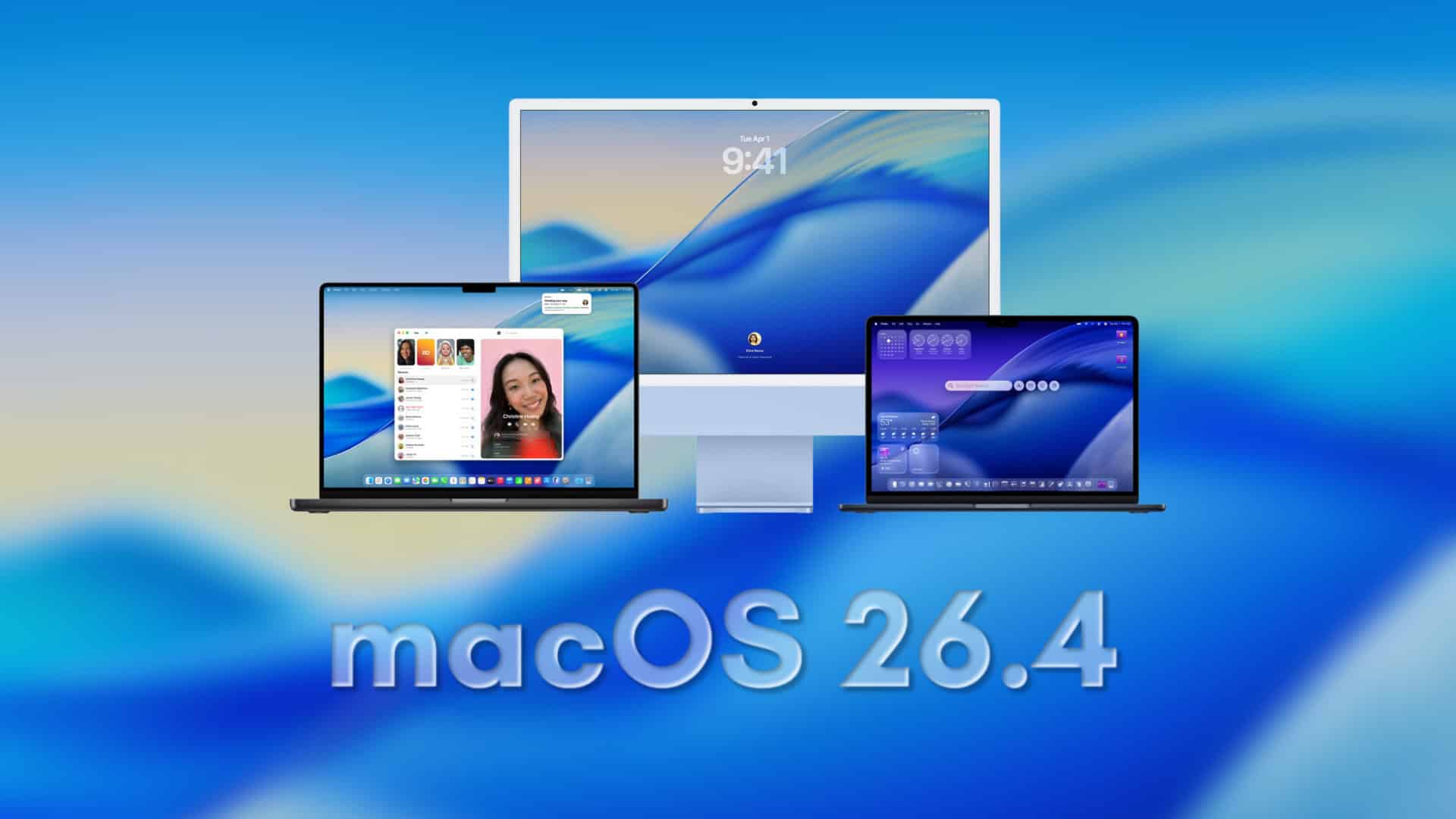
Apple has released the fourth developer beta of macOS 26.5, marking a significant step toward the software’s public release anticipated in the coming weeks. This latest build, identified as 25F5068a, arrives just one week after the previous beta, underscoring Apple’s commitment to refining the operating system ahead of the Worldwide Developers Conference (WWDC) in June.
A Focus on Stability and Performance
Unlike its predecessor, macOS 26.4, which reintroduced the compact tab view in Safari and introduced features like Charge Limit controls, macOS 26.5 appears to be a more subdued update. The current beta does not introduce major new features; instead, it emphasizes system refinements, bug fixes, and performance enhancements. This approach suggests that Apple is prioritizing stability and reliability as it prepares for the unveiling of macOS 27 at WWDC.
Cross-Platform Enhancements
While macOS 26.5 may lack significant standalone features, it aligns with broader cross-platform improvements within Apple’s ecosystem. These include advancements in end-to-end encryption for RCS messaging, Live Activities support for third-party accessories in Europe, and the introduction of the Suggested Places feature in Apple Maps. However, these enhancements are more prominent in iOS 26.5 and do not significantly impact the macOS experience.
Installation Guide for Developers
For developers eager to test the latest beta, Apple provides a straightforward installation process:
1. Backup Your Mac: Ensure all important data is securely backed up before proceeding.
2. Open System Settings: Navigate to the System Settings application on your Mac.
3. Access Software Update: Within System Settings, go to General and select Software Update.
4. Select Beta Updates: Click the information icon (i) next to Beta Updates.
5. Choose Developer Beta: From the dropdown menu, select macOS Developer Tahoe Beta.
6. Begin Installation: Click Done to confirm your selection and initiate the installation process.
Anticipating the Final Release
As macOS 26.5 progresses through its beta stages, the focus remains on enhancing system stability and performance. Developers are encouraged to test their applications for compatibility and report any issues to Apple. While this update may not introduce groundbreaking features, it plays a crucial role in ensuring a seamless user experience ahead of the next major macOS release.