Apple Refreshes GarageBand with Sleek New Icon and Performance Enhancements
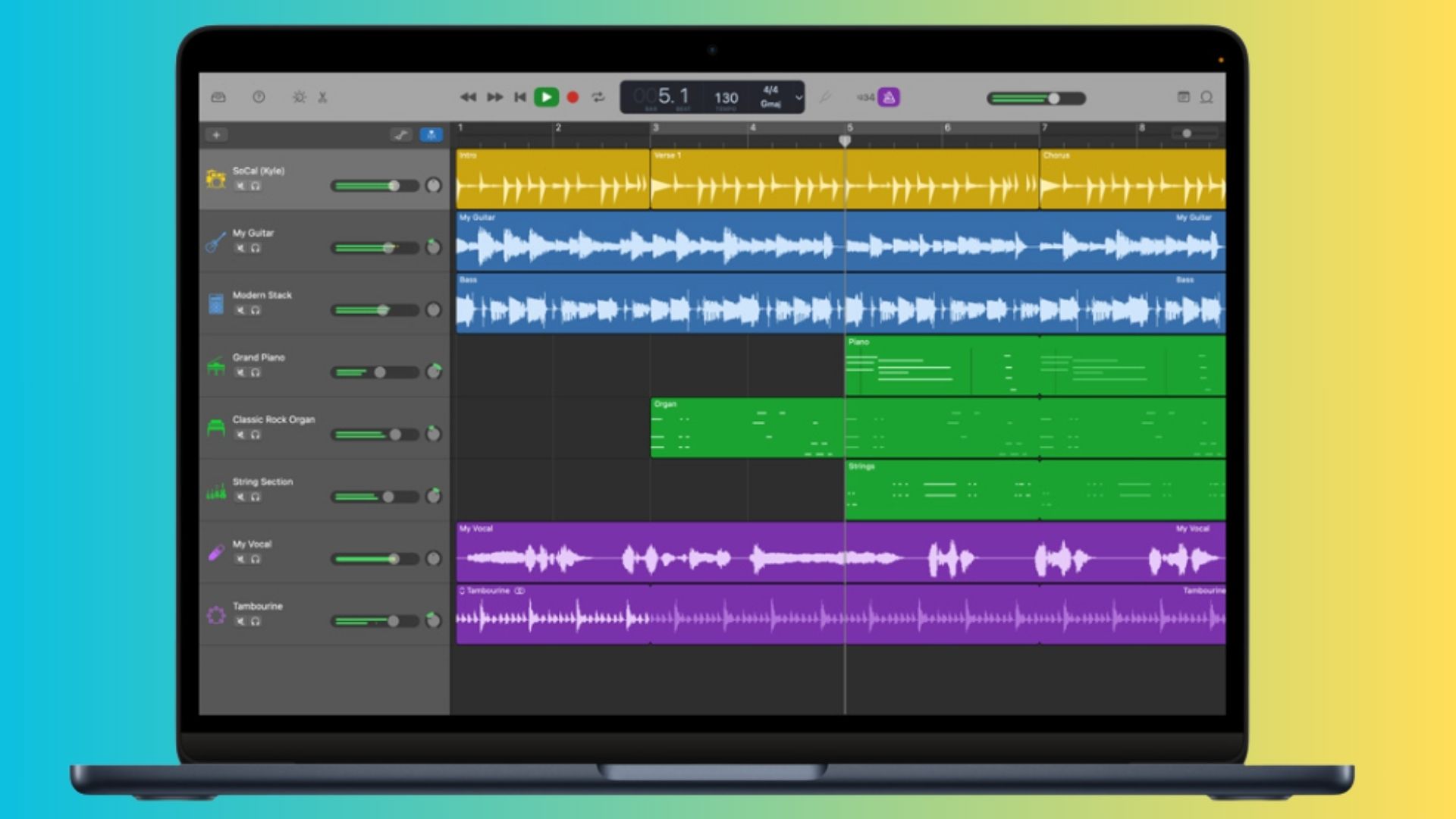
Apple has recently unveiled an update for its renowned music creation software, GarageBand, introducing a refreshed app icon and a series of performance improvements. This update aligns GarageBand’s aesthetics with the forthcoming macOS Tahoe, ensuring a cohesive visual experience across Apple’s software suite.
Visual Overhaul:
The most noticeable change in this update is the redesigned app icon. Tailored specifically for macOS Tahoe, the new icon boasts a cleaner and more modern appearance, seamlessly integrating with the operating system’s updated design language. This move underscores Apple’s commitment to maintaining a unified and polished interface across its applications.
Performance and Stability Enhancements:
Beyond the visual update, Apple has implemented several under-the-hood improvements to enhance GarageBand’s functionality:
– Stability Improvements: The update addresses various stability issues, reducing the likelihood of unexpected crashes and ensuring a smoother user experience during music production sessions.
– Audio Playback Fixes: Minor glitches that previously affected audio playback have been rectified, allowing for uninterrupted and high-quality sound during recording and editing.
– Third-Party Plugin Support: Compatibility with newly released third-party sound plugins has been enhanced, providing users with a broader range of tools and sounds to incorporate into their projects.
These refinements reflect Apple’s dedication to delivering a reliable and efficient platform for musicians and producers.
Updating to the Latest Version:
To benefit from these updates, users can follow these simple steps:
1. Open the Mac App Store: Launch the App Store application on your Mac.
2. Navigate to the Updates Tab: Click on the Updates tab located on the left sidebar.
3. Locate GarageBand: If an update is available for GarageBand, it will appear in the list of pending updates.
4. Initiate the Update: Click the Update button next to GarageBand and wait for the download and installation process to complete.
The update is relatively small, ensuring a quick installation process. Once updated, users can immediately enjoy the enhanced performance and new visual elements.
Apple’s Consistent Design Philosophy:
This update is part of a broader initiative by Apple to ensure consistency across its applications. By aligning GarageBand’s design with macOS Tahoe, Apple reinforces its commitment to a seamless user experience. This approach is evident in other recent updates, such as the Apple Store app’s adoption of the Liquid Glass design and Shazam’s interface overhaul, both reflecting the company’s unified design strategy.
Conclusion:
The latest GarageBand update, with its refreshed icon and performance enhancements, exemplifies Apple’s ongoing efforts to refine its software offerings. By focusing on both aesthetics and functionality, Apple continues to provide users with intuitive and reliable tools for creative expression.