Apple Releases iOS 26.4.1: Essential Bug Fixes and Security Enhancements
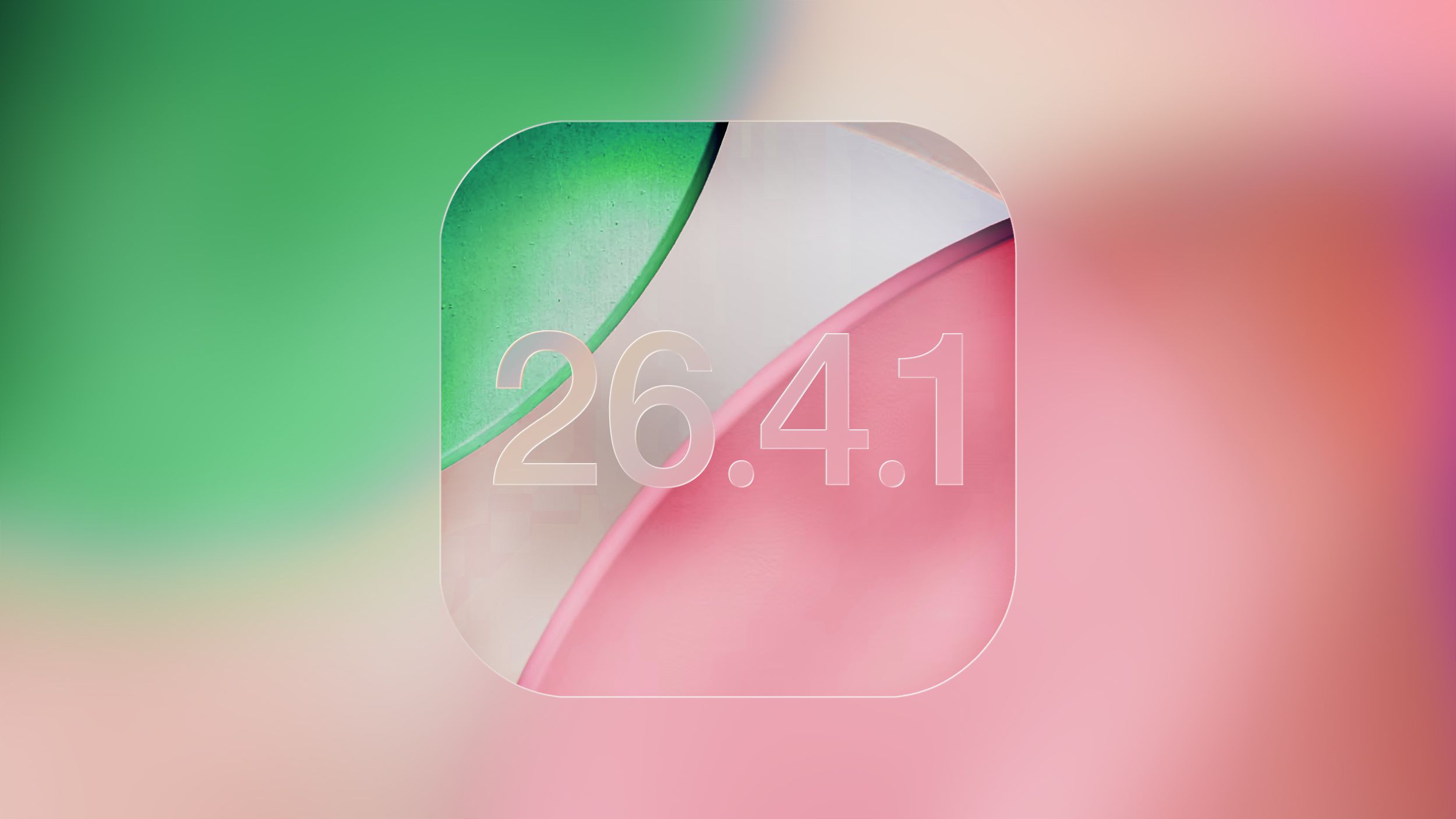
Apple has recently rolled out iOS 26.4.1, a minor yet crucial update aimed at addressing specific issues and enhancing the security of iPhones. This release comes shortly after iOS 26.4, underscoring Apple’s commitment to promptly resolving user-reported problems and maintaining device integrity.
Key Fixes in iOS 26.4.1:
1. iCloud Syncing Issue Resolved: Users had reported problems with iCloud synchronization, particularly affecting apps that rely on the CloudKit framework. This bug hindered the seamless syncing of data across devices, leading to inconsistencies and potential data loss. With iOS 26.4.1, Apple has effectively addressed this issue, ensuring that changes made on one device are accurately reflected across all linked devices. ([appleinsider.com](https://appleinsider.com/articles/26/04/08/apple-passwords-syncing-bug-corrected-by-ios-2641-update?utm_source=openai))
2. Stolen Device Protection Activation: In an effort to bolster device security, iOS 26.4.1 automatically enables the Stolen Device Protection feature for iPhones updating from iOS 26.4. This feature adds an extra layer of security, particularly in scenarios where a device is stolen, and the thief has knowledge of the device’s passcode. By requiring biometric authentication for sensitive actions and introducing security delays for critical changes, this feature significantly reduces the risk of unauthorized access.
Understanding Stolen Device Protection:
Introduced in iOS 17.3, Stolen Device Protection is designed to safeguard user data in the event of device theft. When activated, it mandates Face ID or Touch ID authentication for various actions, including:
– Accessing passwords or passkeys stored in iCloud Keychain.
– Applying for a new Apple Card.
– Disabling Lost Mode.
– Erasing all content and settings.
– Utilizing payment methods saved in Safari.
Notably, for highly sensitive operations like changing the Apple ID password, the feature introduces a security delay. Users must authenticate using Face ID or Touch ID, wait for an hour, and then authenticate again. This delay is waived when the device is in familiar locations, such as home or work, ensuring a balance between security and user convenience.
Additional Enhancements and Fixes:
While the primary focus of iOS 26.4.1 is on the aforementioned fixes, Apple has also implemented other minor bug fixes and performance improvements to enhance the overall user experience. Although specific details are not extensively documented, users can expect a more stable and secure operating environment post-update. ([osxdaily.com](https://osxdaily.com/2026/04/08/ios-26-4-1-update-for-iphone-ipad-released-with-bug-fixes/?utm_source=openai))
Updating to iOS 26.4.1:
To ensure your device benefits from these improvements:
1. Backup Your Device: Before initiating the update, it’s advisable to back up your iPhone to iCloud or your computer to prevent potential data loss.
2. Access Software Update:
– Open the Settings app.
– Navigate to General.
– Tap on Software Update.
3. Install the Update: If iOS 26.4.1 is available, select Download and Install. Ensure your device is connected to Wi-Fi and has sufficient battery life or is plugged into a power source during the update process.
Conclusion:
The release of iOS 26.4.1 highlights Apple’s dedication to promptly addressing user concerns and enhancing device security. By resolving critical issues like the iCloud syncing bug and proactively enabling Stolen Device Protection, Apple continues to prioritize user data integrity and device functionality. Users are encouraged to update their devices promptly to benefit from these improvements and maintain optimal performance.