Enhance Guest Access to Your Smart Home with the Onvis Smart Button
Managing a smart home can be challenging, especially when it comes to granting temporary access to guests. Traditional methods, such as sharing physical keys or fobs, often fall short in providing seamless control over smart devices. The Onvis Smart Button offers an elegant solution, enabling guests to interact with your Apple Home setup effortlessly.
Introducing the Onvis Smart Button
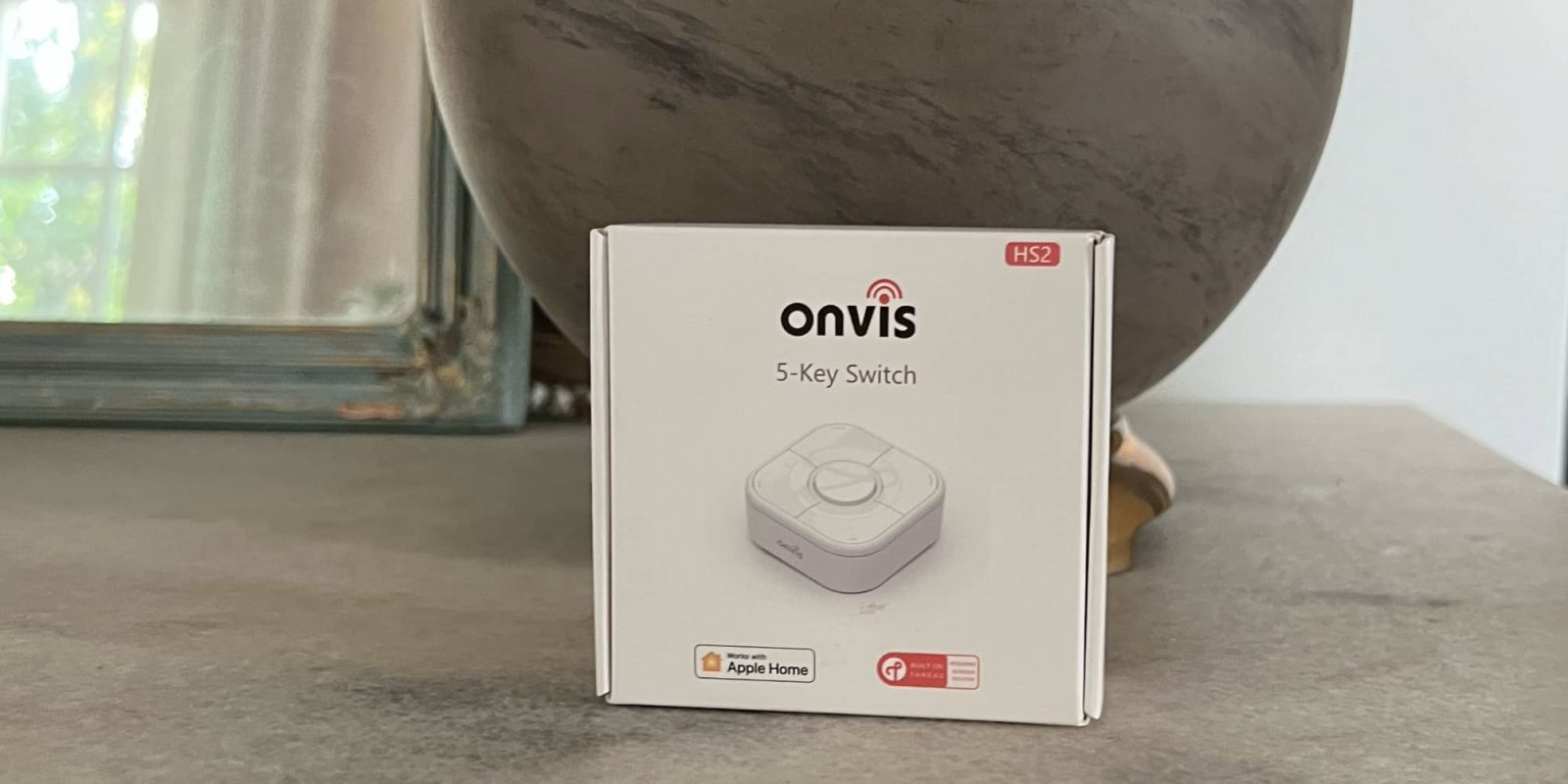
The Onvis Smart Button is a compact, battery-operated remote designed to integrate seamlessly with Apple Home. Utilizing Thread technology, it ensures swift and reliable communication with your smart devices. The device features five buttons—one central and four surrounding—which can each be programmed to perform up to three distinct actions: single press, double press, and long press. This versatility allows users to control a wide array of HomeKit-enabled devices, including smart bulbs, plugs, and more.
Simplified Setup and Installation
Setting up the Onvis Smart Button is straightforward. After unboxing, remove the back plate to insert the included coin battery. The HomeKit pairing code is conveniently located on the side of the device and within the instruction manual. To safeguard this code for future reference, consider using an app like Homepass. This precaution ensures you can easily reconfigure the device if needed.
Once powered, add the Smart Button to your Apple Home app. Within the app, assign specific accessories or scenes to each button press type. For instance, you can configure the main button to open or close window blinds with a single or long press, respectively. This setup eliminates the need for guests to use your iPhone or interact with Siri, providing a more intuitive experience.
Privacy and Performance
A notable advantage of the Onvis Smart Button is its commitment to user privacy. All operations are conducted within your Apple Home environment, with no data transmitted to external servers. The integration of Thread technology enhances responsiveness, ensuring that commands are executed promptly. While the Onvis app offers additional features, such as tracking button presses, its use is entirely optional.
Conclusion
The Onvis Smart Button is a valuable addition to any Apple Home setup, particularly for those who frequently host guests. Its user-friendly design, combined with robust performance and privacy features, makes it an ideal solution for sharing smart home access without compromising security or convenience. Whether you’re automating daily routines or providing temporary control to visitors, the Onvis Smart Button delivers a seamless and efficient experience.