Gemini App Enhances User Experience with Vibrant Glow and Streamlined Temporary Chat Feature
Google’s Gemini app has recently introduced significant updates aimed at enhancing user interaction and visual appeal. These enhancements include a dynamic glow effect in the Android overlay and a repositioned Temporary Chat feature on the web interface.
Revamped Glow Effect on Android
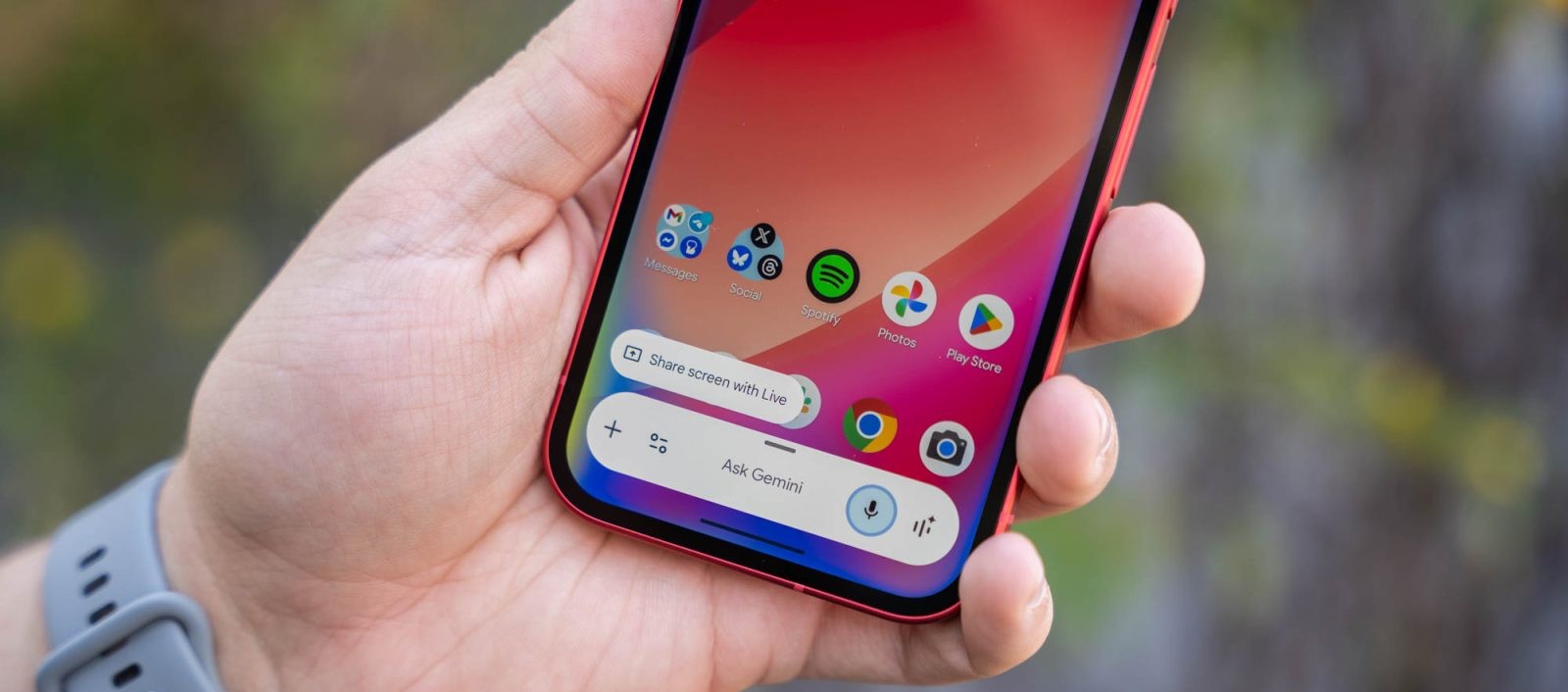
The Gemini overlay on Android devices now features a captivating glow effect that envelops the entire screen perimeter upon activation. This effect predominantly showcases a blue hue, complemented by subtle red, green, and yellow accents towards the bottom. The colors gracefully fade after a few seconds, providing a visually engaging experience. Previously, the glow was confined to the pill-shaped prompt box, but this update extends the effect to the screen’s edges, creating a more immersive interaction. Users who have not yet received this update can expedite the process by force-stopping the Google app.
Streamlined Temporary Chat Access on the Web
In an effort to declutter the interface and enhance accessibility, Google has relocated the Temporary Chat icon on the Gemini web platform. Formerly situated in the side panel adjacent to the New chat option, the icon has been moved to the top-right corner, next to the user’s profile image and subscription status. When activated, the Temporary Chat icon is highlighted within a blue circle, making it more prominent and easily identifiable. This strategic repositioning not only simplifies the interface but also ensures that users can quickly initiate temporary chats without navigating through multiple options. It’s important to note that if users are already engaged in a conversation, they will need to return to the homepage to access this feature. This change is currently being rolled out to all Gemini accounts on the web, with mobile availability being more limited at this time.
Broader Context and Implications
These updates are part of Google’s ongoing efforts to refine the Gemini app’s user interface and functionality. The introduction of the full-screen glow effect aligns with previous enhancements aimed at creating a cohesive and visually appealing user experience. For instance, earlier updates introduced a four-color glow animation for the system-wide overlay, replacing the previous blue-purple palette with a gradient of red, yellow, green, and blue. This shift not only enhances the aesthetic appeal but also reinforces the app’s branding by incorporating Google’s signature colors.
The repositioning of the Temporary Chat icon reflects a broader trend towards simplifying user interfaces and improving accessibility. By moving the icon to a more prominent location, Google aims to reduce the cognitive load on users and facilitate quicker access to essential features. This change is particularly significant in the context of the Gemini app’s evolving functionality, which includes features like Personal Intelligence and Memory. These capabilities leverage data from various Google services to personalize responses and enhance user engagement.
User Feedback and Future Directions
Initial user feedback on these updates has been largely positive, with many appreciating the enhanced visual effects and streamlined interface. The full-screen glow effect has been praised for its immersive quality, while the repositioned Temporary Chat icon has been noted for its improved accessibility. However, some users have expressed a desire for more customization options, such as the ability to adjust the duration or intensity of the glow effect.
Looking ahead, it is anticipated that Google will continue to refine the Gemini app based on user feedback and emerging trends in user interface design. Potential future updates may include additional personalization options, further integration with other Google services, and enhancements to the app’s conversational capabilities. As the digital landscape continues to evolve, the Gemini app’s commitment to innovation and user-centric design positions it as a leading tool for AI-driven interactions.
Conclusion
The recent updates to the Gemini app underscore Google’s dedication to enhancing user experience through thoughtful design and functionality improvements. The introduction of the full-screen glow effect on Android devices and the streamlined access to Temporary Chat on the web are indicative of a broader strategy to create a more engaging and intuitive platform. As users continue to explore these new features, the Gemini app is poised to remain at the forefront of AI-driven communication tools.