Google’s Gemini App Enhances User Experience with Personal Intelligence and Memory Features
Google has recently introduced significant updates to its Gemini app, aiming to provide a more personalized and intuitive user experience. These enhancements include the rollout of the Personal Intelligence feature to free users in the United States and the implementation of a redesigned activation glow on Android devices.
Redesigned Activation Glow on Android
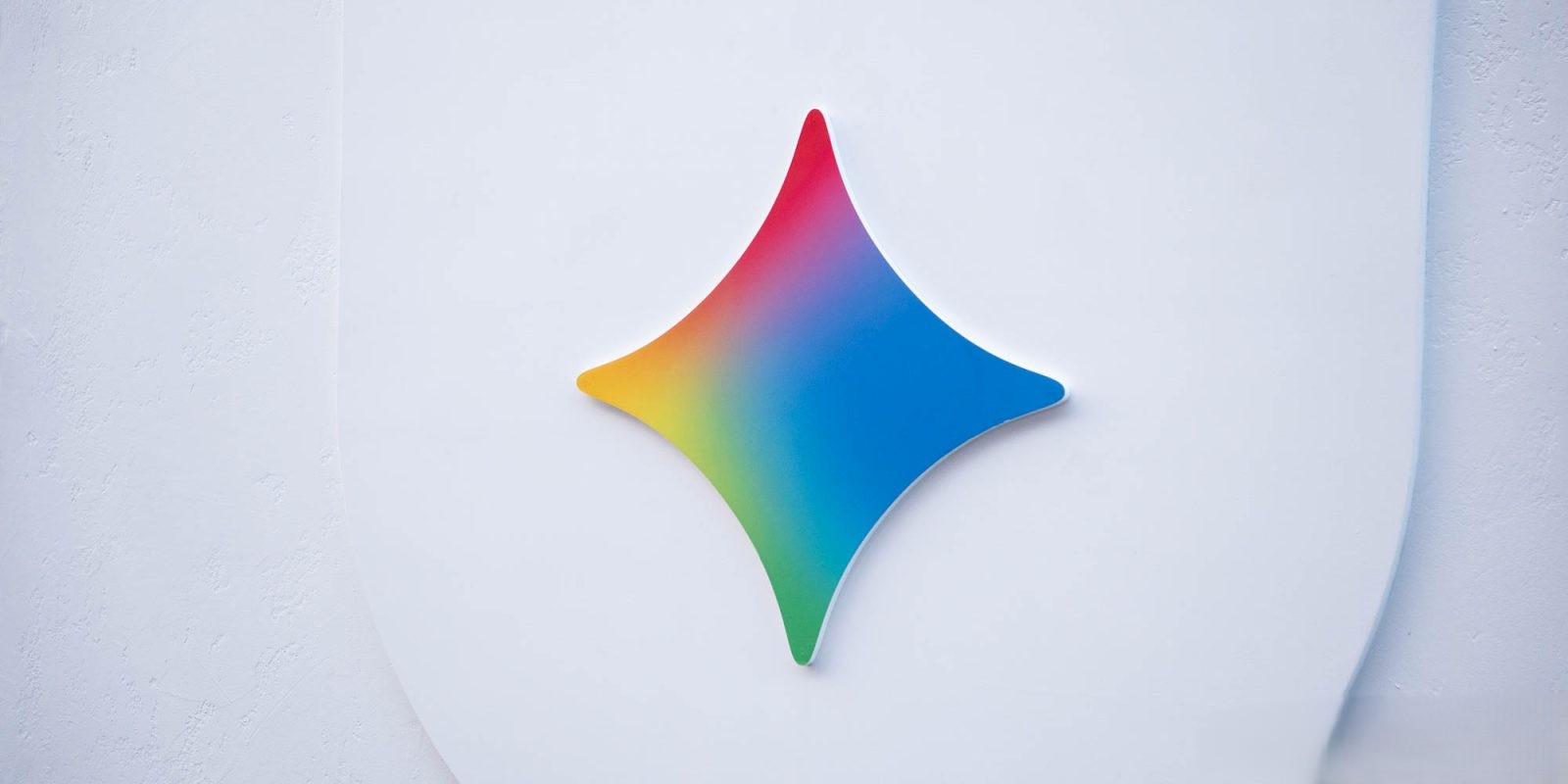
The Gemini app’s activation glow has undergone a notable redesign on Android platforms. Previously, when users activated the app by long-pressing the power button or swiping from the bottom corners, a glow would appear around the pill-shaped Gemini overlay. The updated design now extends this glow to the entire perimeter of the screen, creating a more immersive visual effect. Initially, the glow displays Google’s signature colors—blue, red, yellow, and green—concentrated at the bottom. After a brief moment, these colors fade to blue before disappearing entirely. This new effect aligns with other Google features like screen automation and Circle to Search, enhancing visual consistency across the platform.
Personal Intelligence Feature Now Available to Free Users
Following its initial announcement earlier this month, the Personal Intelligence feature is now widely available to free personal users of the Gemini app in the United States. This capability allows Gemini to access and utilize data from various Google services—including Gmail, Calendar, Drive, Google Photos, YouTube, Search, and Maps—to deliver personalized responses without requiring additional prompts from the user.
Users have the option to disable Personal Intelligence for specific prompts by accessing the Tools menu and unchecking the corresponding toggle. Upon its introduction in January, this feature was exclusive to subscribers of the paid Google AI Plan. However, over the past day, it has been rolled out to all free Google Accounts. Users are prompted to opt-in and can select which apps Gemini can access. These preferences can be managed from the Personal Intelligence section within the account menu.
Introduction of Memory Feature
In addition to Personal Intelligence, Google has introduced the Memory feature, previously known as Past Gemini chats. This functionality enables the Gemini app to reference past conversations to personalize responses, eliminating the need for users to explicitly remind the app of previous interactions. This enhancement aims to make interactions with Gemini more seamless and contextually relevant.
Conclusion
These updates reflect Google’s commitment to enhancing the Gemini app’s functionality and user experience. By integrating features like Personal Intelligence and Memory, the app is poised to offer more personalized, efficient, and intuitive interactions, aligning with Google’s broader vision of creating a more connected and responsive digital assistant.