macOS Tahoe 26.4 Released: Safari Compact Tab Bar, Battery Charge Limits, and More
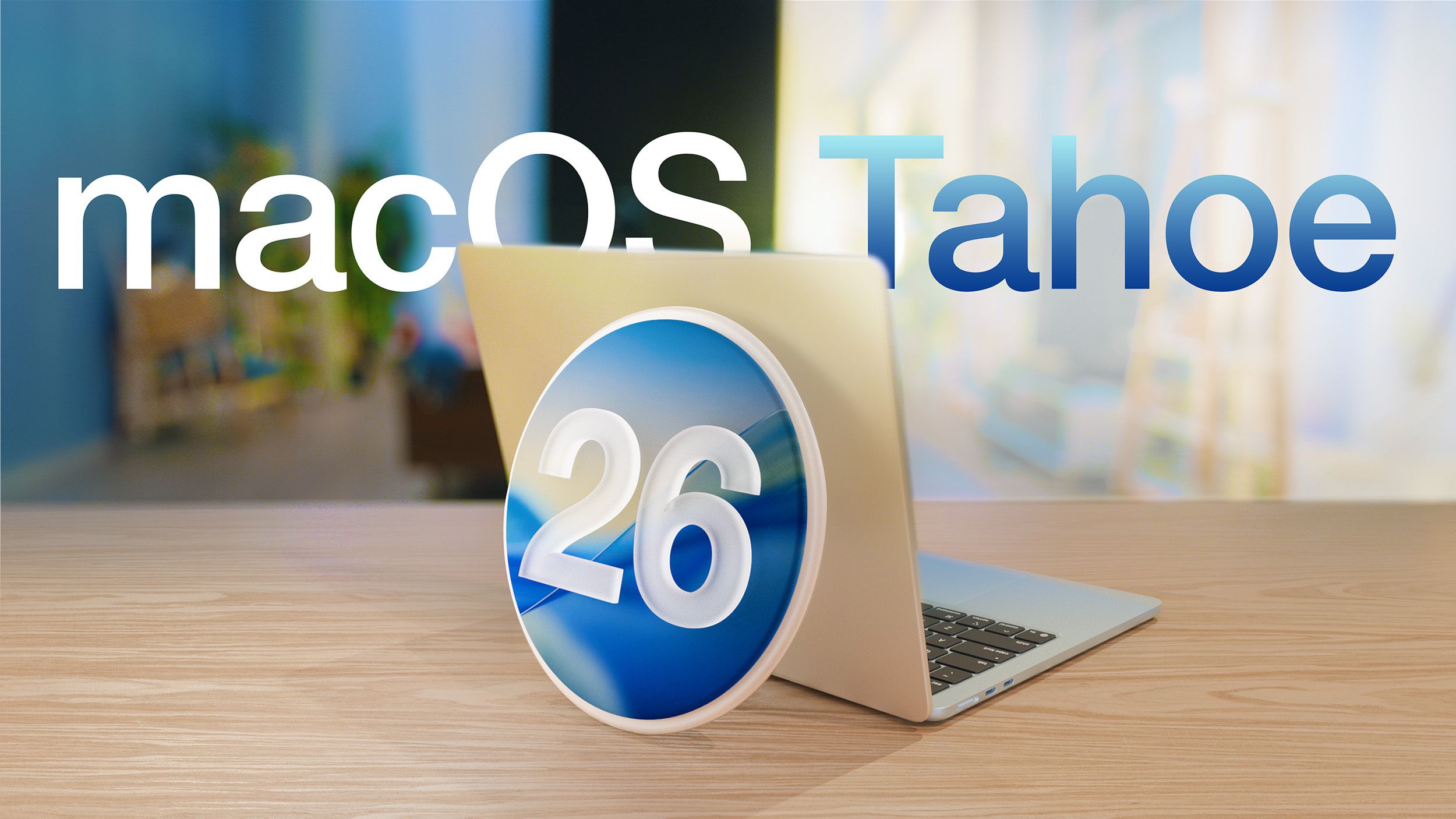
Apple has officially released macOS Tahoe 26.4, marking the fourth significant update to the macOS Tahoe operating system. This update introduces a suite of enhancements aimed at improving user experience and system functionality.
Key Features and Enhancements:
1. Safari’s Compact Tab Bar Returns:
Responding to user feedback, Apple has reinstated the compact tab bar option in Safari. This feature offers a streamlined browsing experience by reducing the space occupied by tabs, allowing users to view more content on their screens.
2. Battery Charge Limit Feature:
A notable addition in this update is the Battery Charge Limit feature. Users can now set a maximum charge level between 80% and 100%, a functionality designed to prolong battery lifespan by preventing overcharging.
3. Introduction of New Emoji:
macOS Tahoe 26.4 enriches user communication by adding eight new emoji characters, enabling more expressive and diverse messaging.
4. Rosetta 2 Deprecation Warnings:
In preparation for the future discontinuation of Rosetta 2 support, the update introduces warnings for applications that rely on this technology. Users will receive notifications indicating that such apps will cease to function in upcoming macOS versions, encouraging them to seek alternatives or updates.
5. Apple Creator Studio Integration:
The Freeform app now includes Apple Creator Studio, providing users with advanced tools for content creation and collaboration.
6. Family Sharing Payment Options:
Aligning with changes in iOS 26.4, macOS Tahoe 26.4 allows adult members of a Family Sharing group to use their own payment methods for purchases, offering greater financial flexibility and control.
Additional Improvements:
– User Interface Refinements:
The update brings subtle enhancements to the user interface, ensuring a more cohesive and visually appealing experience across the system.
– Performance and Stability Enhancements:
Apple has implemented various under-the-hood improvements to boost system performance and stability, ensuring a smoother and more reliable user experience.
How to Update:
To install macOS Tahoe 26.4, users should open the System Settings app and navigate to the Software Update section. It’s advisable to back up important data before proceeding with the update to prevent potential data loss.
Conclusion:
macOS Tahoe 26.4 exemplifies Apple’s commitment to refining and enhancing the macOS experience. With features like the return of Safari’s compact tab bar, battery charge management, and proactive app compatibility warnings, this update addresses user needs while preparing for future technological shifts.