iPadOS 26.4 Update: New Emojis and Enhanced Video Podcast Features
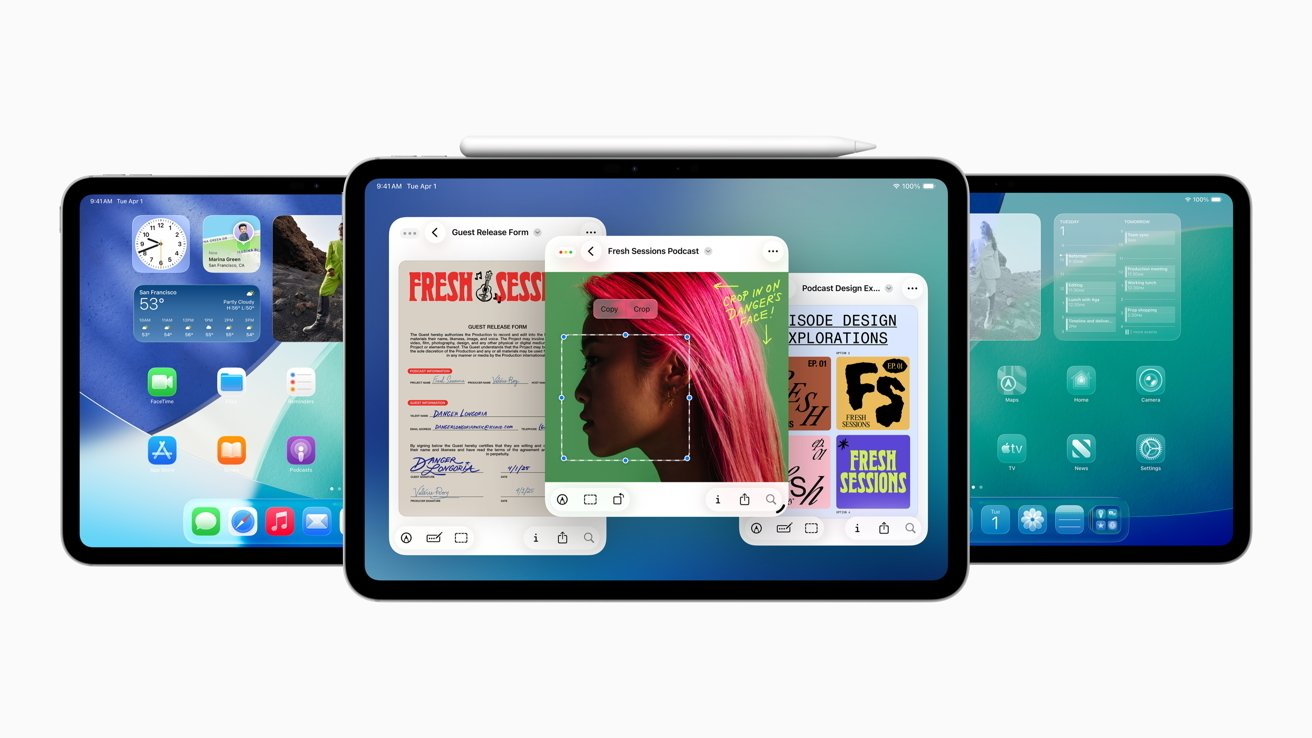
Apple has officially released iPadOS 26.4, introducing a suite of enhancements designed to enrich the user experience on iPad and iPad Pro devices. This latest update brings a variety of new emojis and significant improvements to video podcast functionality.
New Emoji Additions
The iPadOS 26.4 update expands the emoji library, offering users a broader range of expressive icons to enhance their digital communication. These new emojis include:
– Hand Gestures: A heart hands gesture, symbolizing love and affection.
– Facial Expressions: A melting face emoji, conveying a sense of extreme heat or embarrassment.
– Objects and Symbols: A disco ball emoji, perfect for party invitations, and a biting lip emoji, adding a touch of flirtation or anticipation.
These additions aim to provide users with more nuanced ways to express emotions and ideas in their messages.
Enhanced Video Podcast Support
In response to the growing popularity of video podcasts, iPadOS 26.4 introduces several features to improve the viewing experience:
– Picture-in-Picture (PiP) Mode: Users can now watch video podcasts in a resizable, floating window while multitasking with other apps.
– Background Playback: Audio from video podcasts continues to play even when the app is minimized or the screen is locked, allowing for uninterrupted listening.
– Improved Controls: The update includes enhanced playback controls, such as adjustable playback speed and a 10-second skip feature, providing users with greater control over their viewing experience.
Additional Features and Improvements
Beyond emojis and video podcast enhancements, iPadOS 26.4 offers several other notable updates:
– Security Enhancements: The update includes critical security patches to protect against potential vulnerabilities, ensuring a safer user experience.
– Performance Optimizations: Users can expect smoother performance and faster app launch times, contributing to a more efficient workflow.
– Bug Fixes: Various minor issues reported in previous versions have been addressed, enhancing overall system stability.
How to Update
To install iPadOS 26.4, follow these steps:
1. Backup Your Device: Ensure all important data is backed up to iCloud or your computer.
2. Connect to Wi-Fi: Make sure your iPad is connected to a stable Wi-Fi network.
3. Navigate to Settings: Open the Settings app on your iPad.
4. Select General: Tap on General in the sidebar.
5. Tap Software Update: Select Software Update to check for available updates.
6. Download and Install: If iPadOS 26.4 is available, tap Download and Install to begin the update process.
Ensure your device has sufficient battery life or is connected to a power source during the update to prevent interruptions.
Conclusion
The release of iPadOS 26.4 underscores Apple’s commitment to enhancing user experience through regular updates. With the introduction of new emojis and improved video podcast features, users have more tools at their disposal to communicate and consume content effectively. As always, it’s recommended to keep your device updated to benefit from the latest features and security improvements.