Mastering Low-Light Videography: How the iPhone Excels in Challenging Conditions
In the realm of videography, lighting plays a pivotal role in determining the quality of the footage. Traditionally, capturing usable video in dimly lit environments has been a formidable challenge, often requiring specialized equipment and meticulous planning. However, the advent of advanced smartphone technology, particularly the capabilities of the iPhone, has revolutionized this aspect of filmmaking.
The Evolution of iPhone Videography
Over the years, the iPhone has transitioned from being a mere communication device to a powerful tool for content creators. Its camera system has seen significant enhancements, enabling users to produce high-quality videos without the need for professional gear. This transformation has democratized filmmaking, allowing enthusiasts and professionals alike to capture moments spontaneously.
Advantages of Using the iPhone for Videography
Several factors contribute to the iPhone’s growing popularity among videographers:
1. Portability and Accessibility: The iPhone’s compact design ensures that it’s always within reach, making it ideal for impromptu shoots. This accessibility allows creators to seize unexpected opportunities without the burden of carrying bulky equipment.
2. Discreet Filming: In public settings, filming with a smartphone is less conspicuous than using traditional cameras. This discretion is particularly beneficial in environments where overt filming might be discouraged or draw unwanted attention.
3. User-Friendly Interface: The iPhone’s intuitive camera app simplifies the filming process. Features like autofocus, exposure control, and stabilization are designed to be user-friendly, catering to both novices and seasoned videographers.
Overcoming Low-Light Challenges
A recent experience underscores the iPhone’s prowess in handling low-light conditions. During a salsa event held in an exceptionally dim venue, the ambient lighting was predominantly red—a hue that offers minimal illumination. The environment was so dark that even recognizing faces from a short distance was challenging.
In such scenarios, traditional cameras would struggle with exposure settings and focus, especially with moving subjects. However, the iPhone’s advanced computational photography algorithms rose to the occasion. By leveraging the stock camera app and allowing the device’s processing capabilities to manage the settings, it was possible to capture footage that, while not perfect, was certainly usable.
Comparative Analysis
To appreciate the iPhone’s performance in low-light conditions, consider the following observations:
– Scottish Reeling Event: In a venue with standard mood lighting, the iPhone captured clear and vibrant footage, showcasing the dancers’ movements and the ambiance effectively.
– Salsa Club Footage: Despite the near-darkness and red lighting, the iPhone managed to record video that conveyed the event’s energy and atmosphere. While still frames from this footage appeared grainy, the video playback was more forgiving, capturing the essence of the moment.
Technical Insights
The iPhone’s ability to handle such challenging conditions can be attributed to several technical advancements:
– Enhanced Sensor Technology: Modern iPhones are equipped with larger sensors that can capture more light, improving performance in dim environments.
– Advanced Image Processing: The integration of machine learning and sophisticated algorithms allows the iPhone to adjust settings in real-time, optimizing exposure and focus even in suboptimal lighting.
– Stabilization Features: Optical and electronic stabilization mechanisms compensate for hand movements, ensuring smoother footage without the need for external gimbals.
Practical Tips for Low-Light Videography with the iPhone
For those looking to maximize the iPhone’s capabilities in low-light settings, consider the following tips:
1. Utilize Manual Controls: While the auto settings are robust, apps like the Blackmagic Camera app offer manual controls for exposure and focus, providing greater creative control.
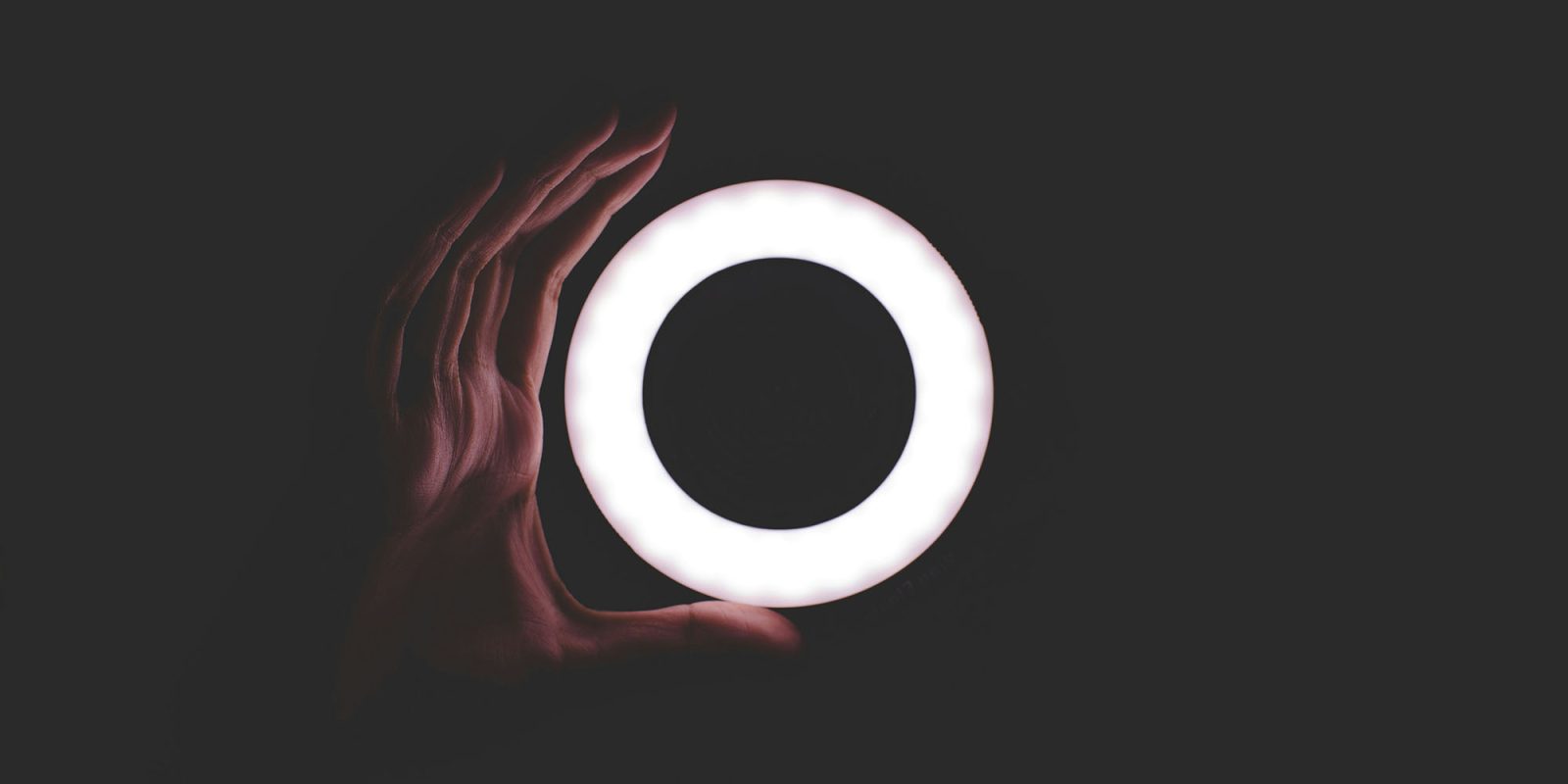
2. Leverage External Lighting: Portable LED lights or ring lights can supplement ambient lighting, enhancing the quality of the footage.
3. Stabilize Your Shots: Using tripods or handheld stabilizers can reduce motion blur, especially in longer exposures.
4. Post-Processing: Editing software can help adjust brightness, contrast, and color balance, refining the final output.
Conclusion
The iPhone’s evolution into a competent videography tool has empowered creators to push the boundaries of mobile filmmaking. Its ability to adapt to challenging lighting conditions, combined with its portability and user-friendly interface, makes it an invaluable asset for capturing moments that would otherwise be missed. As technology continues to advance, the line between professional and mobile videography is becoming increasingly blurred, opening new avenues for creative expression.