Google Enhances Pixel Weather Widget and Updates Clock App with Vibrant Icons
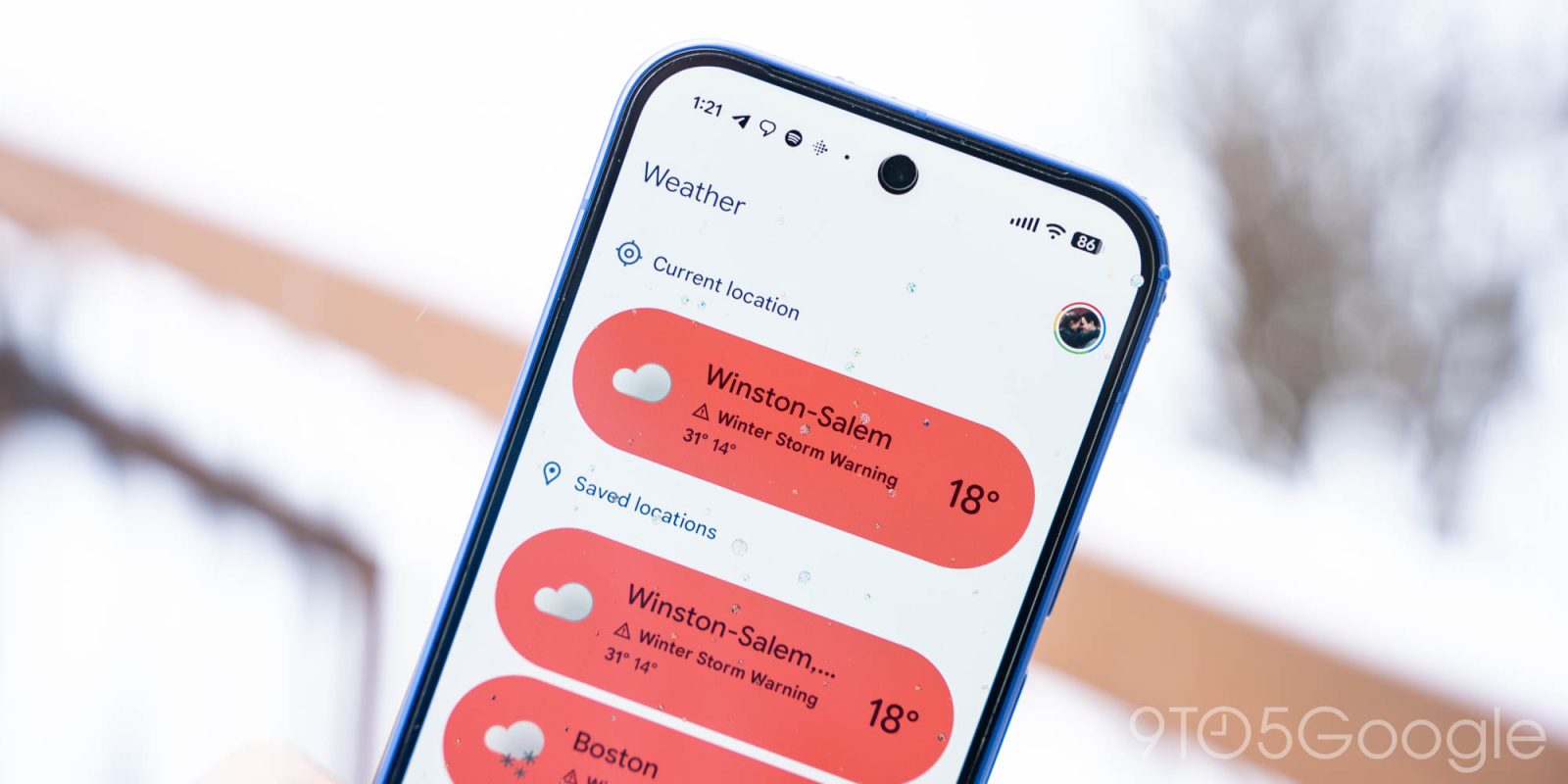
Google has recently introduced notable updates to its Pixel Weather application and the Google Clock app, aiming to enhance user experience through improved aesthetics and functionality.
Pixel Weather Widget Refinements
The latest iteration of Pixel Weather, version 1.2.20251230.x, brings subtle yet impactful changes to the Forecasted weather widget. Users will notice increased padding within the widget, which, depending on the device’s display size, affects the amount of forecast information displayed:
– At a 5×3 configuration, the widget now omits the bottom line that previously displayed the forecast for the following day.
– Expanding to a 5×4 layout presents forecasts for two days, reduced from the previous three.
– A 5×5 setup now shows four days of forecasts, down from five.
While these adjustments result in less immediate forecast data, the additional spacing effectively addresses prior visual inconsistencies, leading to a cleaner and more cohesive widget appearance.
Google Clock App Iconography Update
Simultaneously, Google Clock has been updated to version 8.6, introducing a vibrant set of weather icons within the World Clock feature. This update replaces the previous monochromatic icons with colorful alternatives, enhancing visual clarity and user engagement. This change marks a reversal from the monochrome design introduced in version 7.14 of the app.
The rollout of this update is currently underway via the Google Play Store. It’s important to note that the weather integration within Google Clock remains exclusive to Pixel devices, ensuring a tailored experience for Pixel users.
Additional Updates
In addition to the aforementioned changes, Google has released a minor update to the Google Calculator app, now at version 9.1. While this update does not introduce any apparent new features or changes, it underscores Google’s commitment to maintaining and refining its suite of applications.
These updates reflect Google’s ongoing efforts to enhance the functionality and visual appeal of its applications, providing users with a more intuitive and aesthetically pleasing experience.