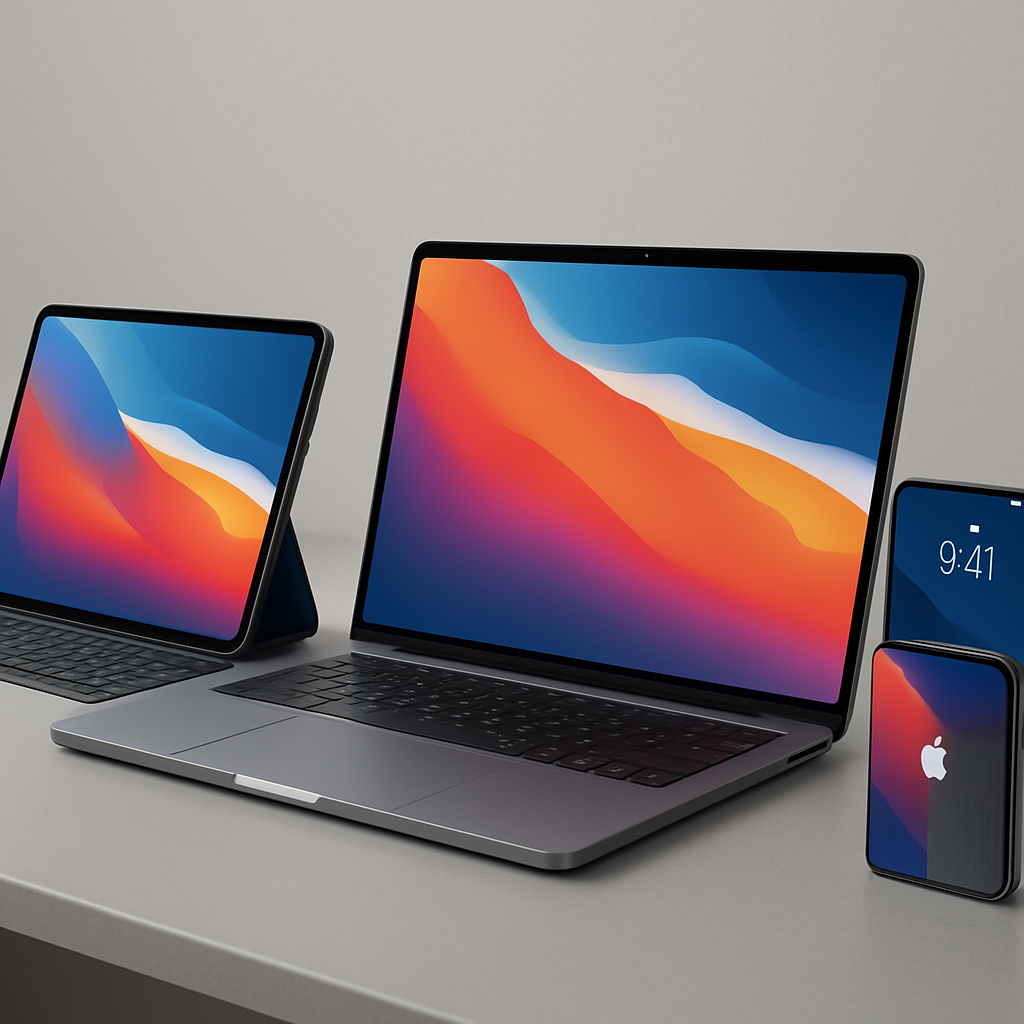
Unlocking Enhanced Color Quality on Your MacBook Neo: A Hidden Display Setting Revealed
Apple’s MacBook Neo, priced at an accessible $599, has been designed with cost-effectiveness in mind, leading to certain compromises, notably in display quality. However, a recently uncovered feature allows users to significantly enhance their screen’s color performance without any hardware modifications. By activating a specific setting, the MacBook Neo can display images with a broader color spectrum, resulting in more vibrant and lifelike visuals.
Discovering the Hidden Display Setting
The revelation of this feature came from content creator Daniel, known as @ZONEofTECH, who shared his findings on social media. He demonstrated that the MacBook Neo includes an unadvertised color profile option within its display settings. By switching to the Display P3 color profile, users can access a wider color gamut, enhancing the visual experience.
In his post, Daniel noted:
> Turns out that if you manually switch the MacBook Neo to the DCI-P3 colour space, you can actually see P3 images. It’s not the full 100% coverage but it’s more than the default setting – so you do get some of that wider gamut!
Activating the Display P3 Color Profile
To enable this enhanced color profile on your MacBook Neo, follow these steps:
1. Open the System Settings on your MacBook Neo.
2. Select Display from the menu.
3. Locate the Color Profile option.
4. Choose Display P3 from the list of available profiles.
Once activated, your MacBook Neo will render images using a wider color gamut. While it doesn’t achieve the full P3 coverage found in higher-end models like the M5 MacBook Air or MacBook Pro, the improvement is noticeable and beneficial for everyday use.
Understanding the Impact
This setting doesn’t transform the MacBook Neo into a professional-grade editing machine. However, it does provide a substantial enhancement for users who engage in activities such as watching videos, browsing photos, or casual content editing. The improved color representation makes visuals more engaging and true to life.
Apple’s decision not to prominently feature this option may stem from the MacBook Neo’s positioning as a budget-friendly device. By keeping certain advanced features understated, Apple differentiates its product lines, reserving full professional capabilities for its higher-end models.
Additional Display Enhancements
Beyond the Display P3 color profile, MacBook users can explore other settings to optimize their viewing experience:
– True Tone: This feature adjusts the display’s color temperature based on ambient lighting, providing a more natural viewing experience.
– Night Shift: By reducing blue light exposure during evening hours, Night Shift can help minimize eye strain and improve sleep quality.
– Color Filters: Designed to assist users with color vision deficiencies, these filters can also be used to adjust color intensity and contrast to personal preferences.
To access these settings, navigate to System Settings > Display on your MacBook Neo.
Conclusion
The discovery of the Display P3 color profile on the MacBook Neo offers users an easy and effective way to enhance their device’s visual output. By simply adjusting a setting, you can enjoy richer and more vibrant colors, elevating your overall computing experience. This hidden gem underscores the importance of exploring device settings to fully unlock the potential of your technology.