Google Introduces Gemini Screen Automation with Tiered Usage Limits
Google has unveiled a new feature called Gemini screen automation, designed to streamline user interactions with various Android applications. This functionality is currently being rolled out to users of the Galaxy S26 series in the United States and Korea, with plans to extend support to the Pixel 10 series in the near future.
Understanding Gemini Screen Automation
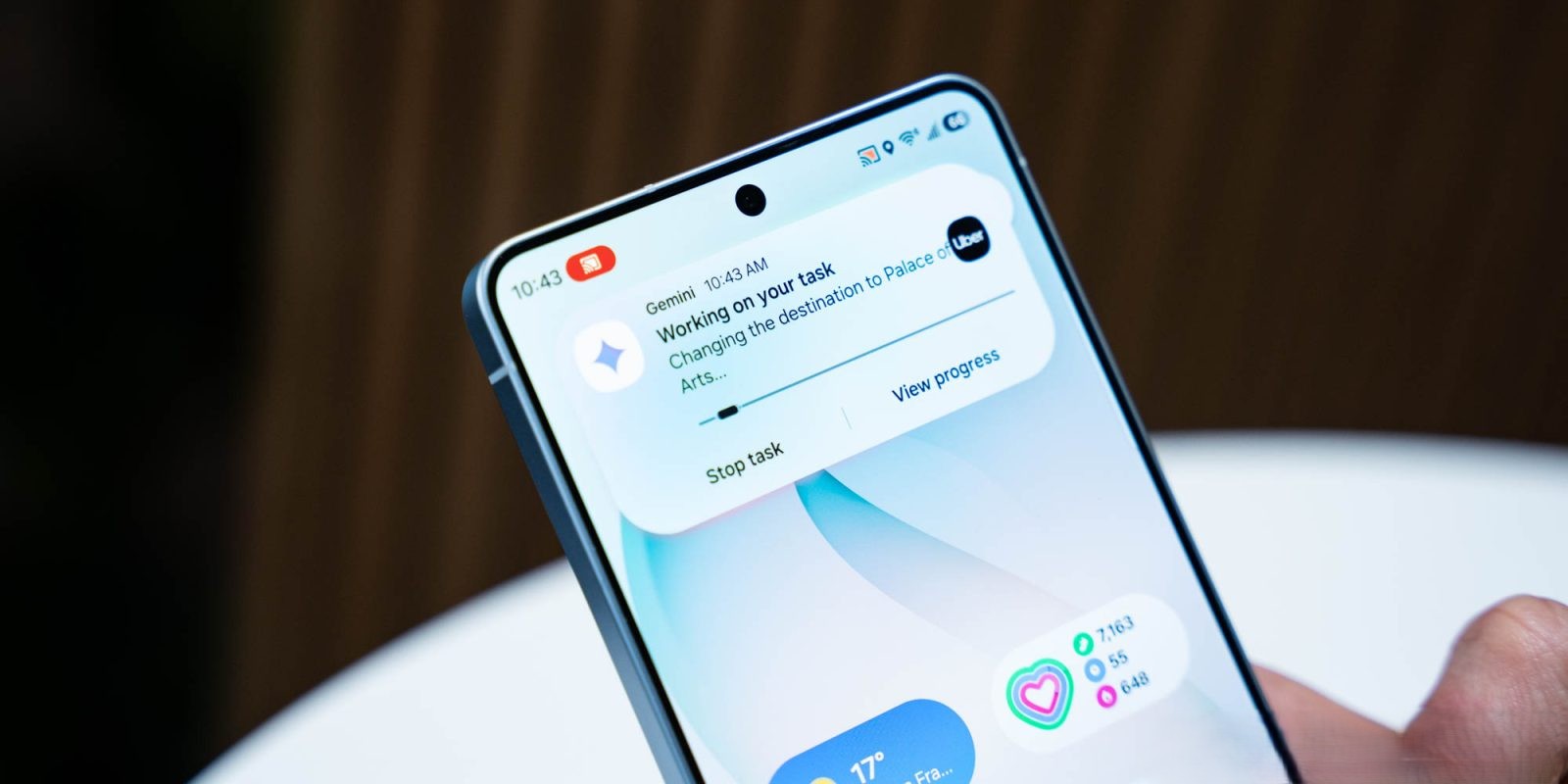
Gemini screen automation allows users to perform tasks within supported applications through voice commands, effectively automating processes that would typically require manual input. By leveraging cloud processing, the feature interprets user commands and executes actions such as scrolling, tapping, and typing within the app’s interface.
Supported Applications and Example Commands
At launch, Gemini screen automation is compatible with several popular applications, including:
– Lyft and Uber: Users can book rides by saying, Book a ride to the airport or Schedule a ride for tomorrow.
– GrubHub, DoorDash, and Uber Eats: Food orders can be placed with commands like, Order pizza for delivery or Reorder my last coffee.
– Starbucks: Users can reorder their favorite beverages by stating, Reorder my last coffee.
– Grocery Delivery Services: Adding items to a grocery cart is simplified with commands such as, Add milk and eggs to my grocery cart or Order groceries to my mom’s house.
Usage Limits Based on Subscription Tiers
To manage server load and ensure optimal performance, Google has implemented daily usage limits for Gemini screen automation, which vary according to the user’s subscription level:
– Free Users: Limited to 5 requests per day.
– Google AI Plus Subscribers ($7.99/month): Granted 12 requests per day.
– Google AI Pro Subscribers ($19.99/month): Allowed up to 20 requests per day.
– Google AI Ultra Subscribers ($249.99/month): Receive 120 requests per day.
These limits are in place to balance accessibility with system performance, ensuring a smooth experience for all users.
Distinction from Gemini Agent
It’s important to note that Gemini screen automation differs from the Gemini Agent feature. While both are designed to enhance user interaction through automation, Gemini Agent operates by utilizing a live web browser instance in the cloud and is currently exclusive to AI Ultra subscribers, offering up to 200 requests per day.
Future Availability and Expansion
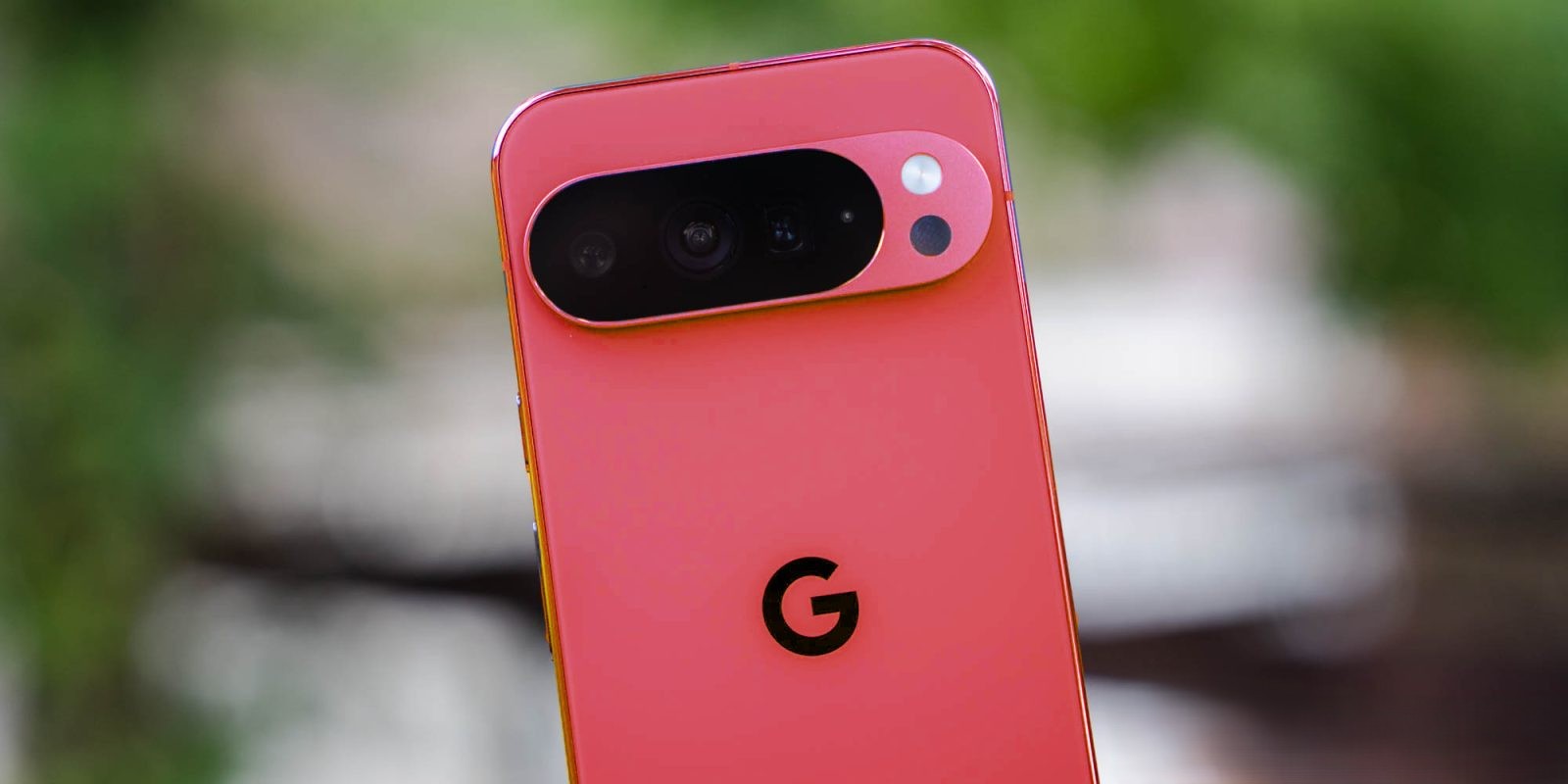
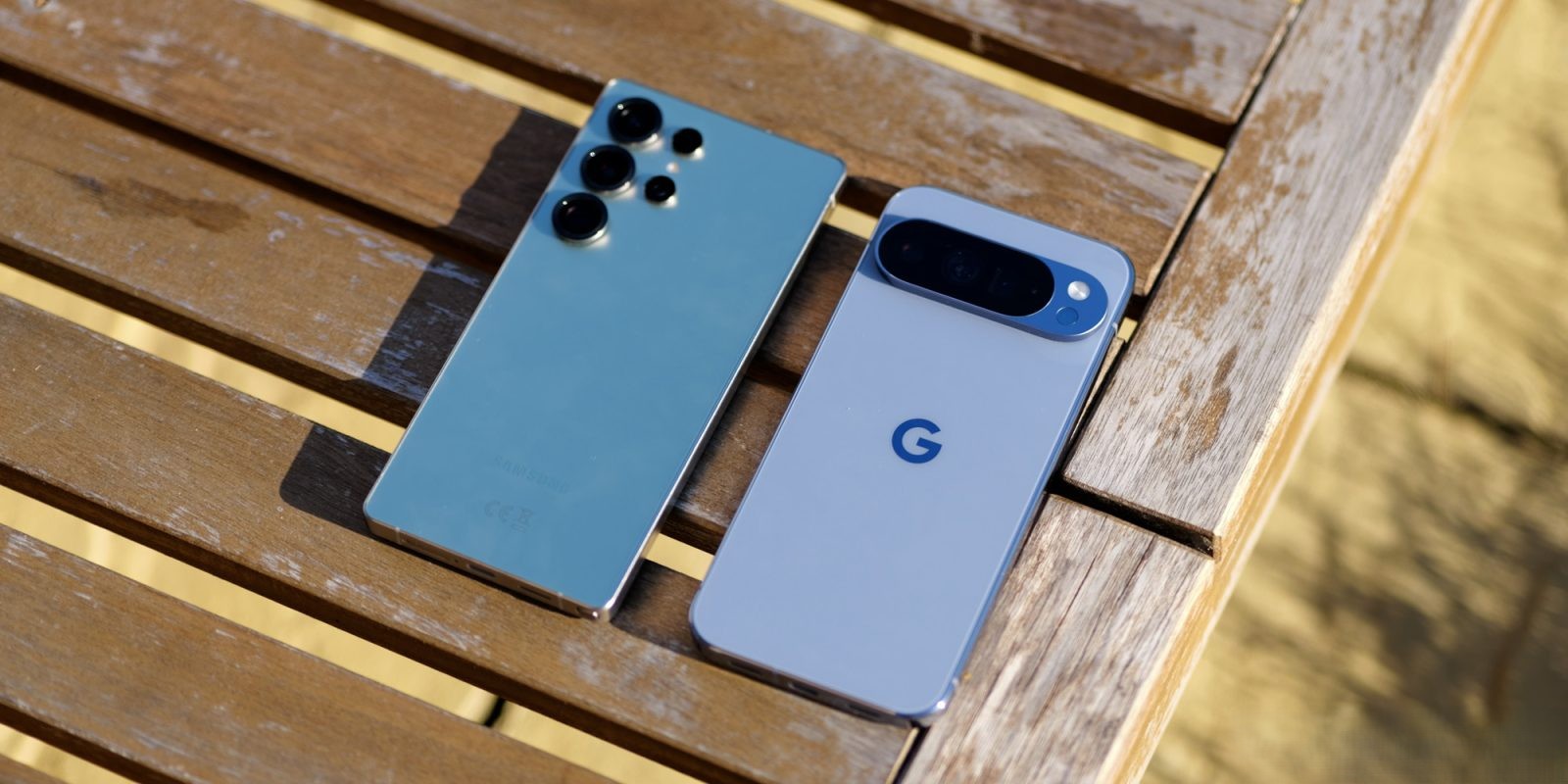
Currently, Gemini screen automation is available on the Galaxy S26 series in the United States and Korea. Google has announced plans to extend this feature to the Pixel 10, Pixel 10 Pro, and Pixel 10 Pro XL devices in the United States, though a specific release date has not been provided.
Conclusion
The introduction of Gemini screen automation marks a significant advancement in Google’s efforts to integrate artificial intelligence into everyday tasks, offering users a more efficient and hands-free experience. By implementing tiered usage limits, Google aims to provide equitable access to this innovative feature while maintaining optimal system performance.