Running Parallels on MacBook Neo: Feasible but Not Ideal
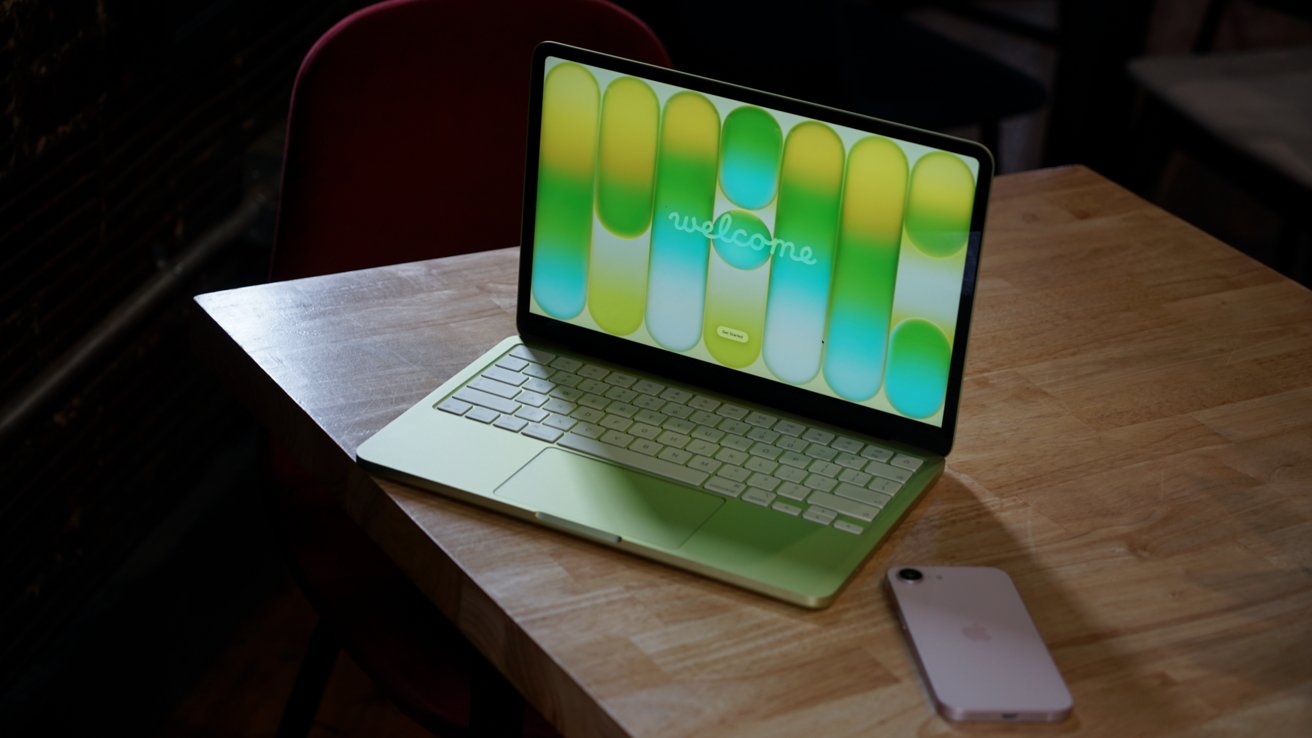
Apple’s introduction of the MacBook Neo has generated considerable interest, particularly among users seeking an affordable entry into the Mac ecosystem. This new laptop, powered by the A18 Pro chip, offers a sleek design and comes in vibrant colors like Blush, Citrus, Indigo, and Silver. However, for those considering running Windows applications via Parallels Desktop on the MacBook Neo, there are several important factors to consider.
Parallels Desktop Compatibility
Parallels Desktop is a renowned virtualization software that enables Mac users to run Windows and other operating systems alongside macOS. Historically, Parallels has adapted to various Mac hardware configurations, including the transition to Apple Silicon chips. For instance, Parallels Desktop 17 introduced enhanced support for M1 Macs, allowing users to run Windows 11 efficiently. ([appleinsider.com](https://appleinsider.com/articles/21/08/10/parallels-desktop-17-brings-windows-11-to-mac-with-enhanced-m1-support?utm_source=openai))
Given this track record, it’s reasonable to expect that Parallels Desktop can operate on the MacBook Neo. However, the performance and user experience may not meet expectations due to the hardware limitations inherent in the MacBook Neo’s design.
Hardware Limitations of MacBook Neo
The MacBook Neo is designed with cost-effectiveness in mind, which results in certain compromises:
– Processor Performance: The A18 Pro chip, while efficient for general tasks, may not provide the necessary power for seamless virtualization. Running a full Windows environment through Parallels requires substantial processing capabilities, and the A18 Pro might struggle under such demands.
– Memory Constraints: Virtualization is memory-intensive. The MacBook Neo’s base configuration may not offer sufficient RAM to handle both macOS and a virtualized Windows OS simultaneously without significant performance degradation.
– Storage Capacity: With limited storage options, users may find it challenging to allocate adequate space for a Windows installation and associated applications, leading to potential storage management issues.
Alternative Solutions
For users who require robust virtualization capabilities, considering other Mac models might be more appropriate:
– MacBook Air: Equipped with more powerful processors and higher memory configurations, the MacBook Air offers a better balance between portability and performance for virtualization tasks.
– MacBook Pro: Designed for professional use, the MacBook Pro provides superior processing power, memory, and storage options, making it well-suited for running Parallels Desktop and other demanding applications.
Conclusion
While it’s technically possible to run Parallels Desktop on the MacBook Neo, the experience is likely to be suboptimal due to hardware limitations. Users with a strong need for virtualization should consider investing in higher-end Mac models that offer the necessary resources to run virtual machines effectively.