Apple Releases Critical iOS 15 and iOS 16 Updates to Combat Coruna Exploit on Older Devices
Apple has recently rolled out iOS 15.8.7 and iOS 16.7.15 updates, specifically designed to address the Coruna exploit that has been targeting older iPhone models. This exploit, believed to have originated from a U.S. government-developed toolset, has been circulating on the black market, posing significant security risks to users of older devices.
Understanding the Coruna Exploit
The Coruna exploit leverages vulnerabilities within Apple’s WebKit engine—the core component powering Safari and other web browsers on iOS devices. By simply opening a malicious link or email, users could inadvertently allow attackers to execute arbitrary code on their devices, leading to potential data breaches or unauthorized access.
Details of the Security Updates
The iOS 16.7.15 update specifically addresses the WebKit vulnerability identified as CVE-2023-43010. Meanwhile, the iOS 15.8.7 update targets multiple vulnerabilities exploited by Coruna, including:
– CVE-2023-41974: A kernel vulnerability that could allow malicious applications to execute arbitrary code with kernel privileges.
– CVE-2024-23222, CVE-2023-43000, and CVE-2023-43010: These pertain to WebKit vulnerabilities that could be exploited through malicious web content.
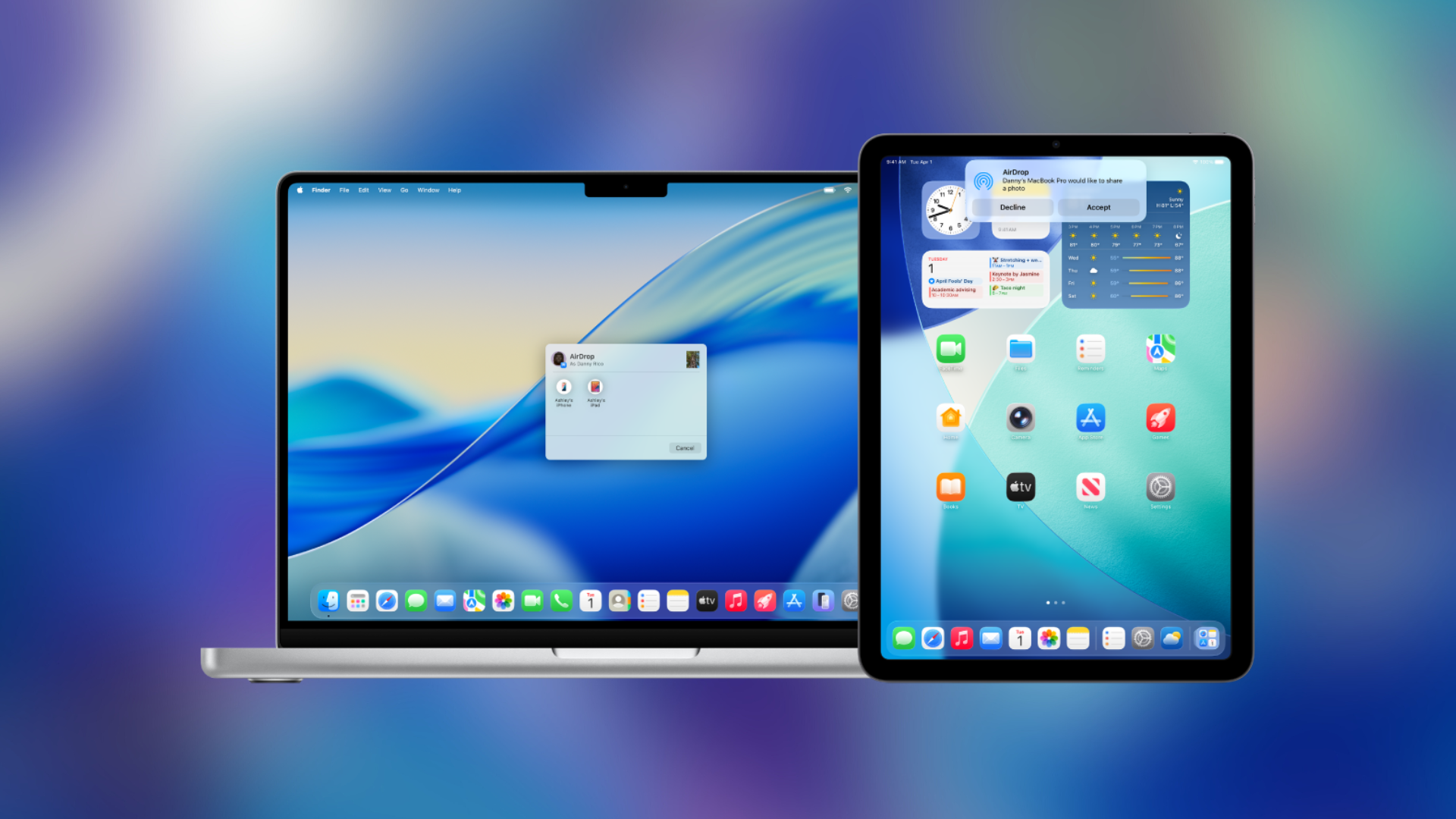
In addition to iOS updates, Apple has released iPadOS 15.8.7 and iPadOS 16.7.15 to address the same vulnerabilities on compatible iPad models.
Implications for Older Devices
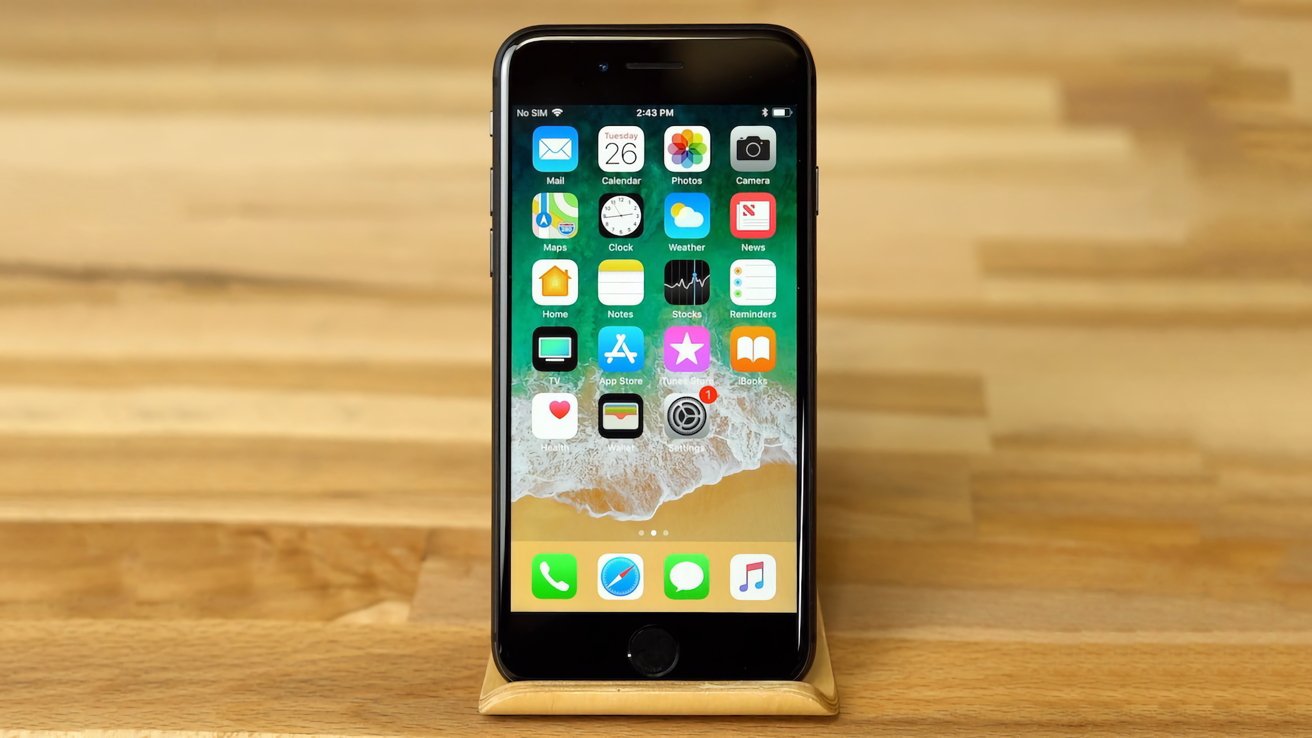
These updates extend protection to devices as far back as the iPhone 6s, ensuring that a broader range of users are safeguarded against potential exploits. It’s crucial for users of older iPhones and iPads to install these updates promptly to mitigate security risks.
The Broader Context of Security Threats
The Coruna exploit is part of a larger trend where sophisticated hacking tools, initially developed by state actors, find their way into the hands of cybercriminals. Such tools are often repurposed to target a wider audience, making it imperative for all users to stay vigilant and keep their devices updated.
Steps to Update Your Device
To ensure your device is protected:
1. Check for Updates: Navigate to Settings > General > Software Update.
2. Download and Install: If an update is available, tap Download and Install.
3. Stay Informed: Regularly check for software updates and install them as they become available.
Conclusion
Apple’s proactive release of iOS 15.8.7 and iOS 16.7.15 underscores the company’s commitment to user security, even for older devices. By addressing the Coruna exploit, Apple aims to protect its users from potential cyber threats. Users are strongly encouraged to update their devices without delay to benefit from these critical security patches.