Apple Releases Studio Display Firmware 26.3 Ahead of New Model Launch
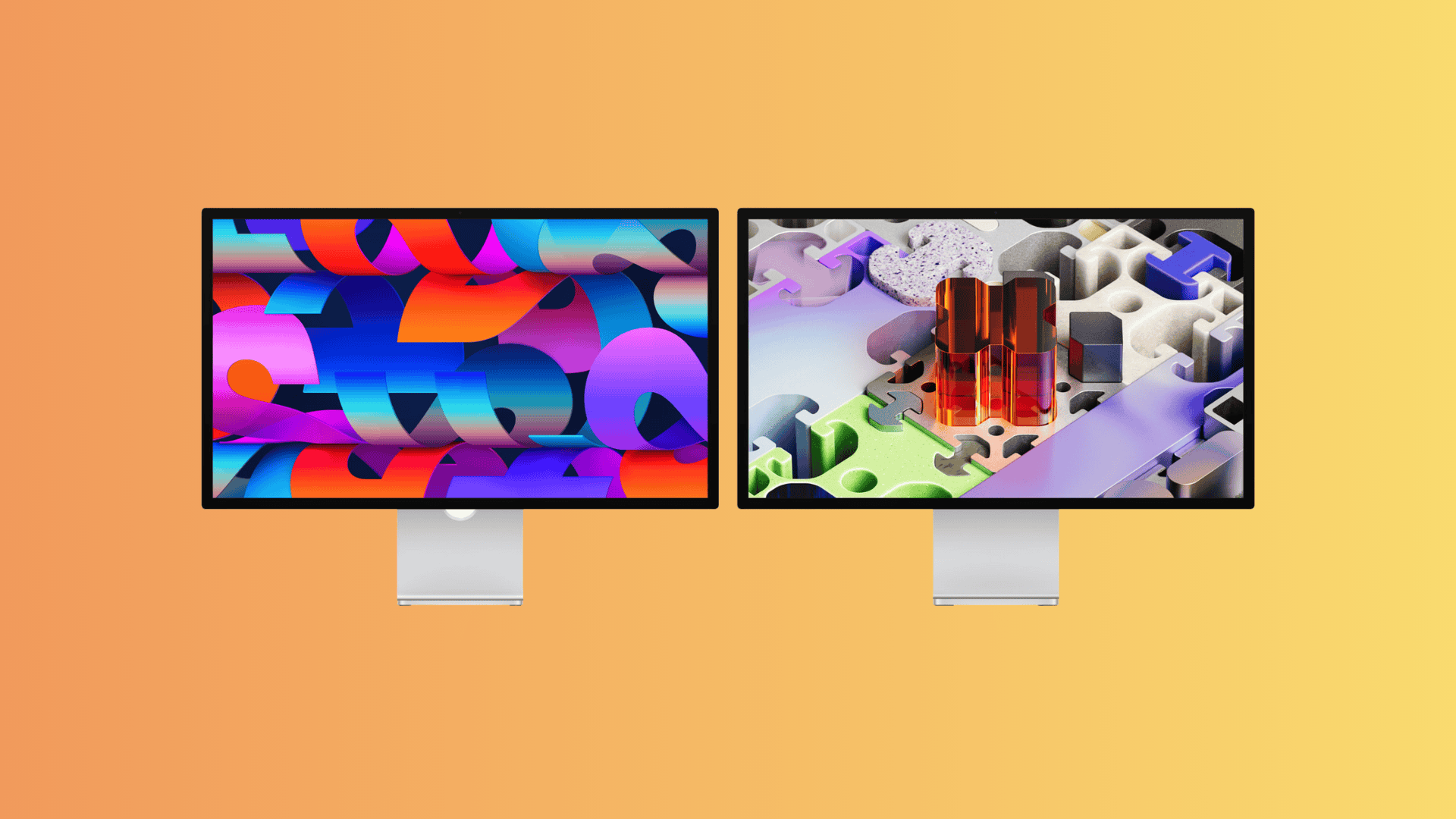
Apple has released Studio Display Firmware 26.3 (build 23D8128) in preparation for the upcoming launch of its new Studio Display lineup, which includes the Studio Display and Studio Display XDR models. These displays are set to be available starting March 11, 2026. This firmware update is specifically designed for these new models and will not appear for older Studio Display versions.
For customers who have pre-ordered these displays, it’s crucial to ensure that the firmware is up to date. The Studio Display installs firmware through a connected Mac, so having the latest build ready on day one is essential, especially with the introduction of new hardware and connectivity features.
How to Update Studio Display Firmware:
1. Connect the Studio Display to Your Mac: Ensure that your new Studio Display is properly connected to your Mac.
2. Open System Settings: On your Mac, navigate to the System Settings application.
3. Go to General: Within System Settings, select the ‘General’ option.
4. Select Software Update: Click on ‘Software Update’ to check for available updates.
5. Install the Firmware Update: If Studio Display Firmware 26.3 (23D8128) is listed, proceed to install it. Keep the display connected to your Mac until the update process is complete.
Changes in Studio Display Firmware 26.3:
Apple has not provided detailed public release notes for this specific firmware build. However, reports indicate that the update is associated with the new Studio Display models and includes general bug fixes and compatibility support for these displays.
Pre-orders for the new Studio Display lineup start at $1,599, with availability beginning on March 11.
If you notice any new behavior or features after installing Firmware 26.3, please share your observations in the comments section.