iPadOS 26: Transforming the iPad Air into a Productivity Powerhouse
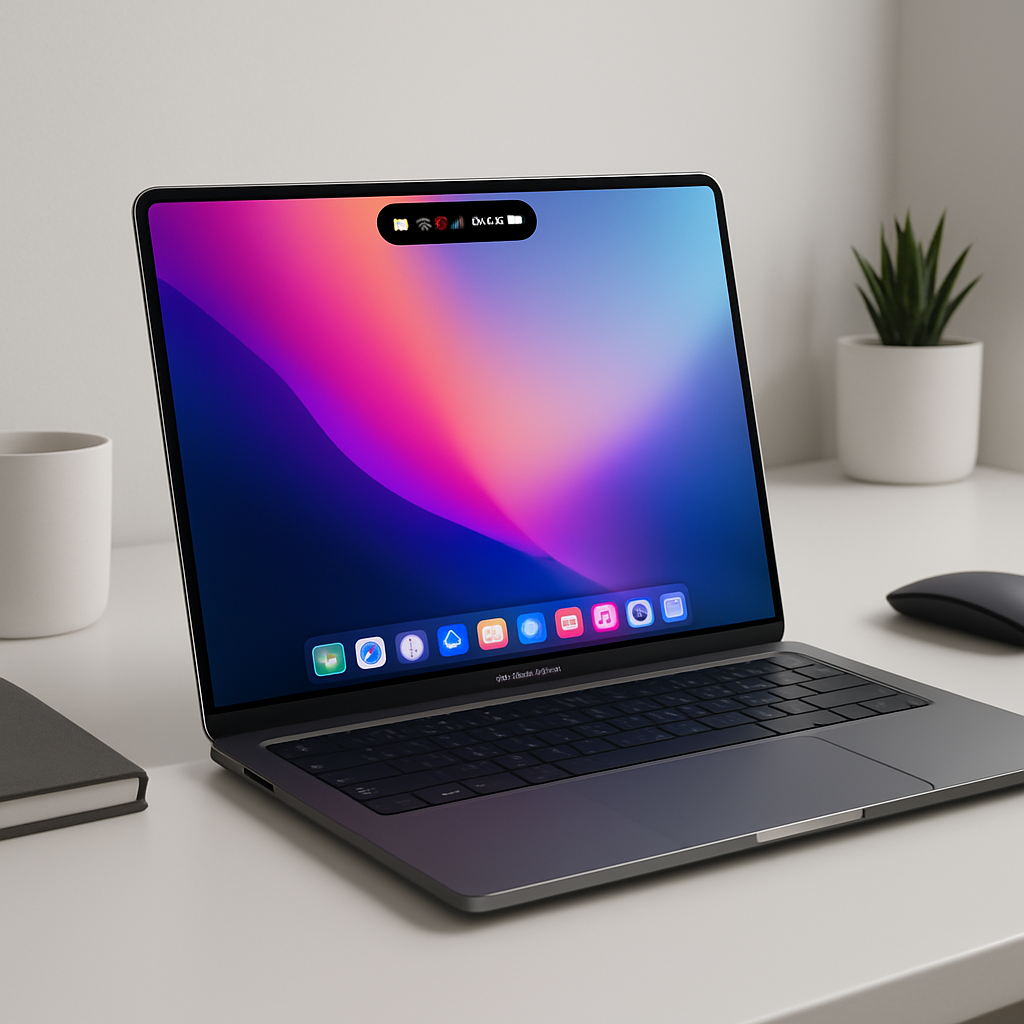
Apple’s latest iPad Air, powered by the M4 chip, boasts impressive hardware enhancements. However, it’s the introduction of iPadOS 26 that truly revolutionizes the iPad experience, bridging the gap between tablet convenience and desktop functionality.
A Leap Towards Desktop-Like Multitasking
Historically, the iPad’s multitasking capabilities have been limited, often requiring users to navigate through cumbersome interfaces to manage multiple applications. iPadOS 26 addresses these challenges head-on by introducing a sophisticated windowing system. This new feature allows users to open, resize, and overlap multiple app windows seamlessly, mirroring the multitasking experience traditionally associated with desktop environments. This advancement empowers users to manage tasks more efficiently, enhancing productivity and user satisfaction.
The Introduction of the Menu Bar
A significant addition in iPadOS 26 is the menu bar, a feature long familiar to desktop users. This bar provides quick access to app commands and system controls, streamlining navigation and reducing the need to delve into multiple menus. By integrating this feature, Apple acknowledges the evolving needs of its user base, many of whom seek a more intuitive and efficient workflow on their iPads.
Enhanced File Management with the Files App
The Files app receives a substantial upgrade in iPadOS 26, introducing a refreshed List view and new folder customization options. Users can now organize their documents more effectively, with the added convenience of placing folders directly in the Dock for immediate access. Furthermore, the ability to set default apps for specific file types streamlines the process of opening and editing documents, reducing friction in daily tasks.
Preview App: A Game-Changer for Document Handling
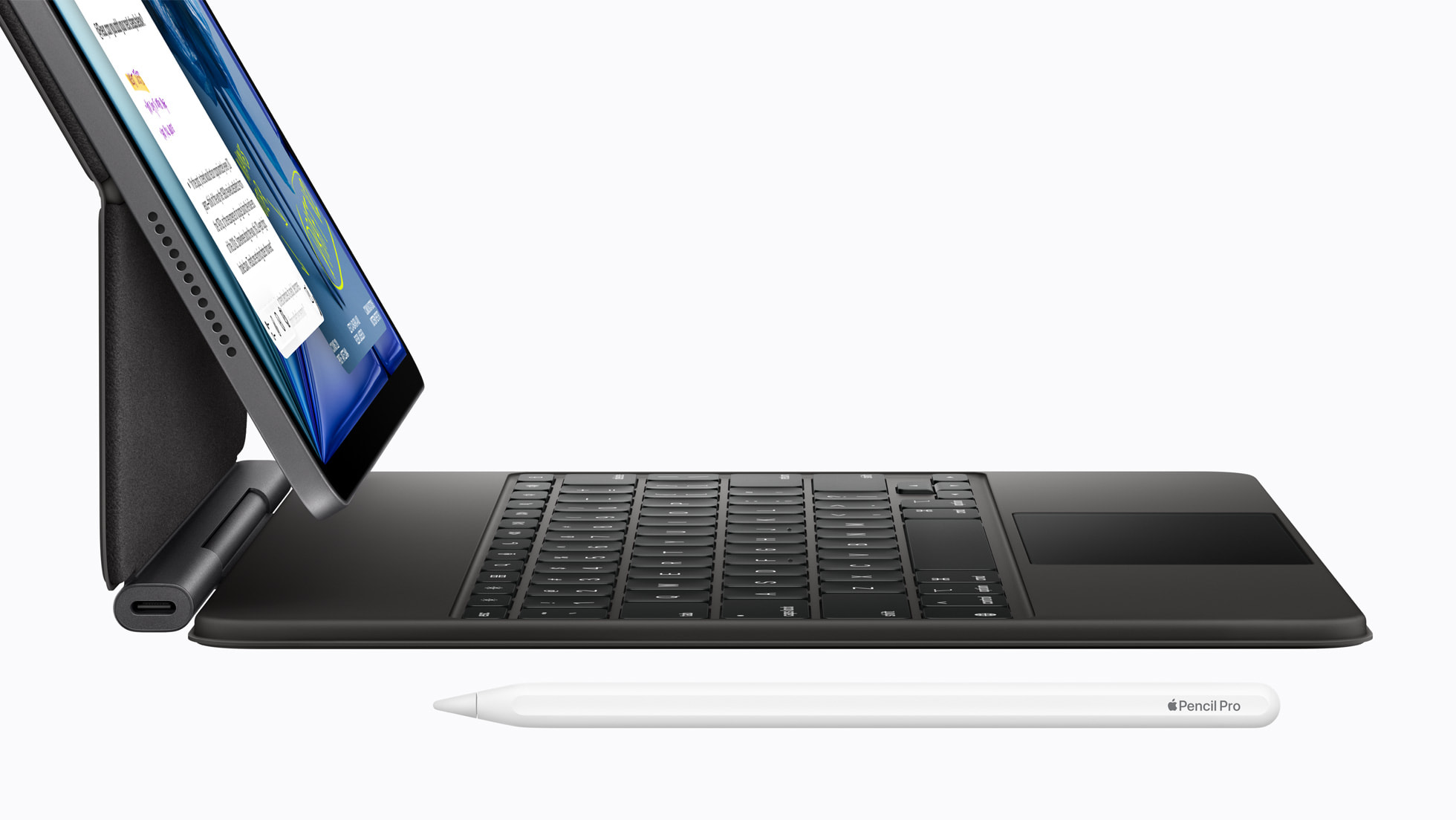
The inclusion of the Preview app on the iPad is a noteworthy enhancement. This dedicated application allows users to view, edit, and annotate PDFs and images with ease, utilizing touch gestures or the Apple Pencil. For professionals and students who frequently work with documents, this addition simplifies workflows and eliminates the need for third-party applications.
Leveraging Apple Silicon with Advanced Features
iPadOS 26 is designed to harness the full potential of Apple’s M4 chip. Features such as enhanced audio input controls, high-quality local recording capabilities, and Background Tasks are now accessible. These functionalities enable users to perform complex tasks, such as recording high-fidelity audio or running intensive applications, without compromising performance.
A Paradigm Shift in User Experience
While the M4 chip provides the raw power, it’s iPadOS 26 that redefines how users interact with the iPad Air. The integration of desktop-like features into the tablet’s operating system signifies a shift towards a more versatile and capable device. This evolution caters to the growing demands of users who require both mobility and functionality in their computing devices.
Conclusion
The combination of the M4 chip and iPadOS 26 transforms the iPad Air into a formidable tool for productivity and creativity. By addressing previous limitations and introducing features that enhance multitasking, file management, and overall usability, Apple sets a new standard for what a tablet can achieve. This update is not merely an incremental improvement but a significant leap forward, positioning the iPad Air as a viable alternative to traditional laptops for many users.