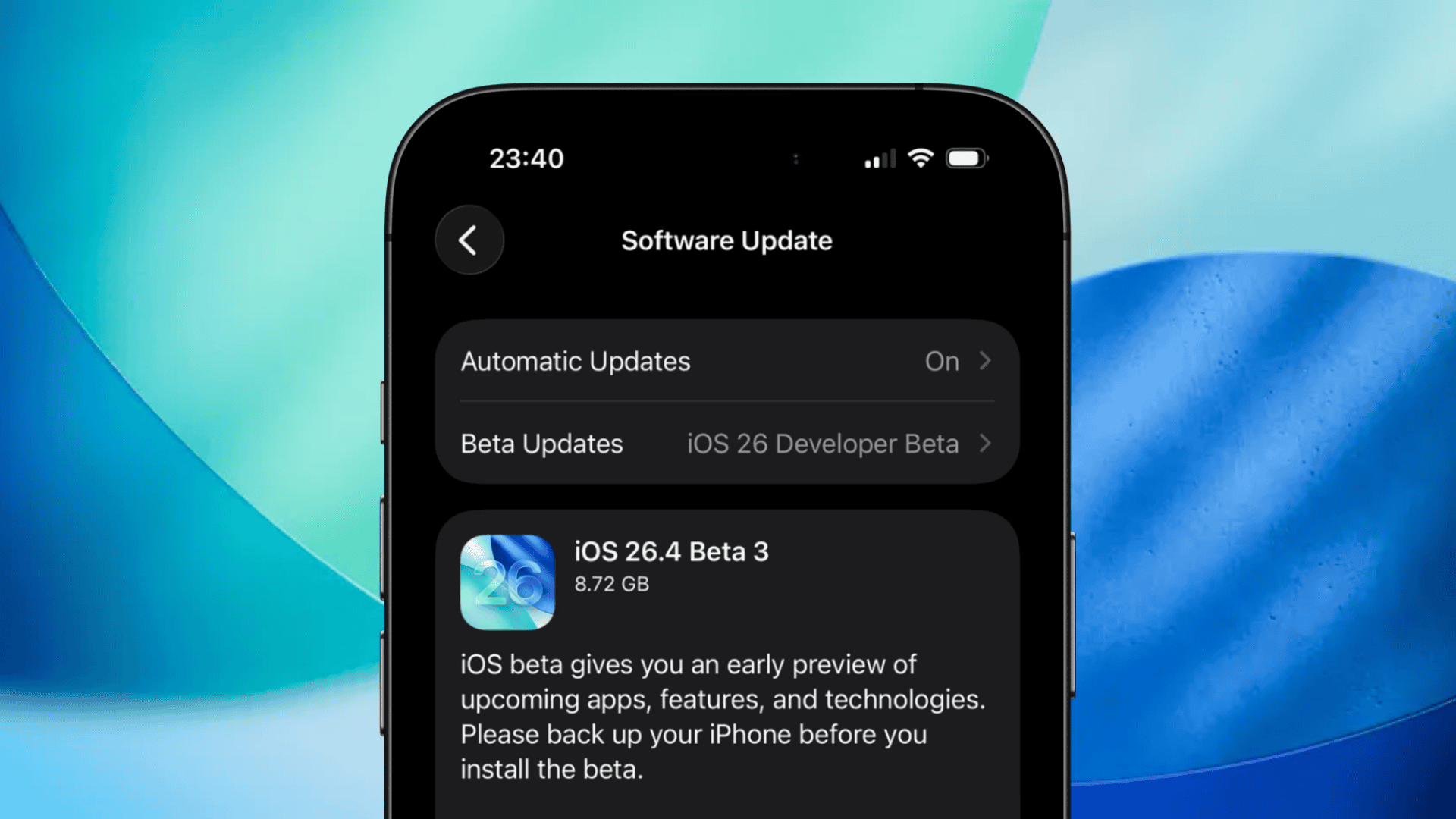
Understanding the Large Download Size of iOS 26.4 Beta 3
Apple’s recent release of iOS 26.4 Beta 3 has caught the attention of many iPhone users due to its substantial download size, often exceeding 10GB. This unexpected file size has led to confusion and concern among users, prompting a closer examination of the factors contributing to such a large update.
Reasons Behind the Large Download Size
Several factors can explain the unusually large download size of iOS 26.4 Beta 3:
1. Skipped Beta Versions: If a user has not installed previous beta versions, the system may require a more comprehensive update package to bring the device up to date. This results in a larger download as it includes all the changes from the skipped versions.
2. Device State and Update Mechanism: The update process may opt for a full package instead of a smaller delta update if the device’s current state necessitates a complete system refresh. This approach ensures all components are correctly updated but increases the download size.
3. Storage Management: Devices with limited free storage may prompt the system to download a larger update package to ensure a successful installation. This precautionary measure helps prevent update failures due to insufficient space.
Addressing the Large Update Size
To manage and mitigate the impact of the large update size, users can take the following steps:
– Ensure Sufficient Free Space: Before initiating the update, verify that your device has ample free storage. This can be done by navigating to Settings > General > iPhone Storage. Freeing up space by deleting unused apps or media can facilitate a smoother update process.
– Delete and Redownload the Update: If the update appears excessively large or gets stuck during the download, consider deleting the existing update file and attempting a fresh download. This can be accomplished by going to Settings > General > iPhone Storage, selecting the update file, and tapping Delete Update. Then, return to Software Update to download the update again.
– Update via Computer: If over-the-air updates continue to present issues, connecting your iPhone to a computer and updating through iTunes or Finder can be an effective alternative. This method often handles large updates more efficiently and can circumvent storage limitations on the device.
Understanding the Update Process
It’s important to recognize that the size displayed during the update process may not reflect the actual amount of data being downloaded. The system often requires additional space to unpack and install the update, which can make the required free space appear larger than the update itself. This is a normal aspect of the update process and does not necessarily indicate an issue.
Conclusion
While the large download size of iOS 26.4 Beta 3 may be surprising, it is typically a result of the update process’s requirements and the device’s current state. By understanding the factors contributing to the update size and taking proactive steps to manage storage, users can ensure a successful and efficient update experience.