Google Pixel’s ‘At a Glance’ Widget Now Displays Sports Scores and Financial Updates
Google has enhanced its Pixel devices by updating the ‘At a Glance’ widget to include real-time sports scores and financial market updates. This addition aims to provide users with immediate access to pertinent information directly on their home and lock screens.
Introduction to the New Features
The ‘At a Glance’ widget, a staple of the Pixel Launcher, has been a convenient tool for users, offering quick insights into weather conditions, calendar events, and more. With the latest update, Google has expanded its functionality to encompass:
– Sports Updates: Users can now receive live scores and updates for their favorite sports teams.
– Financial Updates: The widget provides information on stock market movements, highlighting top-performing stocks from the user’s Google Finance watchlist.
Activating and Customizing the Features
To utilize these new features, users should ensure their devices are updated to the latest Android 16 February release and have version B.21 of Android System Intelligence installed. Both features are enabled by default and can be customized through the ‘At a Glance’ settings:
1. Accessing Settings: Navigate to the ‘At a Glance’ settings within the Google Assistant settings menu.
2. Sports Updates: Enable the ‘Sports’ option. A prompt will guide users to select their preferred teams, integrating with the same system used by Google Search and Discover.
3. Financial Updates: Activate the ‘Finance’ option. Users can then choose specific stocks to monitor, linking directly to their Google Finance watchlist.
User Experience and Display
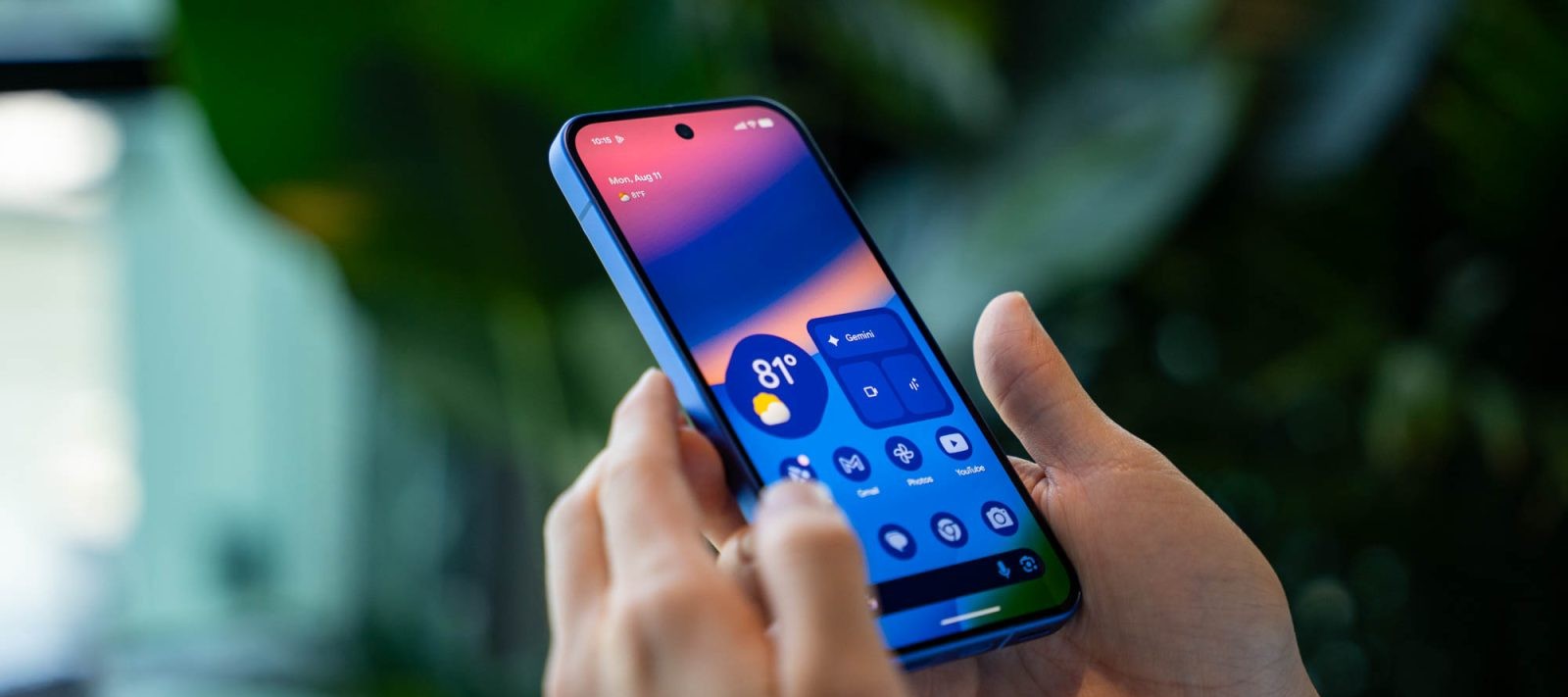
Once configured, the widget displays the selected information on the always-on display and lock screen. When no other notifications are present, these updates appear prominently at the top, accompanied by a translucent background for seamless integration. Users can dismiss updates by long-pressing on them.
Rollout and Availability
The rollout of these features is ongoing. Some users may notice that while the settings for Sports and Finance are available, the actual updates might not appear immediately. This phased deployment means that certain users might receive one feature before the other.
Battery Considerations
It’s important to note that enabling the Sports feature may impact battery life. Users should monitor their device’s performance and adjust settings as needed to balance functionality with battery consumption.
Conclusion
The integration of sports and financial updates into the ‘At a Glance’ widget underscores Google’s commitment to enhancing user experience by providing timely and relevant information. As the rollout continues, Pixel users can look forward to a more personalized and informative interface.