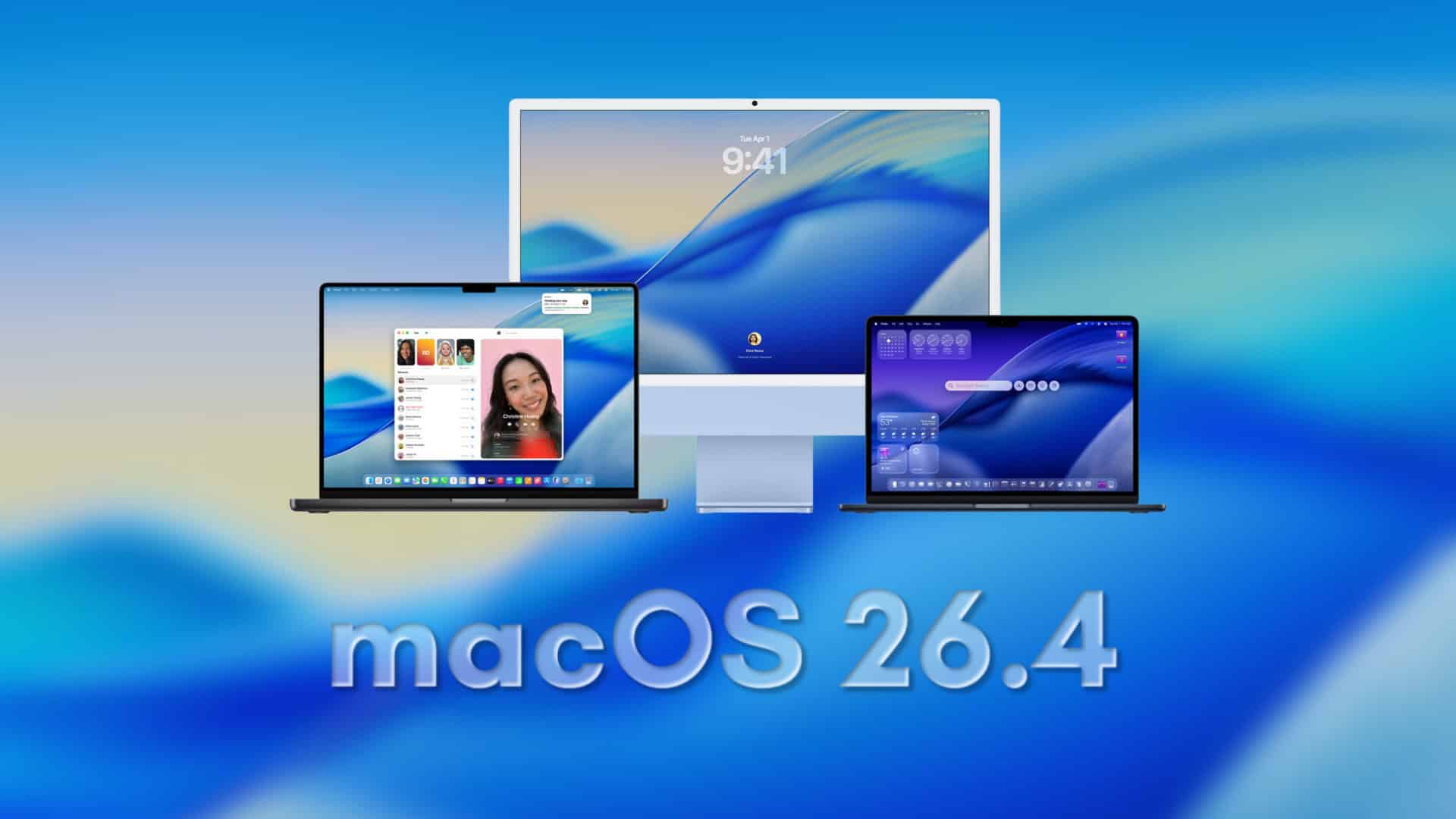
macOS 26.4 Public Beta 2 Now Available: Key Features and Updates
Apple has recently released the second public beta of macOS 26.4, marking a significant step in the operating system’s development cycle. This update, identified by build number 25E5218f, mirrors the developer beta released just a day prior, ensuring that both developers and public testers have access to the same features and improvements.
Key Features and Enhancements:
1. Battery Charge Limit Option for MacBooks:
A notable addition in macOS 26.4 is the introduction of a battery charge limit feature for MacBook users. This functionality allows users to set a charging cap between 80% and 100%, aiming to prolong battery lifespan, especially for those who frequently keep their devices plugged in.
2. Rosetta 2 Transition Alerts:
Apple is taking steps to inform users about the future of Intel-based applications. In this beta, users will receive alerts when launching Intel-only apps that rely on Rosetta 2 translation. This move is part of Apple’s broader strategy to transition away from Intel compatibility, encouraging users to update or replace legacy applications.
3. Safari’s Compact Tab Bar Returns:
Responding to user feedback, macOS 26.4 reinstates the compact tab bar option in Safari. This feature offers users an alternative layout choice, catering to those who prefer a more streamlined browsing experience.
Installation Guide:
For those interested in exploring the new features of macOS 26.4 Public Beta 2, follow these steps:
1. Backup Your Mac:
Before proceeding with any beta installation, it’s crucial to back up your data using Time Machine or your preferred backup method.
2. Access System Settings:
Navigate to the Apple menu and select System Settings.
3. Software Update:
Within System Settings, go to General and then click on Software Update.
4. Enroll in Beta Updates:
If you haven’t already, click on Beta Updates and choose the public beta channel.
5. Download and Install:
Once enrolled, the macOS 26.4 Public Beta 2 should appear as an available update. Click Download and Install and follow the on-screen instructions.
Important Considerations:
While beta versions provide early access to new features, they may also contain bugs or stability issues. It’s advisable to install beta software on a secondary device or ensure that you have a complete backup of your primary system. This precaution helps mitigate potential risks associated with pre-release software.
Community Feedback:
As with all beta releases, user feedback is invaluable. If you encounter any issues or discover new features not highlighted in the official release notes, consider sharing your experiences with the broader community. Such insights can assist Apple in refining the final release and provide fellow users with a clearer understanding of what to expect.
Conclusion:
The release of macOS 26.4 Public Beta 2 underscores Apple’s commitment to enhancing user experience and system performance. With features like the battery charge limit, Rosetta 2 transition alerts, and the return of Safari’s compact tab bar, this update offers a blend of functionality and user-centric improvements. As always, approach beta installations with caution, and ensure your data is securely backed up before proceeding.