Exploring the Latest Enhancements in macOS 26.4 Public Beta
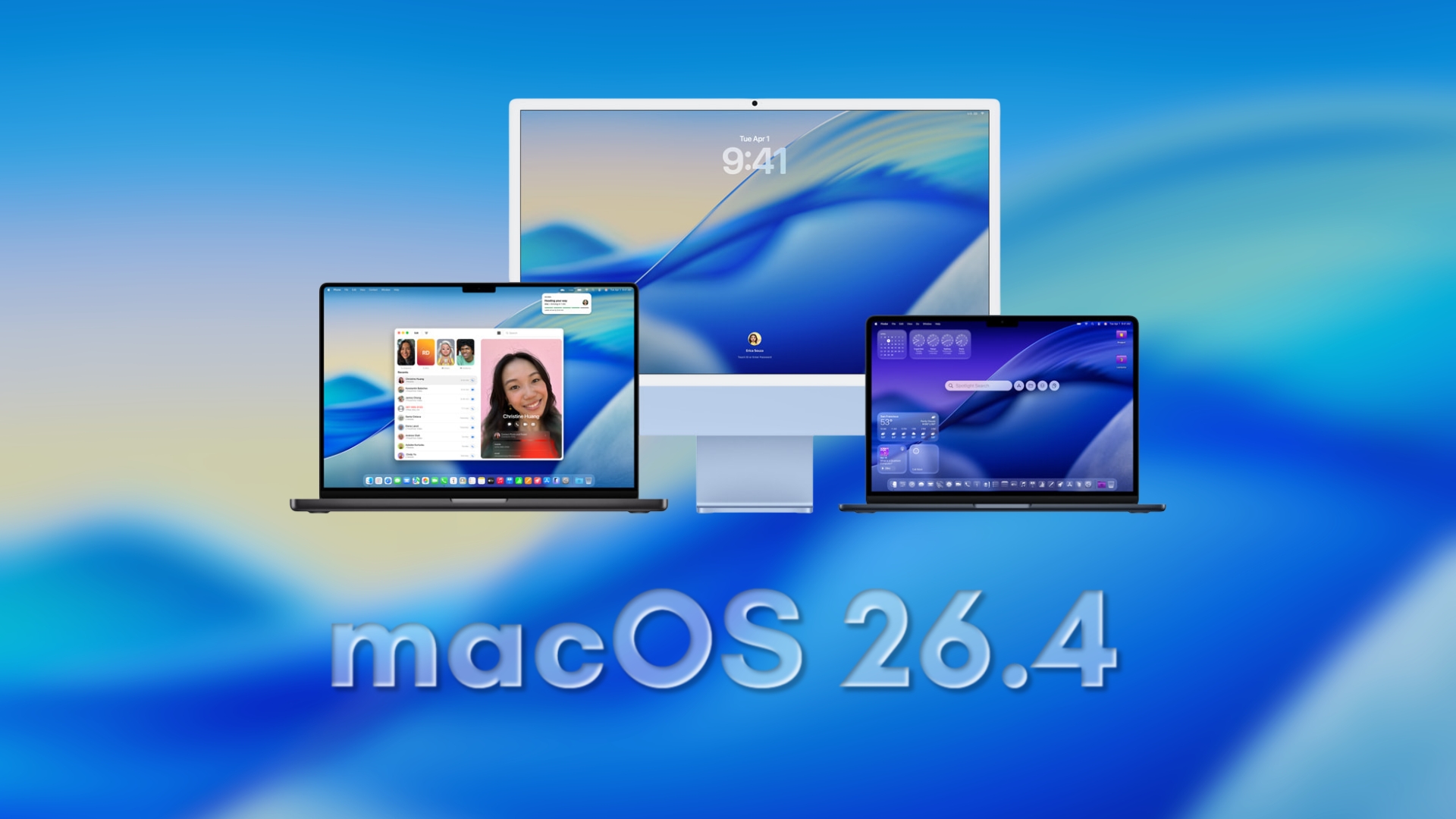
Apple has recently unveiled the macOS 26.4 public beta, inviting users to experience the newest features and improvements ahead of the official release. This update introduces several practical enhancements aimed at optimizing user experience and system performance.
Battery Charge Limit Feature
A notable addition in macOS 26.4 is the Battery Charge Limit option. This feature allows users to set a maximum charge level for their MacBook’s battery, with adjustable limits ranging from 80% to 100%. By capping the charge, users can reduce the time their battery spends at full capacity, potentially extending its overall lifespan. This is particularly beneficial for those who frequently keep their laptops plugged in for extended periods.
Safari’s Compact Tab Layout Returns
For users who prefer a more streamlined browsing experience, the Compact Tab Layout option has made a comeback in Safari. This setting minimizes the space occupied by tabs, providing a cleaner interface and allowing more content to be visible on the screen. Users can activate this layout through the Safari preferences in System Settings.
Rosetta 2 Deprecation Warnings
As Apple continues its transition from Intel-based Macs to its proprietary silicon, macOS 26.4 introduces warnings for applications that rely on Rosetta 2. When launching such apps, users will receive notifications indicating that support for Rosetta 2 is slated to end after macOS 27. This proactive measure encourages users and developers to update or replace legacy applications to ensure future compatibility.
Resolution of Pointer Bug
Addressing a longstanding issue, macOS 26.4 resolves a bug related to the window resize pointer. Previously, the pointer did not accurately follow the window’s corner shape, leading to inconsistencies in user interactions. With this update, the pointer now aligns correctly with window corners, enhancing the precision and intuitiveness of window resizing.
Siri and Apple Intelligence Updates
While macOS 26.4 focuses on system enhancements and user interface improvements, significant updates to Siri and Apple Intelligence are not prominently featured in this release. Reports suggest that more substantial changes to these services may be introduced in subsequent updates, as Apple continues to refine and expand its AI capabilities.
How to Install macOS 26.4 Public Beta
For users interested in exploring these new features, installing the macOS 26.4 public beta is straightforward:
1. Backup Your Mac: Before proceeding, ensure that all important data is backed up to prevent potential data loss.
2. Access System Settings: Open the System Settings application on your Mac.
3. Navigate to Software Update: Click on ‘General’ and then select ‘Software Update.’
4. Enroll in Beta Updates: Within the Software Update section, choose ‘Beta Updates’ and select the ‘macOS 26 Public Beta’ track.
5. Download and Install: Follow the on-screen instructions to download and install the beta version.
Considerations for Beta Software
It’s important to note that beta software is still in the testing phase and may contain bugs or stability issues. Users should exercise caution and consider installing the beta on a secondary device or partition. Additionally, some third-party applications may not be fully compatible with the beta version, potentially leading to functionality issues.
Community Feedback and Future Updates
Apple encourages users to provide feedback on their beta experiences to help identify and resolve issues before the official release. This collaborative approach ensures that the final version of macOS 26.4 meets user expectations and maintains Apple’s standards of quality and reliability.
As development progresses, users can anticipate further refinements and possibly additional features in upcoming beta releases. Staying informed through official Apple channels and reputable tech news sources will provide the latest insights into macOS developments.
Conclusion
The macOS 26.4 public beta offers users a glimpse into the future of Apple’s operating system, with enhancements focused on battery management, user interface customization, and system compatibility. While major updates to Siri and Apple Intelligence are not included in this release, the current improvements contribute to a more efficient and user-friendly experience. Users are encouraged to explore these features, provide feedback, and stay tuned for future updates as Apple continues to innovate and refine its software offerings.