Gboard’s Upcoming Cursor Mode: A Game-Changer for Text Navigation
Google’s Gboard, a leading virtual keyboard for Android devices, is reportedly testing a new feature called Cursor Mode. This innovative addition aims to transform the keyboard area into a virtual trackpad, offering users enhanced precision when navigating and editing text.
Current Cursor Control in Gboard
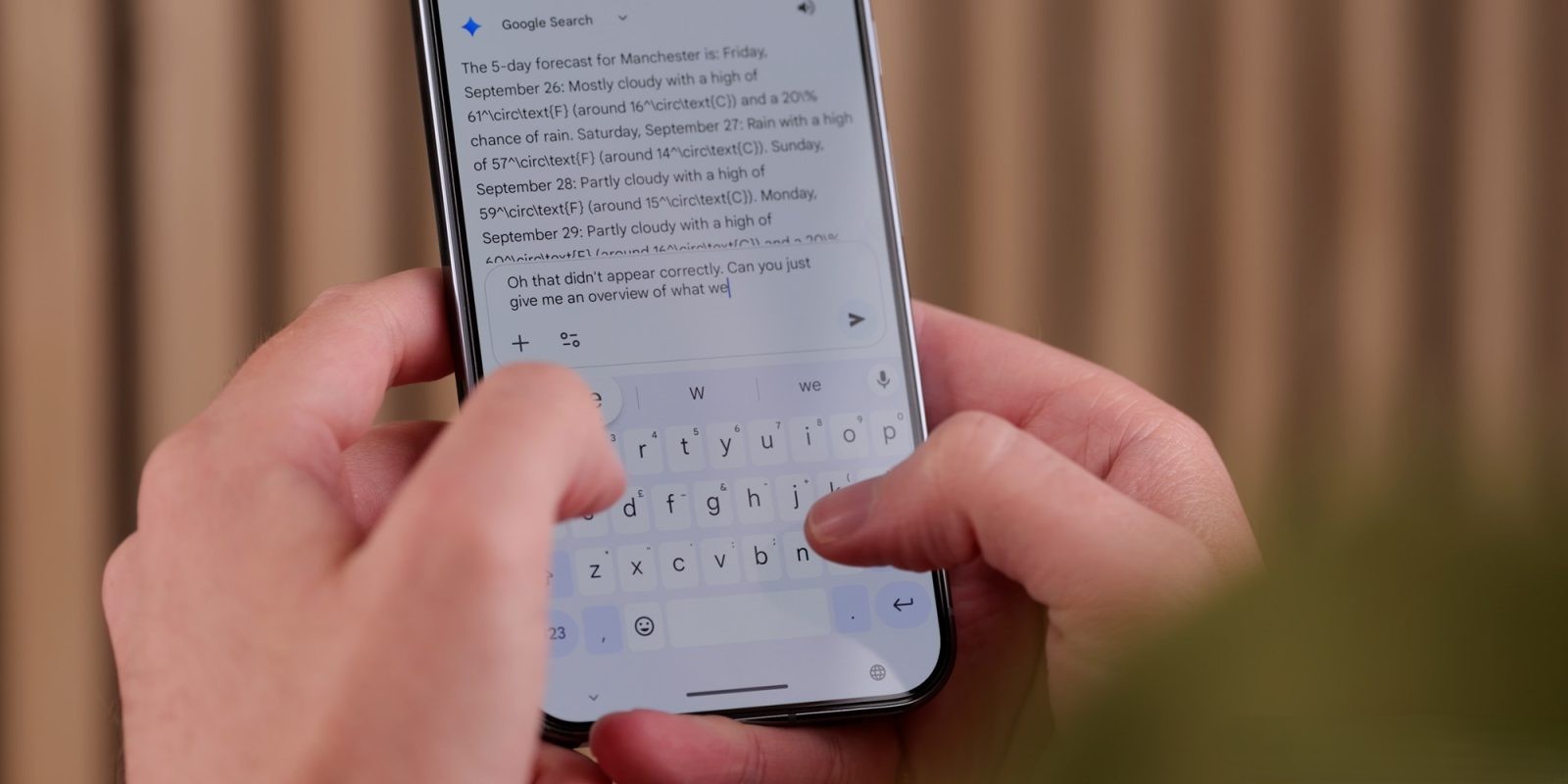
Presently, Gboard offers a glide cursor control feature. By pressing and holding the space bar, users can slide their finger left or right to move the text cursor horizontally. While this function aids in minor text adjustments, it has limitations:
– Restricted Movement: The cursor can only move horizontally, making vertical navigation cumbersome.
– Limited Range: Users must repeatedly swipe to traverse longer text passages, which can be inefficient.
Introducing Cursor Mode
The upcoming Cursor Mode seeks to address these limitations by providing a more versatile and intuitive method for text navigation:
– Activation: Users can activate Cursor Mode by pressing and holding the space bar. This action transforms the keyboard into a virtual trackpad.
– Enhanced Navigation: Once activated, users can move the cursor freely in any direction—left, right, up, or down—by dragging their finger across the trackpad area. This unrestricted movement facilitates easier navigation through lines and paragraphs.
– Extended Reach: The cursor can move beyond the keyboard area, allowing users to position it anywhere within the text field, enhancing editing capabilities.
Comparisons with Other Keyboards
Apple’s iOS keyboard introduced a similar feature, enabling users to turn the keyboard into a trackpad by holding down the space bar. This functionality has been praised for its efficiency in text editing. Gboard’s Cursor Mode appears to draw inspiration from this, aiming to offer Android users a comparable, if not superior, experience.
Microsoft’s SwiftKey keyboard also implemented a cursor control feature in 2020. By long-pressing the space bar, users can move the cursor freely across the text field. This addition was well-received, highlighting the demand for such functionality among users.
Potential Impact on User Experience
The introduction of Cursor Mode in Gboard could significantly enhance the typing and editing experience for Android users:
– Improved Efficiency: Users can make quick and precise text edits without relying on tapping specific points on the screen, reducing the time spent on corrections.
– Accessibility: For individuals with larger fingers or those using devices with smaller screens, Cursor Mode offers a more accessible means of text navigation.
– Competitive Edge: By incorporating this feature, Gboard continues to position itself as a leading virtual keyboard, staying competitive with other platforms that offer similar functionalities.
Conclusion
While the Cursor Mode is currently in the testing phase and not yet available to the general public, its potential benefits are clear. By transforming the keyboard into a versatile trackpad, Gboard aims to provide users with a more intuitive and efficient text editing experience. As with all beta features, there’s no guarantee of a public release, but the development indicates Google’s commitment to enhancing user experience.