Google Photos Introduces Floating Toolbar for Enhanced Navigation
Google Photos is undergoing a significant redesign by introducing a floating toolbar to replace the traditional bottom navigation bar. This update, initially rolling out on iOS, aligns Google Photos with the design language adopted by many of Google’s Android applications, which have transitioned to more streamlined navigation interfaces.
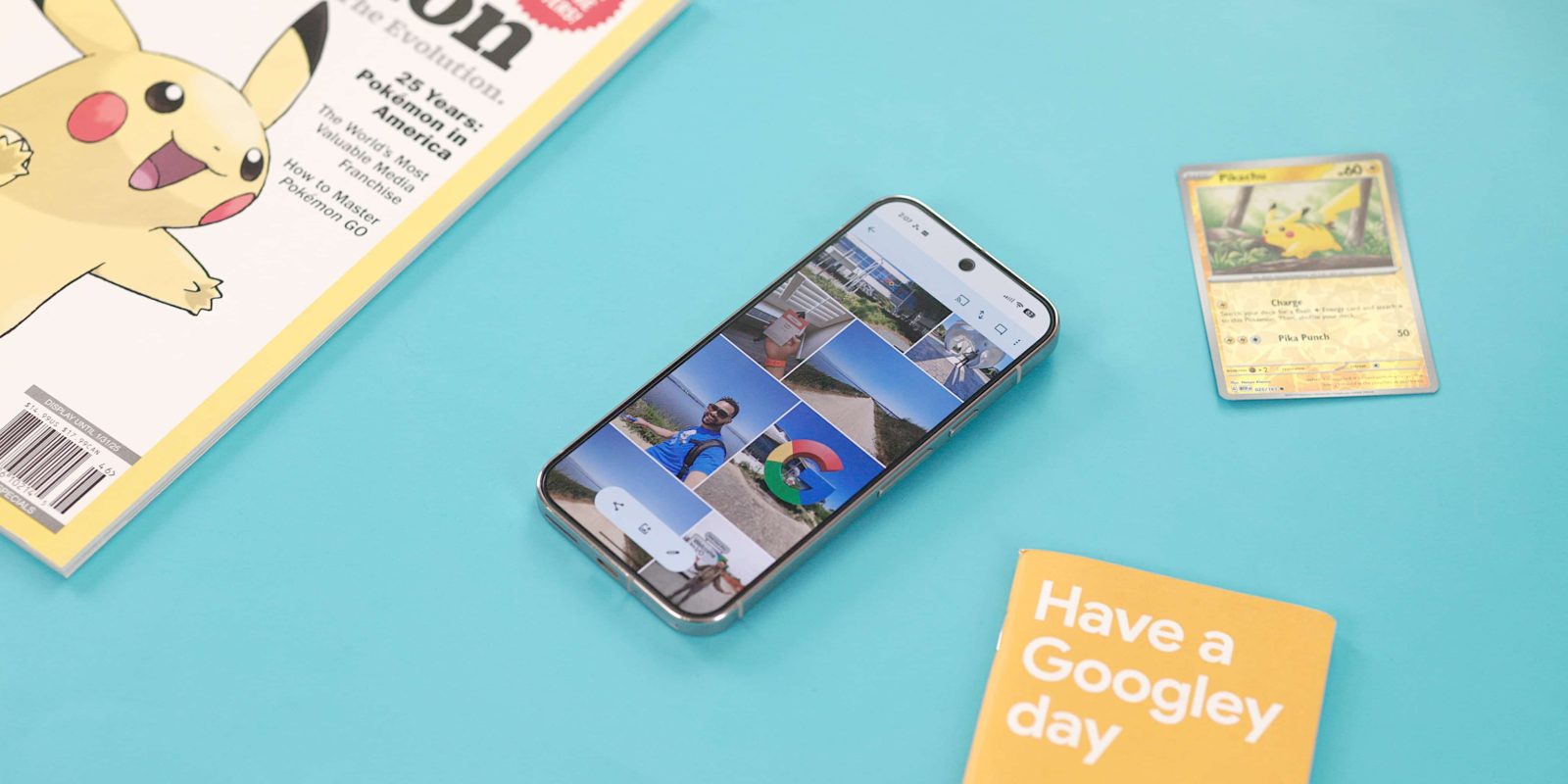
The new floating toolbar is encapsulated within a pill-shaped container and provides access to key sections: Photos, Collections, and Create. When a specific tab is active, an accompanying icon appears on the left side of the toolbar, offering visual confirmation of the selected section. On the right side, a floating action button (FAB) is present, enabling users to quickly initiate a Search or utilize the Ask feature.
Unlike some interface elements that hide upon scrolling, this floating toolbar remains persistently visible, ensuring that navigation options are always accessible without obstructing the view of the underlying content. Its placement is carefully calibrated to maintain a balance between functionality and content visibility, allowing users to engage with their photos seamlessly.
It’s important to note that, according to the Material 3 Expressive guidelines, the floating toolbar is designed to house frequently used actions relevant to the current page rather than serve as a primary navigation component. For instance, in the context of an email application, a floating toolbar might include actions like archive and delete. In Google Photos, a proper implementation of this can be observed within the Albums section, where the floating toolbar provides contextual actions pertinent to album management.
Despite this guideline, Google has previously utilized floating toolbars for navigation purposes, as seen with the introduction of this design element in Google Chat two years ago. This suggests a flexible approach to the application of floating toolbars, adapting their functionality to suit the needs of different applications and user experiences.
As of now, the floating toolbar is being deployed on iOS devices running version 7.63 of Google Photos. Users can anticipate a more cohesive and intuitive navigation experience as this update becomes widely available. This redesign reflects Google’s ongoing commitment to enhancing user interfaces by adopting modern design principles that prioritize ease of use and accessibility.