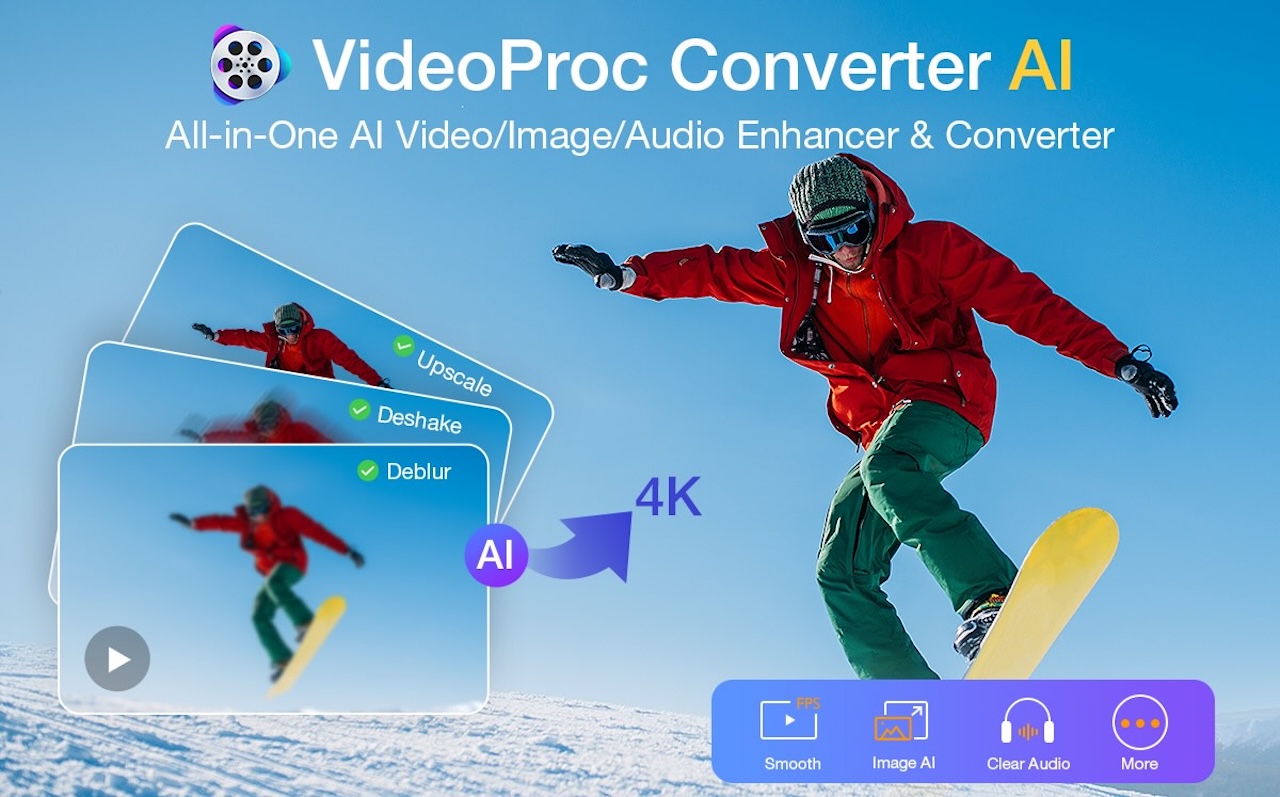
VideoProc Converter AI is a comprehensive media processing application for macOS that integrates AI-driven video and image enhancement with tools for conversion, downloading, compression, and screen recording. Designed to optimize media files before they enter the editing phase, it ensures that content is clean, enhanced, and ready for use in professional editing software like Final Cut Pro, DaVinci Resolve, or Adobe Premiere.
AI Video Enhancement on macOS: Addressing Low-Resolution and Low-Light Footage
One of the standout features of VideoProc Converter AI is its ability to upscale low-resolution videos. Utilizing the Super Resolution tool, users can enhance compressed mobile videos and older 1080p clips, resulting in clearer facial features and reduced compression artifacts. The upscaled footage displays well on high-resolution screens, such as the M4 MacBook Air.
The application also excels in improving videos shot in low-light conditions. Its denoising and enhancement tools effectively clean up grainy footage while preserving textures, making it a valuable asset for editors dealing with challenging lighting scenarios. Additionally, the AI Frame Interpolation feature increases frame rates, producing smoother videos without introducing artifacts. This is particularly beneficial for creating slow-motion clips or enhancing video fluidity during playback.
AI Image Enhancement: Upscaling and Restoring Photos
Beyond video, VideoProc Converter AI offers robust AI Image Enhancement capabilities. Users can upscale and restore photos, including old family pictures, compressed web images, product shots, or low-resolution thumbnails. The AI models intelligently increase resolution while maintaining natural detail, avoiding the over-sharpened, artificial appearance common with basic upscaling tools.
The process is straightforward: import the image, select the enhancement model, preview the result, and export. This simplicity makes it accessible for users of all skill levels, from beginners to experienced photographers, looking to improve their photos for social media, personal albums, presentations, or website visuals.
Format Compatibility and Mobile Video Optimization for Mac
VideoProc Converter AI supports over 1,000 audio and video formats, making it adept at handling mixed-source media. It can convert clips into optimized formats like HEVC or ProRes, ensuring seamless import into various editing software. The application’s compression features are particularly noteworthy, as they reduce file sizes while preserving image quality, addressing common storage and processing concerns for Mac users.
Built-In Screen Recorder, Audio Cleanup, and Editing Tools
The application includes a built-in camera and screen recorder capable of recording in 4K at 60 fps, functioning smoothly on Apple Silicon devices. It supports green-screen effects, system audio, webcam overlays, and microphone inputs, catering to content creators and streamers.
Audio cleanup tools, such as noise suppression, effectively eliminate unwanted background noise while maintaining the natural quality of the original audio. Basic one-click editing tools, including options for merging, trimming, cropping, adding subtitles, and applying watermarks, are also available for quick fixes before exporting.
Performance-wise, VideoProc Converter AI fully supports Apple Silicon, enabling fast and responsive batch processing, even with multiple clips or large libraries. It is compatible with macOS 10.13 or newer for standard features and macOS 10.15 or newer for AI enhancements, making it accessible to a broad range of Mac users.
Conclusion
VideoProc Converter AI serves as a practical utility for addressing common media issues, such as noisy audio and low-quality footage, ensuring that media is optimized before entering the editing phase. It is particularly useful for content creators, influencers, video editors, marketers, educators, hobbyists, and everyday users seeking media enhancement.
Currently, there is a 55% discount on the lifetime version, which includes four additional tools: Aiarty Image Matting, iPhone Manager, 5KPlayer, and VideoProc Vlogger. This offer expands the toolkit beyond video processing into image editing, device management, media playback, and video creation, making it a practical choice for Mac users aiming for a smoother, more efficient workflow.