Microsoft Teams Faces Assignment Management Disruptions Following Service Update Failure
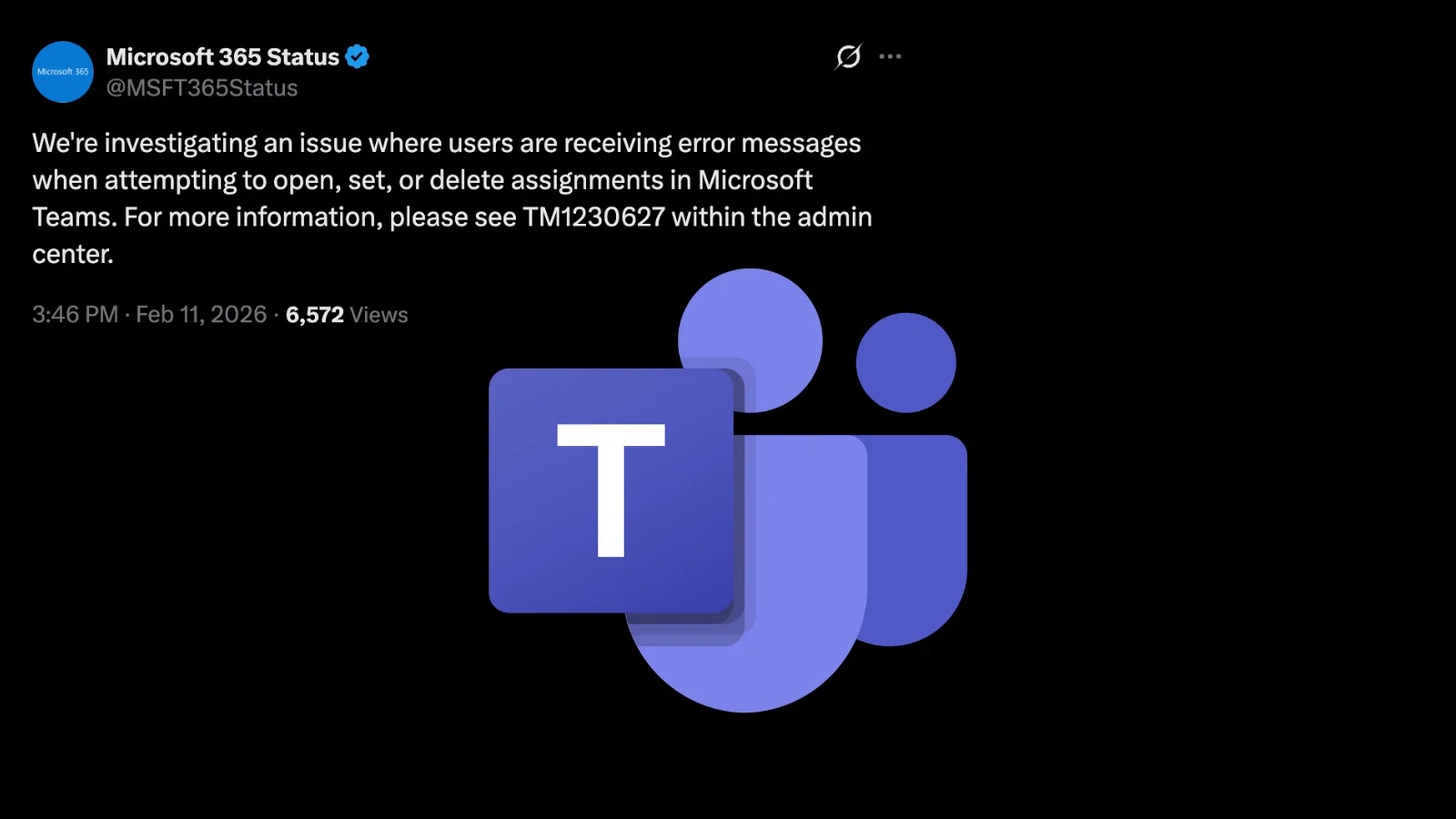
Microsoft Teams is currently experiencing significant disruptions in its assignment management functionalities, affecting educators and students who rely on the platform for educational activities. Users have reported encountering error messages when attempting to open, set, or delete assignments. This issue has been traced back to a recent backend service update that did not complete as intended, leading to widespread service interruptions.
Administrators are advised to consult the Microsoft 365 admin center, referencing incident ID TM1230627, for the latest updates and projected timelines for resolution. The outage predominantly impacts essential educational and productivity features within Teams, including the Assignments, Classroom, and Grades applications. Reports indicate that the problem spans across desktop, web, and mobile clients, with users encountering errors such as There was a problem reaching this app.
Microsoft has acknowledged the issue and is actively investigating the root cause. The company has identified that the disruption resulted from an incomplete service update intended to optimize content retrieval for Assignments and related tabs. In response, engineers are redeploying the faulty update and restarting affected backend components to restore functionality. Initial fixes involve validating the redeployment, with service health dashboards in the admin center providing real-time status updates.
This incident underscores recurring vulnerabilities within Teams, often attributed to rapid update cycles. Similar issues have arisen in the past, such as feature updates causing client unresponsiveness or group creation failures. Microsoft continues to monitor the situation post-fix to prevent future occurrences and is committed to providing further updates via incident ID TM1230627.
Affected users are encouraged to check the admin center for the latest information and to avoid repeated attempts to access assignments, which may lead to cache buildup. Clearing the Teams cache can offer temporary relief. On Windows, this can be done by navigating to %appdata%\Microsoft\Teams, and on Mac, by going to ~/Library/Application Support/Microsoft/Teams. Switching to the web version of Teams or signing out and back in may also help, though full recovery awaits the implementation of the fix.
IT administrators are urged to report any issues via the Health > Service Health section in the admin center if they have not already done so. As of February 11, 2026, no estimated time for full resolution has been publicly announced, but progress is underway.