Google has recently enhanced the VPN by Google feature on Pixel devices, introducing a more informative Quick Settings (QS) Tile that displays the current connection status directly. This update aims to streamline user experience by providing immediate feedback on the VPN’s state without the need to navigate through multiple menus.
Enhanced Quick Settings Tile
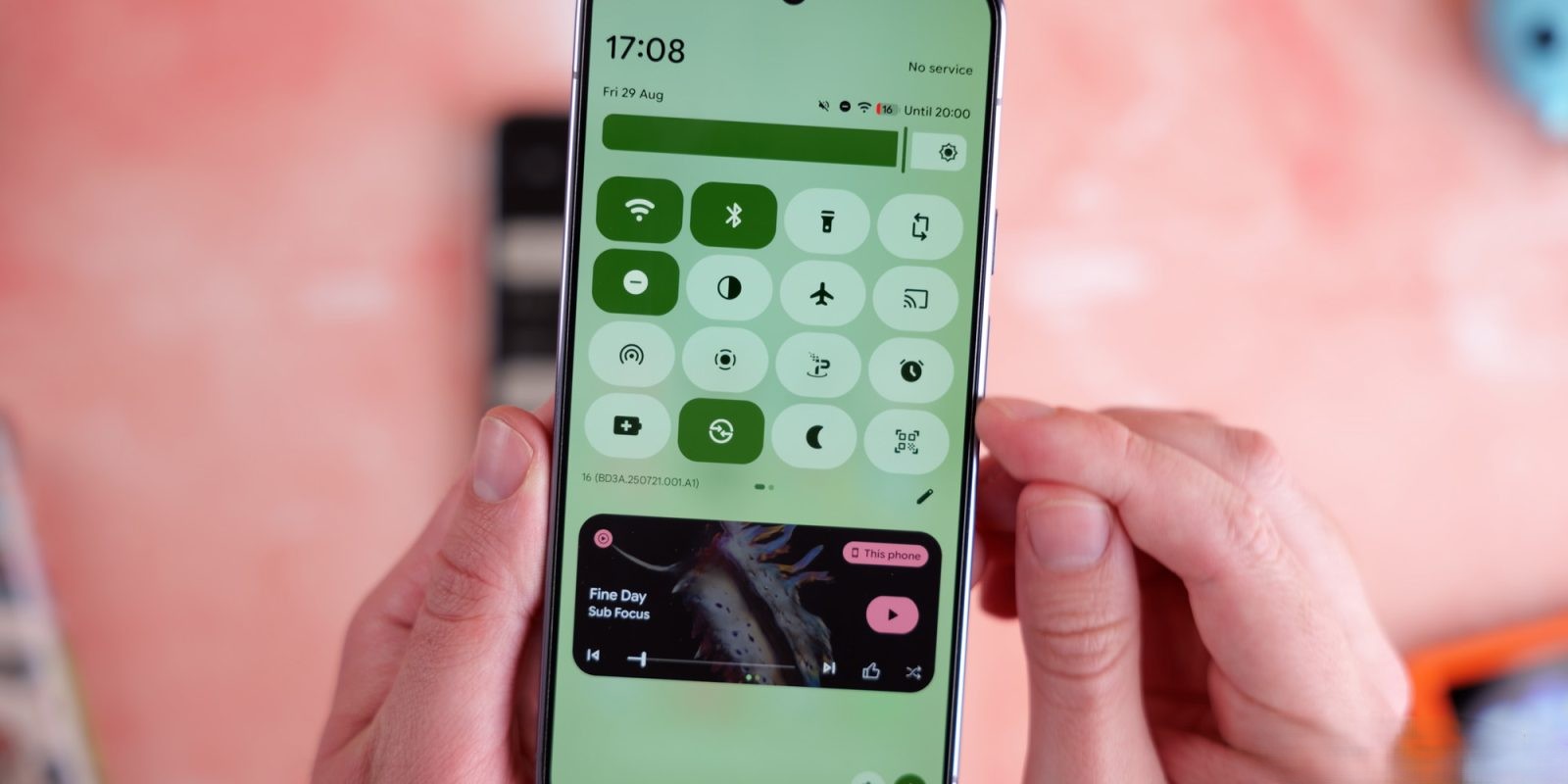
Previously, the QS Tile for the VPN displayed the text VPN by Google twice, which was redundant and did not convey the connection status. With the latest update, the second line of the tile now indicates the VPN’s current status, such as:
– Connected: The tile becomes active, filled, and adopts a rounded rectangle shape.
– Paused: The tile appears as a pill shape.
– Connecting…: Indicates that the VPN is in the process of establishing a connection.
– Can’t connect: Signifies that the VPN is unable to establish a connection.
These status indicators were previously accessible only within the VPN by Google app. The integration of this information into the QS Tile allows users to quickly ascertain the VPN’s status at a glance. For those who prefer a more detailed view or need to adjust settings, a long-press on the QS Tile will open the full VPN interface.
Update Availability
This improved QS Tile functionality is being rolled out with version 2025.12.19.x of the VPN by Google. However, the update also involves a server-side component, meaning it may not be immediately available on all Pixel devices. Users are encouraged to ensure their devices are updated to the latest software version to take advantage of this enhancement.
Context and Background
The VPN by Google service has undergone several developments since its inception. Initially introduced as part of the Google One subscription, the VPN service was later integrated directly into Pixel devices, starting with the Pixel 7 series. This integration provided Pixel users with a built-in VPN solution without the need for an additional subscription.
In April 2024, Google announced the discontinuation of the Google One VPN, citing low usage rates. However, the VPN service for Pixel devices remained unaffected, with Google committing to its continued support and development. This commitment is evident in the recent update to the QS Tile, reflecting Google’s ongoing efforts to enhance user experience and accessibility.
User Experience Enhancements
The update to the QS Tile is part of a broader trend of improving user interface elements on Pixel devices. For instance, Android 16 introduced resizable Quick Settings tiles and a background blur effect, aiming to provide a more customizable and visually appealing interface. Additionally, the Pixel Launcher was updated to allow users to search for Quick Settings tiles directly, further streamlining access to essential features.
These enhancements demonstrate Google’s focus on refining the user experience by making essential features more accessible and intuitive. The updated VPN QS Tile aligns with this objective by providing immediate, clear information about the VPN’s status, reducing the need for users to navigate through multiple menus.
Conclusion
The recent update to the VPN by Google Quick Settings Tile on Pixel devices represents a thoughtful improvement in user interface design. By displaying the VPN’s connection status directly on the QS Tile, Google has made it more convenient for users to monitor and manage their VPN connections. This enhancement is part of a series of updates aimed at improving the overall user experience on Pixel devices, reflecting Google’s commitment to user-centric design and functionality.