Gmail for Android Introduces Label Creation Feature
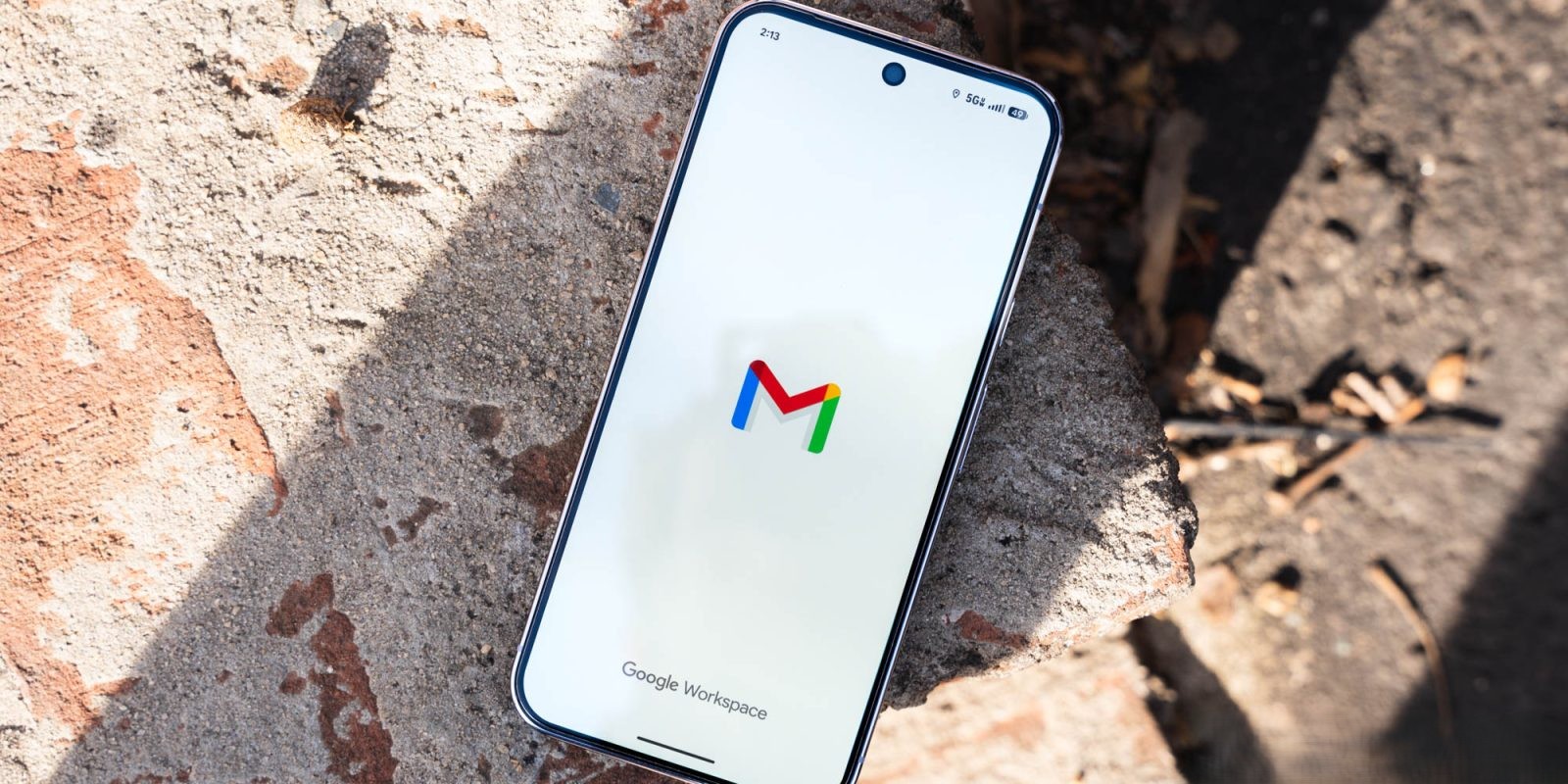
Google has enhanced the Gmail experience for Android users by introducing the ability to create new labels directly within the mobile app. This long-awaited feature brings the mobile version closer to the functionality previously exclusive to the web interface.
Accessing the New Label Creation Feature
To utilize this feature, users should open the Gmail app and access the navigation drawer by tapping the hamburger menu icon. Within this menu, a new option labeled Create label appears between Manage subscriptions and the list of existing labels. This addition is highlighted with a New tag, and a circular badge may also appear on the hamburger button to indicate the feature’s availability. Tapping on Create label prompts users to enter a desired name for the new label, streamlining the organization of emails directly from the mobile device.
Managing Labels on the Go
In addition to creating new labels, Gmail for Android now allows users to delete labels without needing to access the web interface. By navigating to Settings > [Gmail address] > Notifications > Manage labels, users can select a label and choose the Delete option, providing greater control over email organization while on the move.
Current Limitations and Future Prospects
While the introduction of label creation and deletion enhances the mobile Gmail experience, certain features remain absent. Notably, the ability to customize label colors is not yet available on Android. Additionally, the option to delete individual messages within a conversation thread is still missing, which may affect users who prefer granular control over their email threads.
Rollout and Availability
The rollout of the label creation feature is occurring on an account-by-account basis. Consequently, some users may find the feature available for one email address but not another on the same device. This update is associated with version 2026.01.26.x of the Gmail app for Android. It’s noteworthy that this functionality has been available on iOS for some time, and its introduction to Android signifies Google’s commitment to providing a consistent user experience across platforms.
Enhancing Email Management
The addition of label creation and management directly within the Gmail app for Android addresses a significant gap in the mobile email experience. Labels serve as a powerful tool for organizing emails, allowing users to categorize messages based on projects, priorities, or other personalized criteria. By enabling label creation on mobile devices, Google empowers users to maintain an organized inbox without relying on the desktop interface.
User Experience and Feedback
Early feedback from users indicates a positive reception to this update. Many have expressed appreciation for the added convenience and the reduction in the need to switch between devices for comprehensive email management. However, some users have noted the absence of color customization and the inability to delete individual messages within threads as areas for future improvement.
Looking Ahead
As Google continues to refine the Gmail app, users can anticipate further enhancements that bridge the functionality gap between mobile and web platforms. The introduction of label creation is a significant step in this direction, and future updates may address the remaining limitations, such as color customization and more granular message management within threads.
Conclusion
The ability to create and manage labels directly within the Gmail app for Android marks a substantial improvement in mobile email management. This update aligns with Google’s ongoing efforts to provide a seamless and efficient user experience across all devices. As the rollout continues, users are encouraged to explore this new feature and provide feedback to help shape future developments.