Gemini’s Seamless Integration into Android Desktop: Persistent Icon and Keyboard Shortcut Unveiled
In a significant development for Android’s desktop interface, Google’s Gemini assistant is set to become more accessible than ever. Recent insights from the latest Google app beta (version 17.5) reveal that users will soon have the convenience of launching Gemini directly from a persistent icon located in the top-right corner of their screens or by utilizing a dedicated keyboard shortcut.
Persistent Gemini Icon in the Status Bar
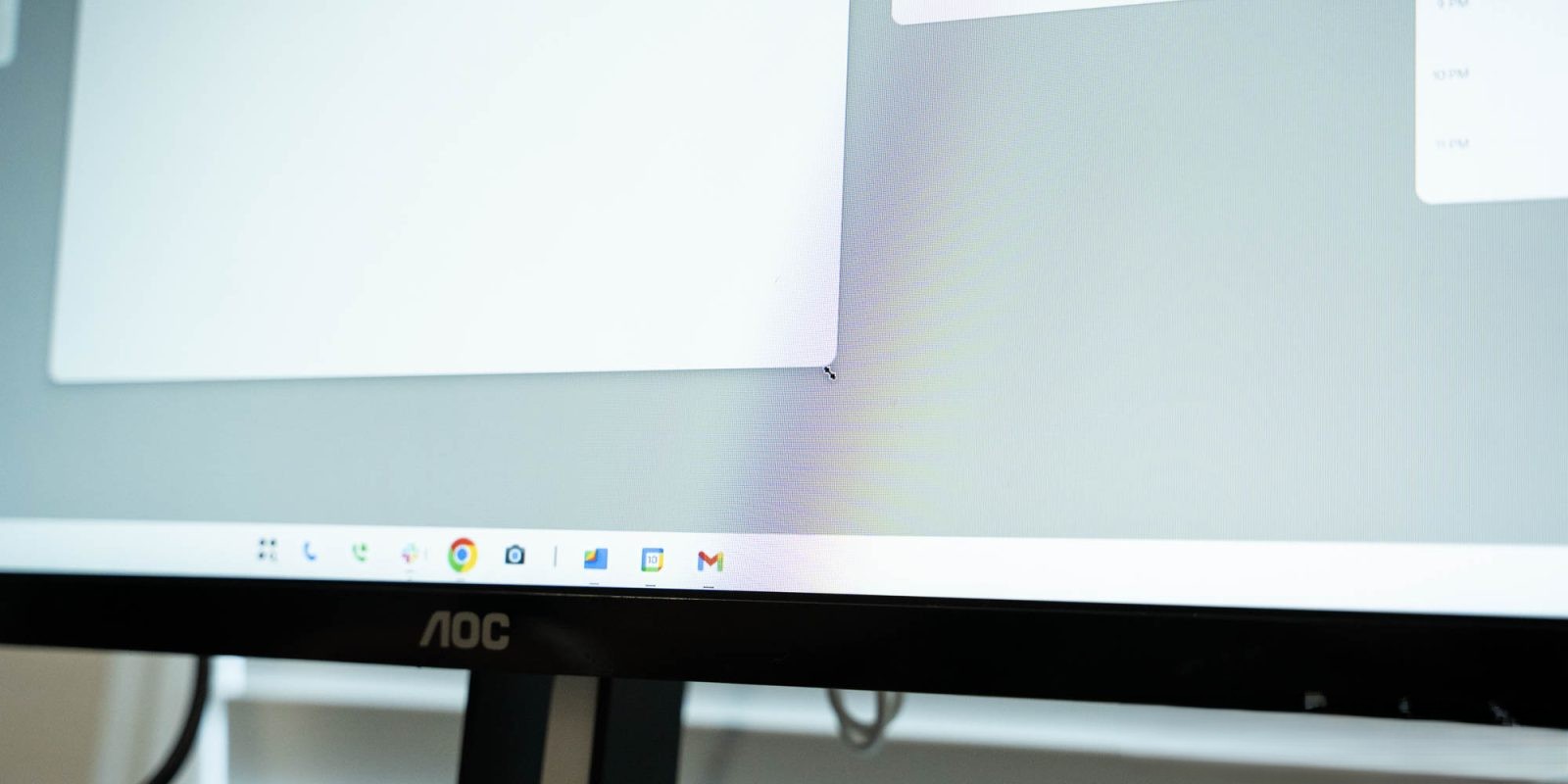
The forthcoming Android desktop interface will feature a Gemini icon prominently placed in the status bar. This icon, represented by the distinctive Gemini spark, will reside alongside essential system indicators such as Wi-Fi and battery status. This strategic placement ensures that Gemini remains within easy reach, allowing users to summon the assistant without disrupting their workflow. The design is reminiscent of the Gemini Live activation button currently available, suggesting a cohesive user experience across different platforms.
Keyboard Shortcut for Quick Access
In addition to the persistent icon, users will have the option to activate Gemini using a keyboard shortcut: pressing the ‘Google’ key in combination with the spacebar. This method offers a swift and efficient way to engage with the assistant, catering to users who prefer keyboard commands over mouse interactions. Notably, the latest Chromebook Plus laptops are already equipped with a dedicated ‘G’ icon key, indicating a unified approach across Google’s hardware ecosystem.
Enhanced User Experience with Gemini
The integration of Gemini into the Android desktop environment is poised to offer a more seamless and intuitive user experience. By providing multiple access points—both visual and tactile—Google aims to ensure that users can interact with Gemini in a manner that best suits their preferences. This development underscores Google’s commitment to enhancing productivity and accessibility within its operating systems.
Potential for Desktop-Native Experiences
While the introduction of the persistent icon and keyboard shortcut marks a significant step forward, it also opens the door to potential desktop-native experiences with Gemini. The integration suggests that Gemini could offer context-aware assistance tailored specifically for desktop tasks, such as document editing, web browsing, and file management. This evolution could transform how users interact with their devices, making Gemini an indispensable tool in the desktop environment.
Comparison to Existing Implementations
The approach to integrating Gemini into the Android desktop bears similarities to existing implementations in other operating systems. For instance, macOS features a Siri button in the menu bar, providing users with quick access to Apple’s virtual assistant. By adopting a comparable strategy, Google aligns itself with industry standards while also tailoring the experience to fit seamlessly within the Android ecosystem.
Looking Ahead
As Google continues to refine and expand Gemini’s capabilities, users can anticipate a more cohesive and responsive assistant experience across all their devices. The introduction of the persistent icon and keyboard shortcut is just the beginning, with future updates likely to bring even more functionality and integration. This development not only enhances user convenience but also sets the stage for more advanced interactions with Gemini in the desktop environment.