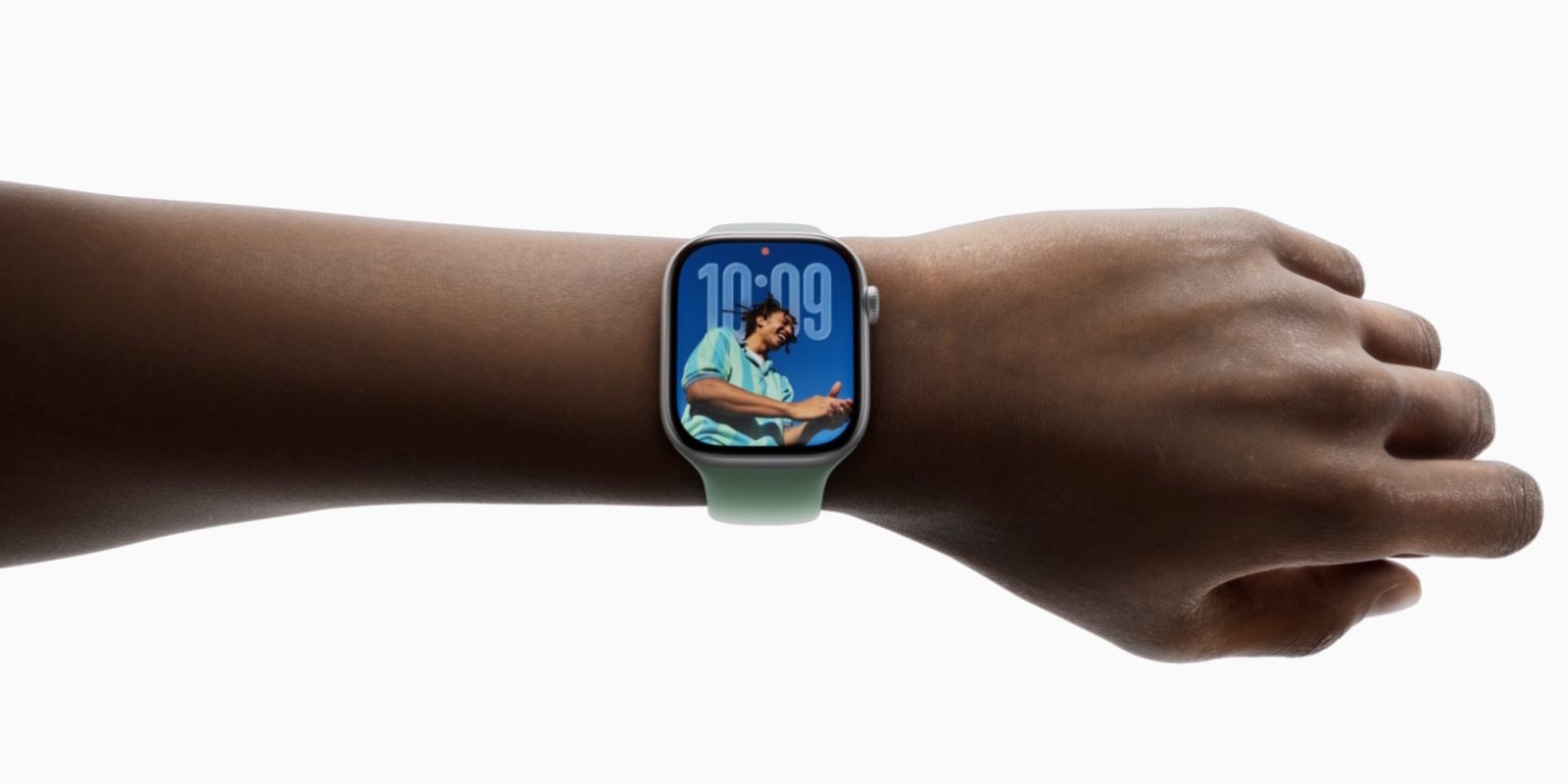
Mastering the Wrist Flick: Enhancing Your Apple Watch Experience with watchOS 26
Apple’s watchOS 26 introduces a suite of enhancements designed to elevate the Apple Watch’s functionality and user experience. Among these, the innovative wrist flick gesture stands out, offering users a seamless, hands-free method to interact with their device.
Understanding the Wrist Flick Gesture
The wrist flick gesture is a simple yet powerful feature that allows users to perform specific actions by quickly rotating their wrist away from their body and then back. This motion is detected by the Apple Watch’s sensors, enabling the device to execute predefined commands without the need for touch input.
Key Functions Enabled by Wrist Flick
With the wrist flick gesture, users can:
– Dismiss Notifications: When a notification appears, a swift flick of the wrist can clear it from the screen, allowing users to stay focused without manual intervention.
– Silence Incoming Calls: If a call comes in at an inconvenient time, performing the wrist flick will mute the ringtone, providing a discreet way to handle interruptions.
– Stop Timers and Alarms: Timers and alarms can be silenced effortlessly with the wrist flick, making it particularly useful when hands are occupied.
– Close Apps: Exiting applications is streamlined; a quick wrist flick returns the user to the watch face, enhancing navigation efficiency.
Integrating Wrist Flick into Daily Use
Adopting the wrist flick gesture can significantly improve the Apple Watch experience. For instance, during activities like cooking or exercising, where hands are often engaged, the ability to manage notifications or silence alarms without touch input is invaluable. Users have reported that with consistent use, the gesture becomes intuitive, seamlessly integrating into their daily routines.
Compatibility and Availability
The wrist flick feature is available on the following Apple Watch models:
– Apple Watch Ultra 3 and 2
– Apple Watch Series 11, 10, and 9
– Apple Watch SE 3
To utilize this feature, ensure your device is updated to watchOS 26.
Conclusion
The introduction of the wrist flick gesture in watchOS 26 exemplifies Apple’s commitment to enhancing user interaction through intuitive design. By enabling hands-free control over common functions, this feature not only adds convenience but also enriches the overall user experience. As users become more accustomed to this gesture, it is poised to become an integral part of the Apple Watch’s functionality.