Apple Ends Support for iOS 26.2: Downgrades Now Restricted
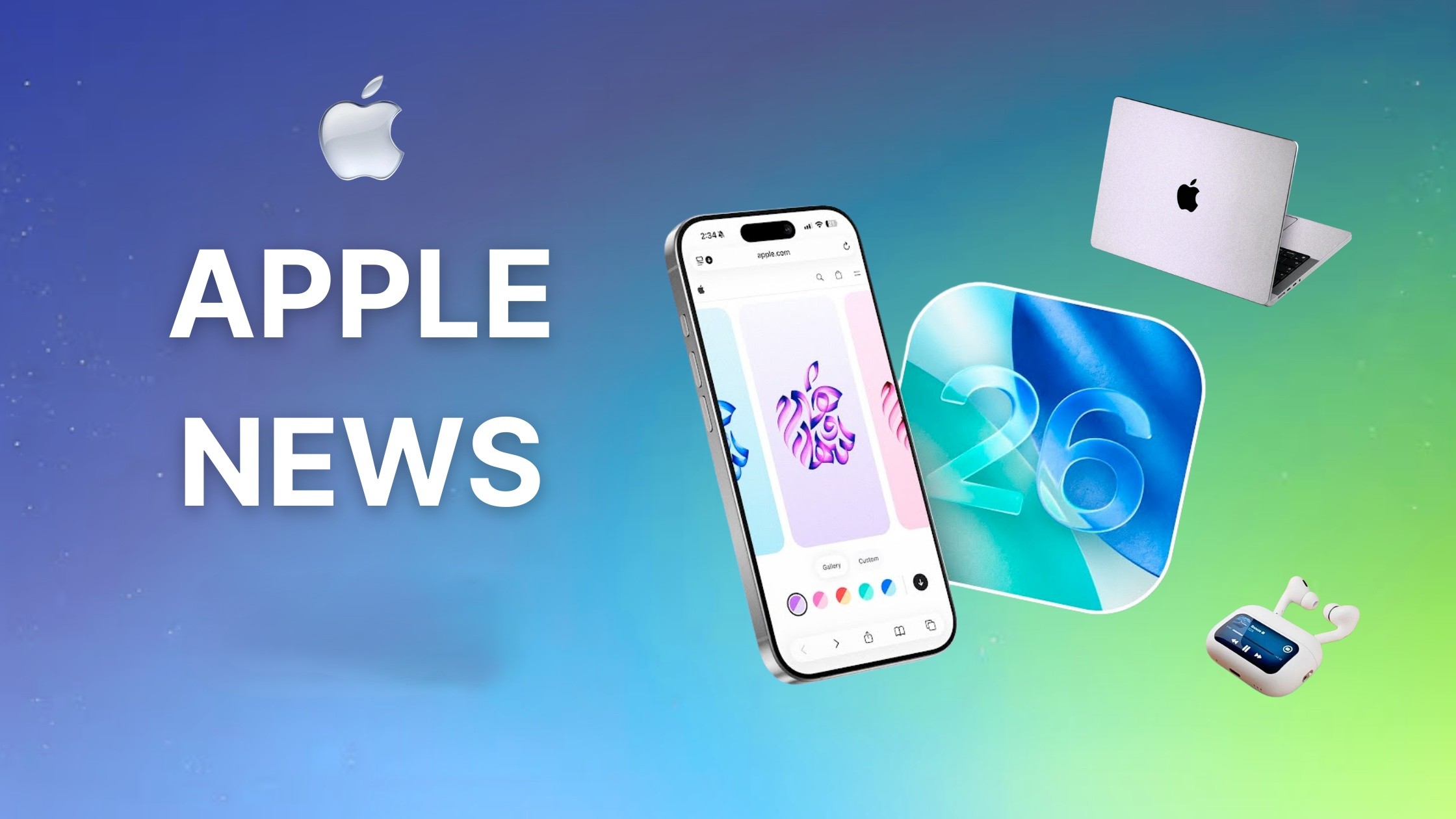
Apple has ceased signing iOS 26.2, effectively preventing users from downgrading to this version. This decision follows the recent release of iOS 26.2.1, which introduced support for the second-generation AirTag and addressed various bugs.
Understanding Apple’s Signing Process
Apple employs a signing mechanism to authenticate and approve iOS installations. When a version is no longer signed, attempts to install or restore that version are blocked, even if users have the installation file saved. This ensures that devices operate on the most recent and secure software available.
Implications for iOS Users
With the cessation of iOS 26.2 signing, users who have updated to iOS 26.2.1 can no longer revert to the previous version. This move underscores Apple’s commitment to maintaining device security and stability by encouraging users to adopt the latest software releases.
Additional Versions Affected
In addition to iOS 26.2, Apple has stopped signing several older versions for devices that cannot upgrade to iOS 26. These include:
– iOS 12.5.7
– iOS 15.8.5
– iOS 16.7.12
– iOS 18.7.3
Newer versions such as iOS 12.5.8, iOS 15.8.6, iOS 16.7.14, and iOS 18.7.4 have been released to replace these.
The Rationale Behind Blocking Downgrades
Apple’s strategy of discontinuing support for older iOS versions is rooted in enhancing device security and performance. Older versions may lack critical security patches and improvements found in newer releases. By limiting the ability to downgrade, Apple ensures that users benefit from the latest protections and features.
Historical Context
This practice is not new. For instance, in September 2025, Apple stopped signing iOS 18.6.2 following the release of iOS 26, preventing users from reverting to the older version. Similarly, in December 2016, Apple ceased signing iOS 10.1 and 10.1.1 after the release of iOS 10.2, blocking downgrades to those versions.
User Considerations
For users who prefer to remain on older iOS versions, it’s essential to be aware that once Apple stops signing a version, downgrading becomes impossible through official channels. Therefore, it’s advisable to carefully consider the decision to update, especially if you have specific preferences or requirements tied to a particular iOS version.
Conclusion
Apple’s decision to stop signing iOS 26.2 aligns with its ongoing efforts to promote the adoption of the latest software versions, thereby enhancing device security and user experience. Users are encouraged to stay informed about these changes to make well-informed decisions regarding their device updates.