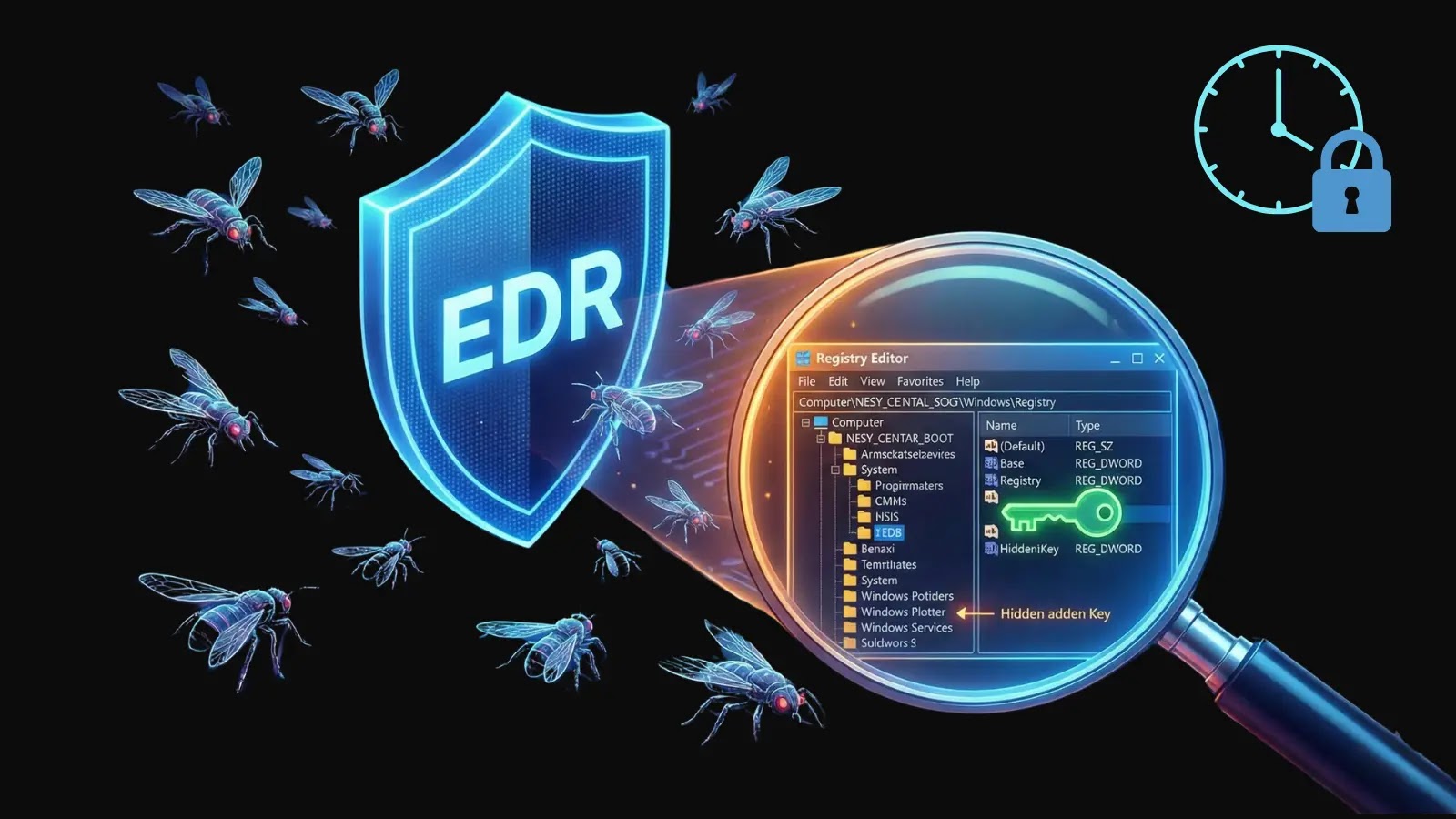
Swarmer: The New Tool That Evades EDR by Stealthily Modifying Windows Registry for Persistence
In the ever-evolving landscape of cybersecurity, attackers continually develop sophisticated methods to bypass detection mechanisms. A recent development in this arena is the release of Swarmer, a tool by Praetorian Inc., designed to enable low-privilege attackers to achieve stealthy persistence on Windows systems by circumventing Endpoint Detection and Response (EDR) monitoring.
Understanding Swarmer’s Mechanism
Traditional methods of achieving persistence on Windows systems often involve modifying registry keys, such as `HKCU\SOFTWARE\Microsoft\Windows\CurrentVersion\Run`. However, these modifications are easily detected by EDR tools, which monitor API calls like `RegSetValue` to log and flag such changes. Swarmer introduces a novel approach by leveraging mandatory user profiles and the Offline Registry API to modify the NTUSER hive without triggering standard registry hooks.
Exploiting Mandatory User Profiles
Mandatory user profiles are a legacy Windows feature used to enforce consistent user environments across enterprise systems. In these profiles, the `NTUSER.MAN` file overrides the standard `NTUSER.DAT` hive located in `%USERPROFILE%` during user login. Notably, low-privilege users can create an `NTUSER.MAN` file by copying and renaming their existing `NTUSER.DAT` file.
While editing a loaded hive typically requires standard APIs that alert EDR systems, Swarmer circumvents this by utilizing `Offreg.dll`, Microsoft’s Offline Registry Library. This library is intended for offline hive manipulation during system setup or forensic analysis. Despite Microsoft’s warnings against bypassing registry security with `Offreg`, Swarmer employs functions like `ORCreateHive`, `OROpenHive`, `ORCreateKey`, `ORSetValue`, and `ORSaveHive` to construct and modify hives without invoking `Reg` API calls. This approach effectively evades monitoring tools such as Process Monitor, Event Tracing for Windows (ETW), and most EDR behavioral analytics.
Implementing Swarmer: A Step-by-Step Guide
Swarmer’s workflow is designed for efficiency and stealth. The implementation process involves the following steps:
1. Export the Current User Hive: Utilize the `reg export` command or TrustedSec’s `reg_query` Beacon Object File (BOF) to export the `HKCU` hive. This method avoids creating disk artifacts that could be detected.
2. Modify the Exported Registry File: Edit the exported registry file to include desired changes, such as adding entries to the Run key for persistence.
3. Run Swarmer to Create `NTUSER.MAN`: Execute Swarmer with the modified registry file to generate the `NTUSER.MAN` file. This can be done using the command:
“`
swarmer.exe exported.reg NTUSER.MAN
“`
Alternatively, to specify startup parameters directly:
“`
swarmer.exe –startup-key Updater –startup-value C:\Path\To\payload.exe exported.reg NTUSER.MAN
“`
4. Deploy `NTUSER.MAN` to the User Profile: Place the generated `NTUSER.MAN` file into the `%USERPROFILE%` directory.
For command and control (C2) implants, Swarmer can parse BOF output directly:
“`
swarmer.exe –bof –startup-key Updater –startup-value C:\Path\To\payload.exe bof_output.txt NTUSER.MAN
“`
Swarmer is built in C# to facilitate P/Invoke operations and offline use. It functions as both an executable and a PowerShell module:
“`
Import-Module ‘.\swarmer.dll’
Convert-RegToHive -InputPath ‘.\exported.reg’ -OutputPath ‘.\NTUSER.MAN’
“`
A workaround addresses the issue of `ORCreateHive` producing invalid hive outputs. By using `RegLoadAppKeyW` to create a base hive (without requiring administrative privileges) and then populating it with `Offreg`, this problem is mitigated.
Key Features of Swarmer
– Platform Compatibility: Windows 10 and 11.
– Privilege Requirements: Operates with low (user-level) privileges.
– Evasion Techniques: Avoids using `Reg` APIs; offers optional no-disk BOF execution.
– Payload Types: Supports Run keys and custom registry modifications.
Limitations and Detection Strategies
While Swarmer presents a sophisticated method for achieving persistence, it has certain limitations:
– One-Time Use: Once deployed, updates require administrative privileges. Additionally, the profile becomes mandatory, resetting user changes upon each login.
– Activation Requires Login: The persistence mechanism activates only upon user logout and subsequent login, though it does survive system reboots.
– Scope of Access: Swarmer operates within the `HKCU` hive and does not access `HKLM`.
– Potential for Login Issues: Improper implementation may lead to login corruption; thorough testing is recommended before deployment.
Detection of Swarmer’s activities can be achieved by monitoring for the creation of `NTUSER.MAN` files outside of enterprise tools, observing the loading of `Offreg.dll` in non-standard processes, or identifying anomalies in user profiles. While payload execution at login remains visible, obfuscation techniques can be employed to conceal it.
Defensive Measures
To counteract the stealthy persistence enabled by Swarmer, defenders should:
– Monitor User Profile Directories: Regularly check for the presence of `NTUSER.MAN` files in user profile directories.
– Establish Baselines for `Offreg` Usage: Understand normal usage patterns of `Offreg.dll` to detect anomalies.
– Assess Profile Integrity at Login: Implement checks to ensure the integrity of user profiles during the login process.
The emergence of tools like Swarmer underscores the need for continuous vigilance and adaptation in cybersecurity practices. By understanding and monitoring these advanced persistence techniques, security teams can better protect systems against sophisticated threats.