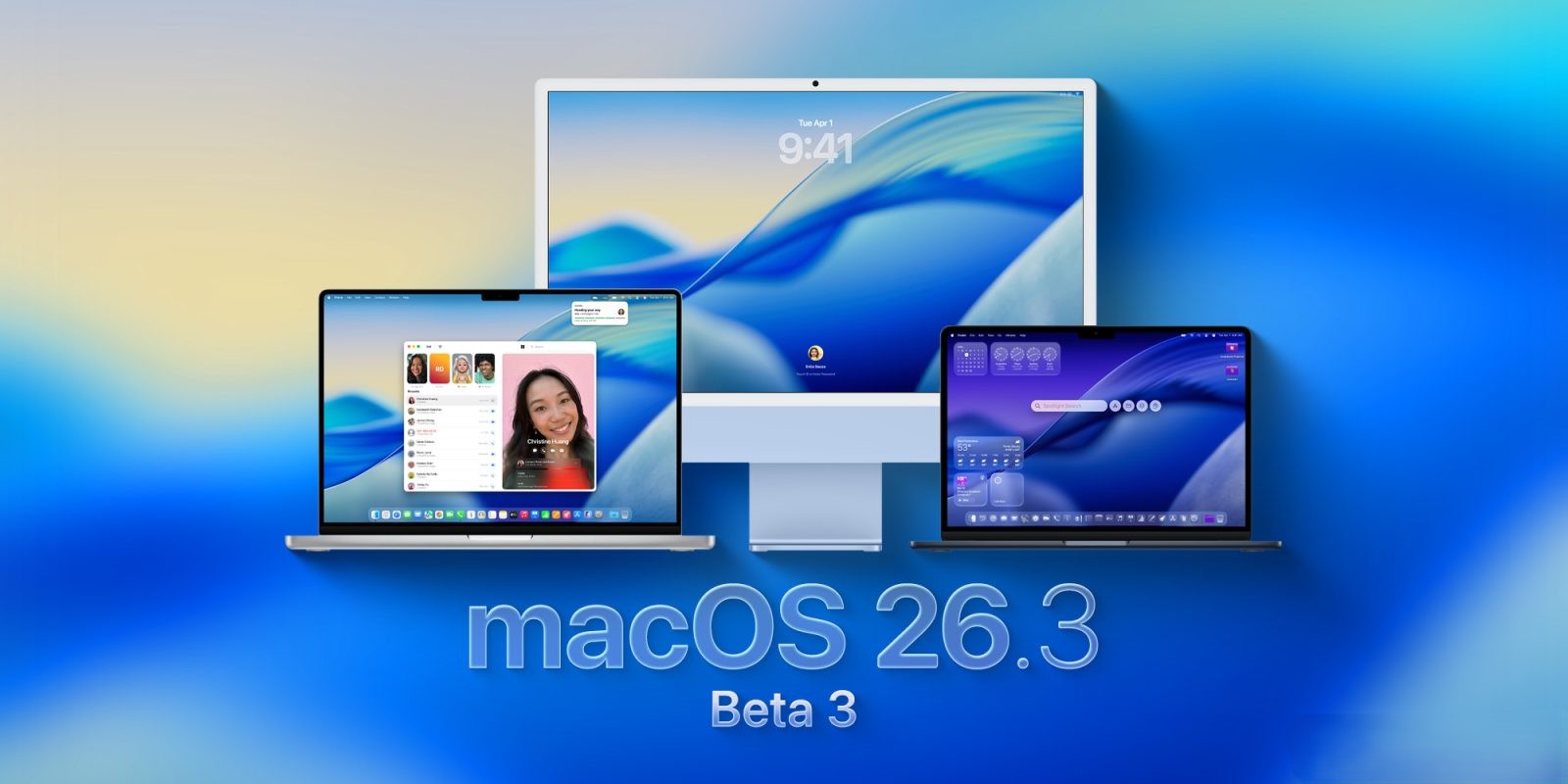
Apple Releases macOS Tahoe 26.3 Beta 3 to Developers: What’s New?
Apple has rolled out the third beta of macOS Tahoe 26.3 to developers, following the recent release of iOS 26.2.1 for iPhone. This latest beta, identified by build number 25D5112c, primarily focuses on enhancing system stability and performance through bug fixes and optimizations.
Key Highlights:
– Focus on Stability: Unlike its iOS counterpart, which introduced features like EU-mandated third-party notification forwarding, macOS 26.3 beta 3 emphasizes under-the-hood improvements without introducing significant new user-facing features.
– Installation Guide: Developers interested in testing this beta can follow these steps:
1. Backup Your Mac: Ensure all important data is securely backed up.
2. Access System Settings: Open the System Settings application.
3. Navigate to Software Update: Go to General > Software Update.
4. Select Beta Updates: Click the ‘i’ icon next to Beta Updates.
5. Choose Developer Beta: From the dropdown menu, select ‘macOS Developer Tahoe Beta.’
6. Confirm Selection: Click ‘Done’ to finalize the process.
Contextual Background:
macOS Tahoe 26.3 follows a series of updates aimed at refining the user experience:
– macOS 26.2 Enhancements: The previous update introduced the Edge Light feature, providing a virtual ring light effect during video calls, and improved support for Thunderbolt 5 interconnects, enhancing performance for users operating multiple Macs in a cluster.
– Addressing Previous Issues: Earlier versions, such as macOS 26.2, addressed performance issues related to Electron-based applications, ensuring smoother operation across various apps.
Looking Ahead:
While macOS 26.3 beta 3 focuses on stability, developers and users can anticipate more substantial features in future releases. Apple’s commitment to refining macOS ensures that both performance enhancements and new functionalities are on the horizon.