Microsoft Unveils WinApp CLI: A Game-Changer for Windows App Development
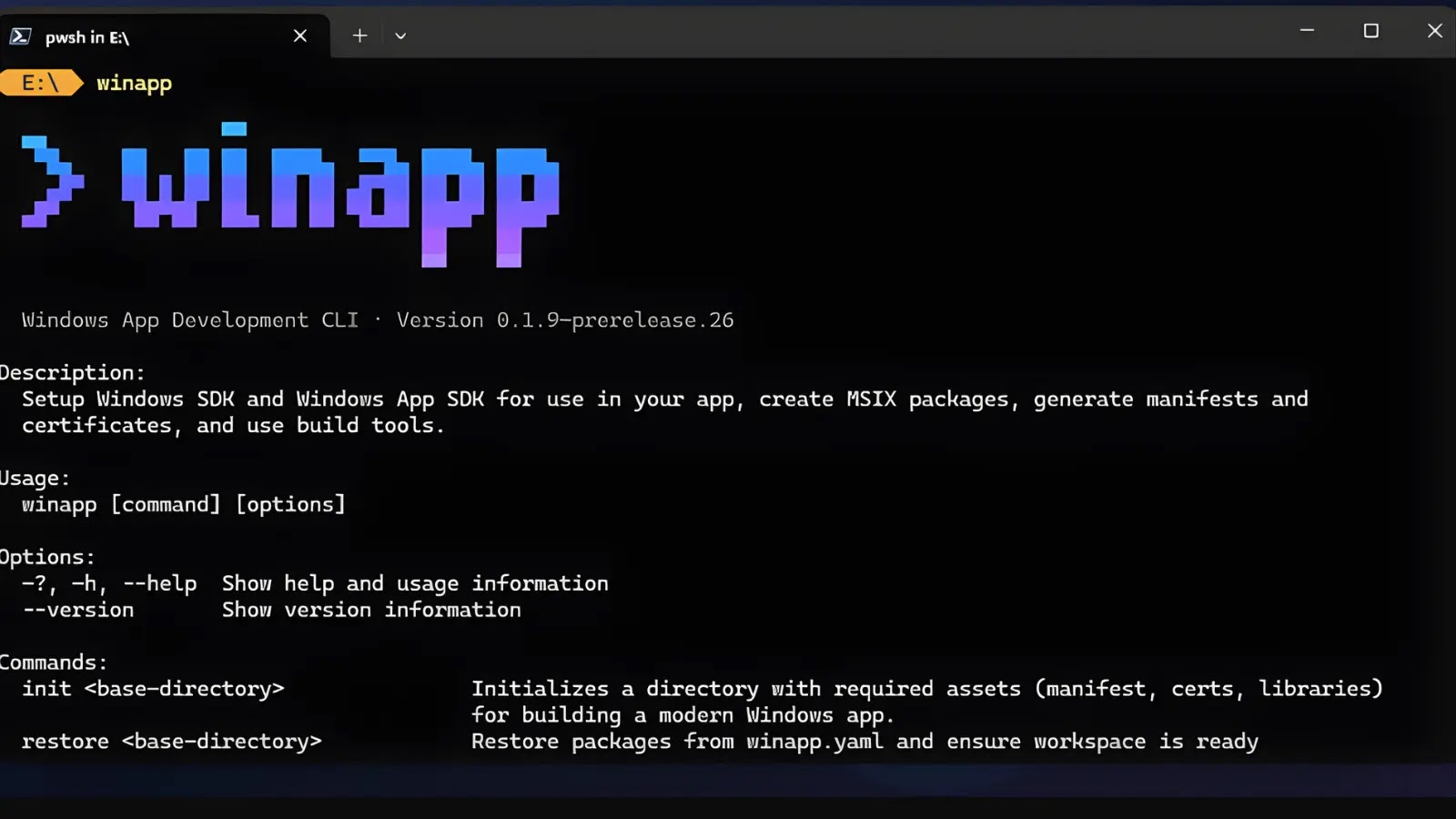
Microsoft has introduced WinApp CLI (winapp), an open-source command-line interface designed to streamline Windows application development. This tool aims to simplify the development process for developers working with various frameworks outside of Visual Studio or MSBuild.
Addressing Development Challenges
Traditionally, Windows app development involves managing multiple SDKs, editing manifests, generating certificates, and handling complex packaging processes. These tasks can be time-consuming and prone to errors, diverting developers’ focus from core application logic. WinApp CLI consolidates these tasks into a single interface, allowing developers to concentrate on building robust applications without the overhead of intricate setup procedures.
Key Features of WinApp CLI
1. Unified Environment Setup: The `winapp init` command automates the setup process by downloading necessary SDKs, generating C++/WinRT projections, creating manifests, assets, and certificates, and managing dependencies. This automation replaces manual steps, reducing the likelihood of errors and inconsistencies.
2. Consistent Development Environments: For team projects or continuous integration/continuous deployment (CI/CD) pipelines, the `winapp restore` command ensures that development environments are consistent across different machines. This feature can be integrated into GitHub or Azure DevOps actions for automated setups, enhancing collaboration and efficiency.
3. Simplified Debugging with Package Identity: Modern Windows APIs often require package identity for security and AI features. Traditionally, testing these features necessitates full packaging, which can be cumbersome. WinApp CLI introduces the `winapp create-debug-identity my-app.exe` command, allowing developers to add package identity to executables without full packaging. This innovation accelerates the debugging process, enabling developers to test and refine their applications more efficiently.
4. Automated Manifest and Certificate Management: Managing app manifests and certificates can be complex. WinApp CLI automates these processes with commands like `winapp manifest update-assets C:\images\my-logo.png`, which updates manifest images to the correct ratios, and `winapp cert generate`, which creates and installs self-signed development certificates for sideloading. These features simplify the management of essential app components, reducing the potential for errors.
5. Efficient Packaging for Distribution: When preparing applications for distribution, the `winapp pack ./my-app-files –cert ./devcert.pfx` command generates MSIX files suitable for store submission or sideloading. This functionality streamlines the packaging process, ensuring that applications meet distribution requirements with minimal effort.
Support for Diverse Development Frameworks
WinApp CLI caters to developers using various frameworks:
– Electron Developers: An npm package is available for scaffolding C++/C# addons with access to the Windows App SDK. The `winapp node add-electron-debug-identity` command injects package identity into the npm start process, facilitating the use of AI APIs like Phi Silica without additional configuration.
– .NET, C++, and Rust Developers: Quick-start guides and integration samples are provided for these languages, enabling developers to incorporate WinApp CLI into their existing workflows seamlessly.
Installation and Community Engagement
Developers can install WinApp CLI via `winget install microsoft.winappcli` or `npm install –save-dev @microsoft/winappcli`. Microsoft encourages feedback through GitHub to refine and enhance the tool based on real-world usage.
Implications for the Development Community
The introduction of WinApp CLI signifies Microsoft’s commitment to simplifying Windows app development. By automating routine tasks and providing a unified interface, the tool empowers developers to focus on creating high-quality applications. This approach is particularly beneficial for security-conscious applications that leverage package identity, as it ensures that security features are integrated seamlessly into the development process.
Conclusion
WinApp CLI represents a significant advancement in Windows application development, offering a streamlined, efficient, and user-friendly approach. By addressing common development challenges and supporting a wide range of frameworks, it stands to become an invaluable resource for developers aiming to build modern, secure, and feature-rich Windows applications.