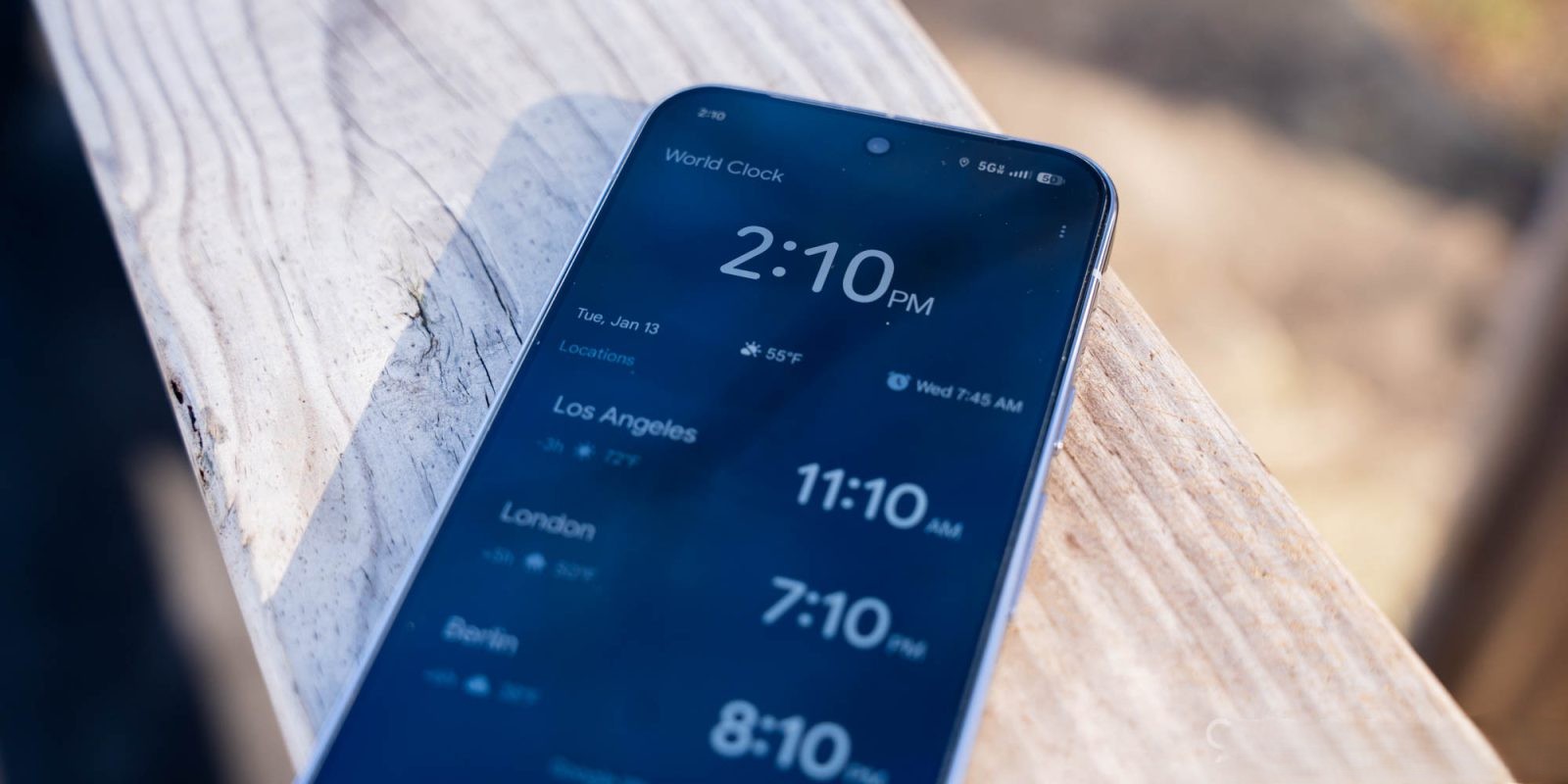
Google has introduced a significant update to its Clock app with the release of version 8.5, bringing a new swipe to dismiss feature for alarms on Android devices. This enhancement aims to provide users with a more intuitive and customizable alarm management experience.
Introduction of Swipe to Dismiss
In the latest update, users are greeted with a prompt highlighting the new functionality: You can swipe or tap to dismiss your alarm. This addition introduces a Dismiss alarm with a option within the app’s settings, allowing users to choose between the traditional tap method and the newly introduced swipe gesture.
How the Swipe Gesture Works
When the swipe option is enabled, the alarm interface displays Snooze on the left and Stop on the right. Users can dismiss the alarm by swiping in the corresponding direction. This design is complemented by guide animations within the container, enhancing the user experience. The swipe gesture adds a slight increase in interaction, which can be particularly beneficial for users who prefer a more deliberate action to dismiss alarms, especially upon waking.
Alignment with Material 3 Expressive Design
This update aligns with Google’s broader adoption of the Material 3 Expressive design language. Previously, the Phone app received a similar Incoming call gesture feature, allowing users to manage calls with intuitive swipes. The integration of swipe gestures across Google’s suite of applications underscores the company’s commitment to enhancing user interactions through consistent and thoughtful design updates.
Availability and Activation
The swipe to dismiss feature is being rolled out through a server-side update following the installation of version 8.5 of the Google Clock app. To activate this feature, users can force stop the Google Clock app via the App info menu and then relaunch it to receive the Customize prompt. Alternatively, users can navigate directly to the app’s settings to enable the swipe gesture.
Additional Enhancements in Version 8.5
Beyond the swipe functionality, version 8.5 introduces a revamped slider component adhering to the Material 3 Expressive design principles. The updated slider features a thicker, pill-shaped track and a more substantial handle compared to the previous circular design. As users adjust the slider, a value between 1.00 and 7.00 is displayed, providing clear feedback on the selection.
Historical Context and Evolution
The introduction of the swipe gesture is part of a series of updates aimed at refining the Google Clock app’s user interface and functionality. In August 2025, the app underwent a Material 3 Expressive redesign, which included a shorter bottom bar, updated icons, and a more intuitive alarm management interface. Subsequent updates have continued to build upon this foundation, introducing features like the Timer Starter widget for Pixel devices and the exclusive availability of the Clock app for the Pixel Watch.
User Experience and Feedback
The addition of the swipe gesture reflects Google’s responsiveness to user feedback and its dedication to enhancing the usability of its applications. By offering multiple methods to dismiss alarms, the app caters to diverse user preferences, allowing for a more personalized experience. The incorporation of visual cues and animations further aids in making the interaction seamless and intuitive.
Conclusion
The rollout of the swipe to dismiss feature in Google Clock version 8.5 marks a significant step in improving alarm management on Android devices. This update, in line with the Material 3 Expressive design language, not only enhances the app’s aesthetic appeal but also its functionality. As Google continues to refine its applications, users can anticipate further innovations aimed at providing a more intuitive and user-friendly experience.