Apple Enhances iPad Experience with Magic Keyboard Firmware Updates
Apple has recently rolled out firmware updates for its Magic Keyboard models designed for the iPad Pro and iPad Air, aiming to improve device performance and user experience. These updates are automatically installed in the background, ensuring users benefit from the latest enhancements without manual intervention.
Firmware Version Details
The updates apply to the following models:
– Magic Keyboard for iPad Pro (M4 and M5 models): Firmware version updated to 0750.0220.0304, up from 0680.0220.0301.
– Magic Keyboard for iPad Air (M3 model): Firmware version advanced to 0400.0140.0303, previously 0350.0135.0303.
These updates encompass all size variants, including the 11-inch and 13-inch models.
Background on Magic Keyboard Design
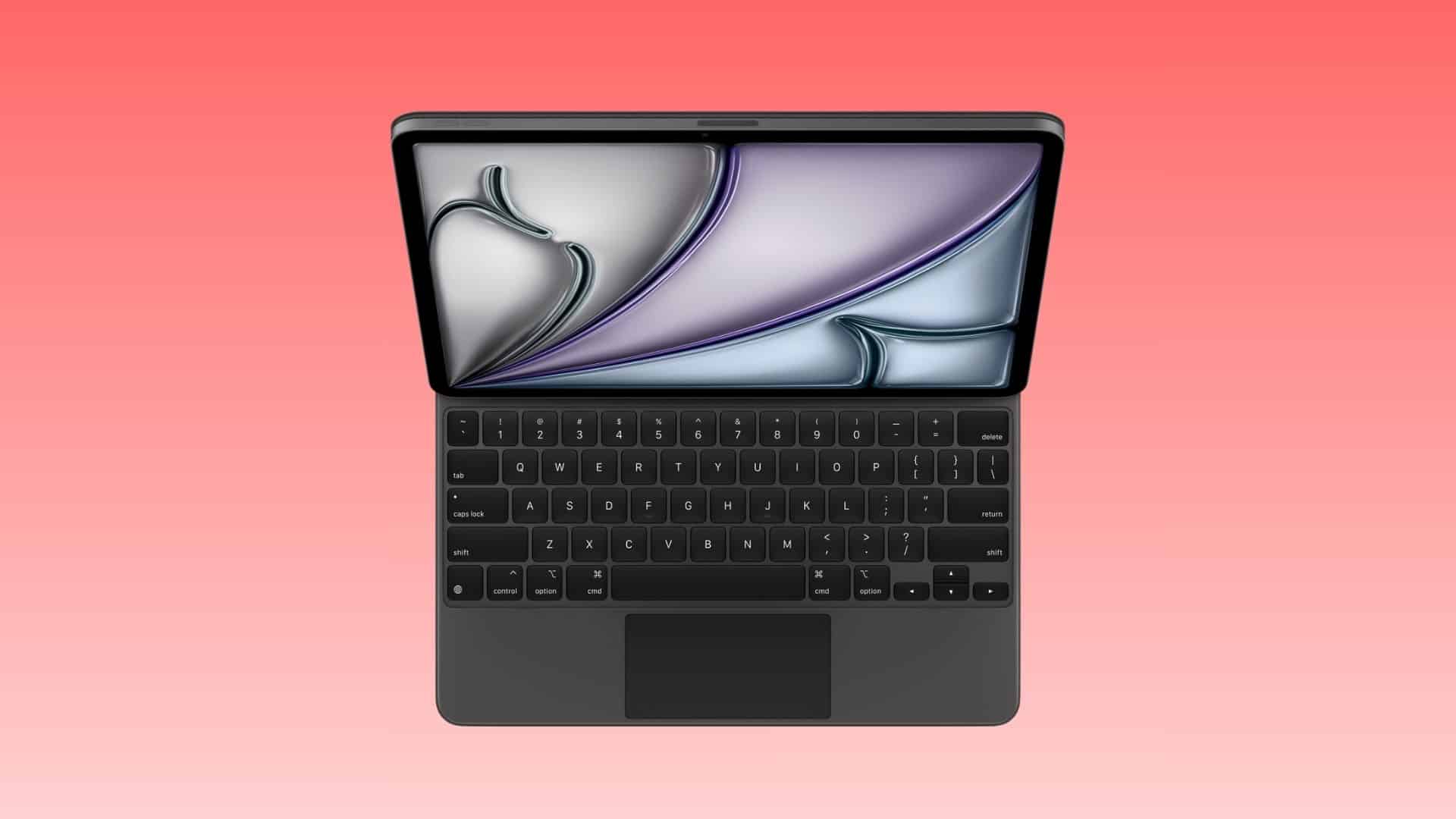
In May 2024, Apple introduced a redesigned Magic Keyboard alongside the M4 iPad Pro. This iteration retained the floating cantilever design and incorporated a row of function keys and a larger glass trackpad, enhancing both functionality and aesthetics. Since this significant redesign, firmware updates have been infrequent, indicating that the current release focuses on refining stability, security, and overall performance rather than introducing new features.
Firmware Versions Included
The specific firmware versions included in this update are:
– Magic Keyboard for iPad Air 11-inch (M3): 1024.320.771
– Magic Keyboard for iPad Air 13-inch (M3): 1024.320.771
– Magic Keyboard for iPad Pro 11-inch (M4): 1872.544.772
– Magic Keyboard for iPad Pro 13-inch (M4): 1872.544.772
Automatic Update Process
Apple’s firmware updates are designed to be seamless. As stated by the company, Firmware updates are automatically delivered in the background while the Magic Keyboard is actively paired to a device running macOS, iOS, iPadOS, or tvOS. This means users do not need to take any action to receive the update; it installs automatically when the keyboard is connected to a compatible device.
Checking Your Firmware Version
To verify the firmware version of your Magic Keyboard:
1. Open the Settings app on your iPad.
2. Navigate to General.
3. Tap on About.
4. Select Magic Keyboard.
Here, you will find the current firmware version installed on your device.
Implications of the Update
While Apple has not provided detailed release notes for these firmware updates, the focus appears to be on enhancing the overall stability and security of the Magic Keyboard. Users can expect a more reliable typing and navigation experience, with potential improvements in responsiveness and compatibility with the latest iPadOS features.
Conclusion
Apple’s commitment to refining its hardware through firmware updates underscores its dedication to providing users with a seamless and efficient experience. By ensuring that accessories like the Magic Keyboard receive regular updates, Apple enhances the longevity and functionality of its products, aligning with the evolving needs of its user base.