Beware: Free Converter Apps May Infect Your System in Seconds
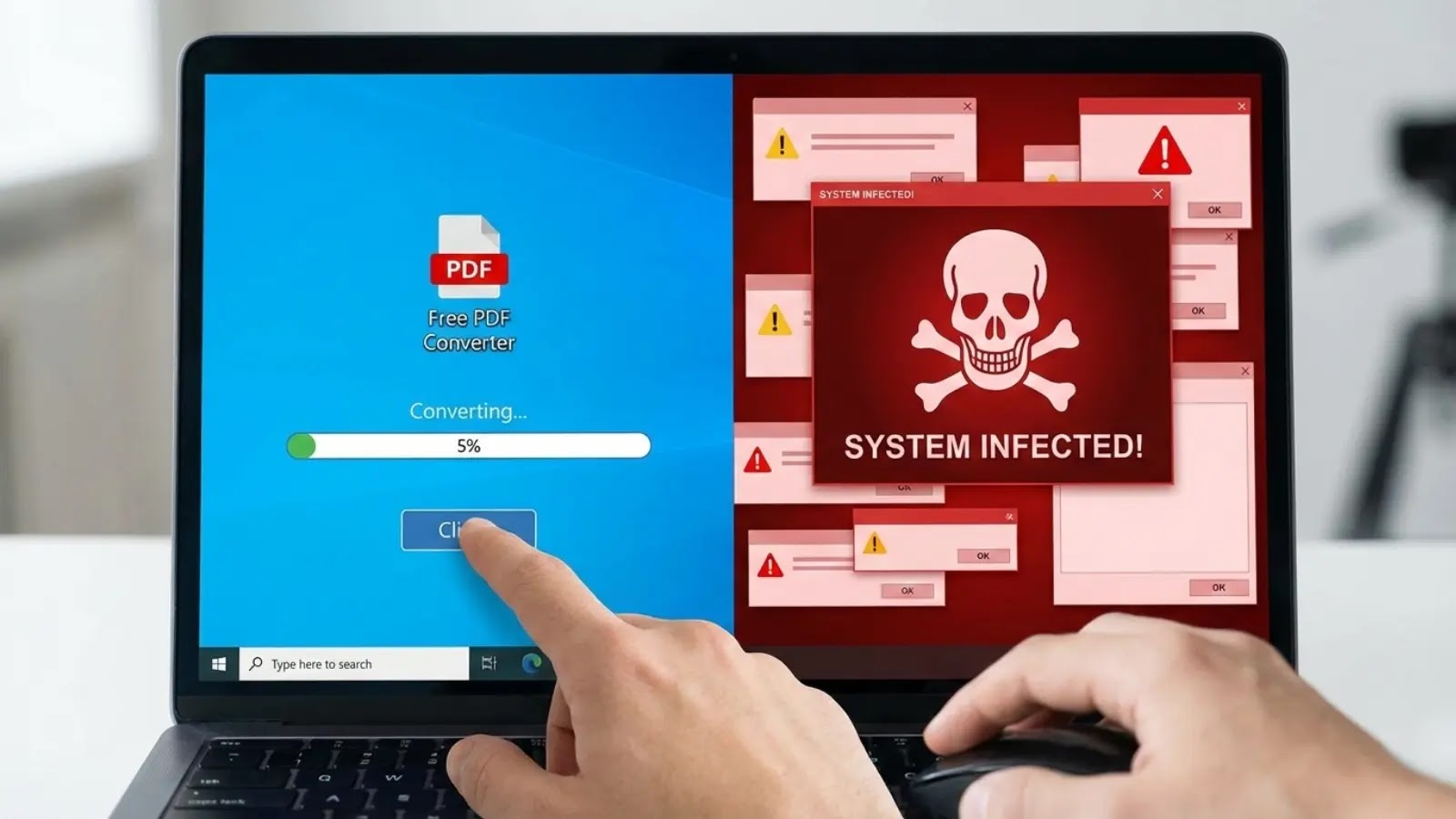
In the digital age, the convenience of free file converter applications is undeniable. However, recent findings reveal that some of these tools are Trojan horses, delivering malicious software that compromises system security.
The Deceptive Lure of Free Converter Apps
Cybersecurity experts have identified a surge in malicious file converter applications that, while performing their advertised functions, clandestinely install remote access trojans (RATs) on users’ systems. These RATs grant cybercriminals persistent access to compromised computers, enabling data theft, surveillance, and further malware deployment.
The Infection Chain: A Closer Look
The infection process typically begins with deceptive Google advertisements placed on legitimate websites, including those offering video game downloads, adult content, and productivity tools. When users search for file conversion tools like Word to PDF converter or image converters, these ads appear prominently in search results, lending them an air of credibility. Clicking on these ads redirects users through multiple domains before landing on counterfeit converter websites that deliver the trojanized software.
Recognizing Malicious Websites
These malicious payload delivery websites share distinctive characteristics that make them identifiable upon closer inspection. Domains such as ez2convertapp[.]com, convertyfileapp[.]com, powerdocapp[.]com, and pdfskillsapp[.]com feature prominent download buttons and similar page structures, including FAQs, feature descriptions, and privacy policies. Many of these domains don’t host the dropper files directly but instead redirect users to additional domains that provide the actual malicious downloads.
False Legitimacy Through Code Signing
To evade detection and appear trustworthy, attackers sign their malware with code signing certificates from publishers like BLUE TAKIN LTD, TAU CENTAURI LTD, and SPARROW TIDE LTD. While many certificates have been revoked after discovery, new campaigns continuously emerge with fresh, valid certificates that bypass basic security checks. This tactic allows the malware to masquerade as legitimate software to both end users and security tools performing signature verification.
The Technical Breakdown: How the Malware Operates
Once downloaded, these converter applications, often written in C#, drop additional payloads into the %LocalAppData% directory and create scheduled tasks that execute updater binaries every 24 hours. The scheduled tasks typically start one day after the initial infection, and this +1 day offset serves as a useful forensic indicator for pinpointing the initial access timestamp. A system-specific UUID stored in an id.txt file identifies each victim during command-and-control (C2) communications.
The final-stage payload functions as a generic execution engine that contacts attacker-controlled C2 servers to retrieve and execute malicious .NET assemblies. These RATs provide attackers with capabilities including data theft, keylogging, screen capture, file system access, and the ability to download additional malware.
Detection and Prevention Strategies
Organizations can detect these infections by monitoring Windows Event ID 4698 (scheduled task created) in Security.evtx logs, which requires enabling object access auditing. Suspicious scheduled tasks executing from %LocalAppData% directories serve as excellent detection anchors, especially when combined with Sysmon Event ID 13 registry monitoring and Task Scheduler Operational events.
Additional defenses include implementing application control policies, such as AppLocker, to block execution from user-writable locations, and creating deny rules for identified malicious code-signing certificates.
A Broader Perspective: Similar Threats in the Cyber Landscape
The issue of malicious applications masquerading as legitimate tools is not isolated to file converters. For instance, the FBI has previously warned about file converter tools being used to deploy ransomware. In these cases, deceptive conversion services mask malicious code, leading to extensive data theft capabilities. Similarly, malicious QR code reader apps have been found delivering Anatsa banking malware, underscoring the persistent threat posed by malicious apps in official app stores.
Conclusion: Vigilance is Key
The proliferation of malicious file converter applications serves as a stark reminder of the importance of vigilance in the digital realm. Users are advised to download software only from trusted websites affiliated with reputable companies, keep antivirus software updated, and use built-in conversion tools in existing applications when possible. By staying informed and cautious, individuals and organizations can better protect themselves against these insidious threats.