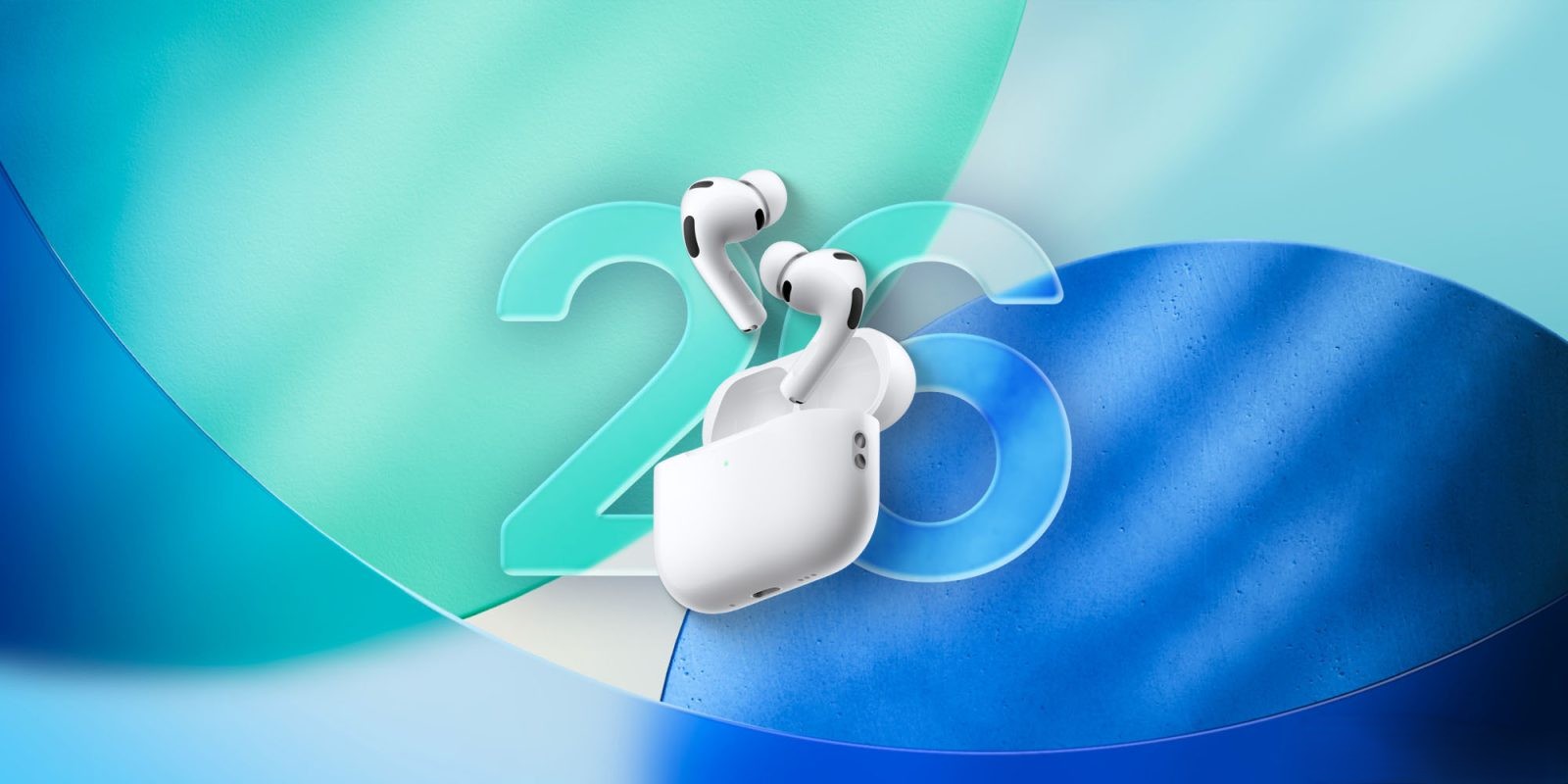
Apple Releases New Firmware Update for AirPods Pro 3
Apple has rolled out a new firmware update for AirPods Pro 3 users, identified as build number 8B34. This update follows the previous 8B30 release issued shortly before the holidays. While Apple has not provided detailed release notes, the update is expected to include bug fixes and performance enhancements.
Understanding AirPods Firmware Updates
Firmware updates for AirPods are designed to improve functionality, address bugs, and occasionally introduce new features. Unlike iOS updates, AirPods firmware updates occur automatically under specific conditions and cannot be manually initiated by users.
Steps to Ensure Your AirPods Pro 3 Are Updated
To facilitate the automatic update of your AirPods Pro 3 to the latest firmware, follow these steps:
1. Update Your Device: Ensure your iPhone, iPad, or Mac is running the latest version of iOS, iPadOS, or macOS, and that Bluetooth is enabled.
2. Connect AirPods: Pair your AirPods Pro 3 with your device via Bluetooth.
3. Wi-Fi Connection: Connect your device to a Wi-Fi network.
4. Charge the Case: Plug your AirPods charging case into a power source.
5. Place AirPods in Case: Insert your AirPods into the charging case and close the lid. Keep the case within Bluetooth range of your device.
6. Wait: Allow at least 30 minutes for the firmware to update.
7. Reconnect: Open the lid of the charging case to reconnect your AirPods to your device.
8. Verify Firmware Version: Check the firmware version to confirm the update.
Checking Your AirPods Firmware Version
To verify the firmware version of your AirPods Pro 3:
– On iPhone or iPad:
– Open the Settings app.
– Navigate to Bluetooth.
– Locate your AirPods in the list of devices and tap the i icon next to them.
– Scroll down to view the Firmware Version.
– On Mac:
– Click the Apple menu and select System Preferences.
– Click Bluetooth.
– Find your AirPods in the device list and click the Options button.
– The firmware version will be displayed.
The Challenge of Manual Updates
Currently, Apple does not offer a method for users to manually initiate AirPods firmware updates. This automatic process can be inconvenient for users who prefer immediate updates or lack an Apple device. In such cases, Apple suggests setting up an appointment at an Apple Store or with an Apple Authorized Service Provider to update the firmware.
Historical Context of AirPods Firmware Updates
Apple has a history of releasing firmware updates for AirPods to enhance performance and introduce new features. For instance, in September 2025, Apple released firmware build 8A357 for AirPods Pro 3, addressing minor bugs and preparing the devices for upcoming iOS features. Similarly, in November 2025, firmware build 8B25 was released, likely to support the expansion of Live Translation into new languages with iOS 26.2.
Looking Ahead
As Apple continues to develop and refine its products, users can anticipate further firmware updates that will enhance the functionality and user experience of AirPods Pro 3. Staying informed about these updates and understanding the update process ensures that users can fully benefit from the latest improvements.