Exploring the Enhanced Photos App in iOS 26 and macOS 26: A Comprehensive Guide
Apple’s Photos app has long been the cornerstone for managing and editing images and videos across its devices. With the release of iOS 26 and macOS 26, the app has undergone significant refinements, introducing a suite of features designed to enhance user experience and streamline photo management. This guide delves into the latest updates, offering insights into how these enhancements can elevate your photo and video management.
Redesigned User Interface
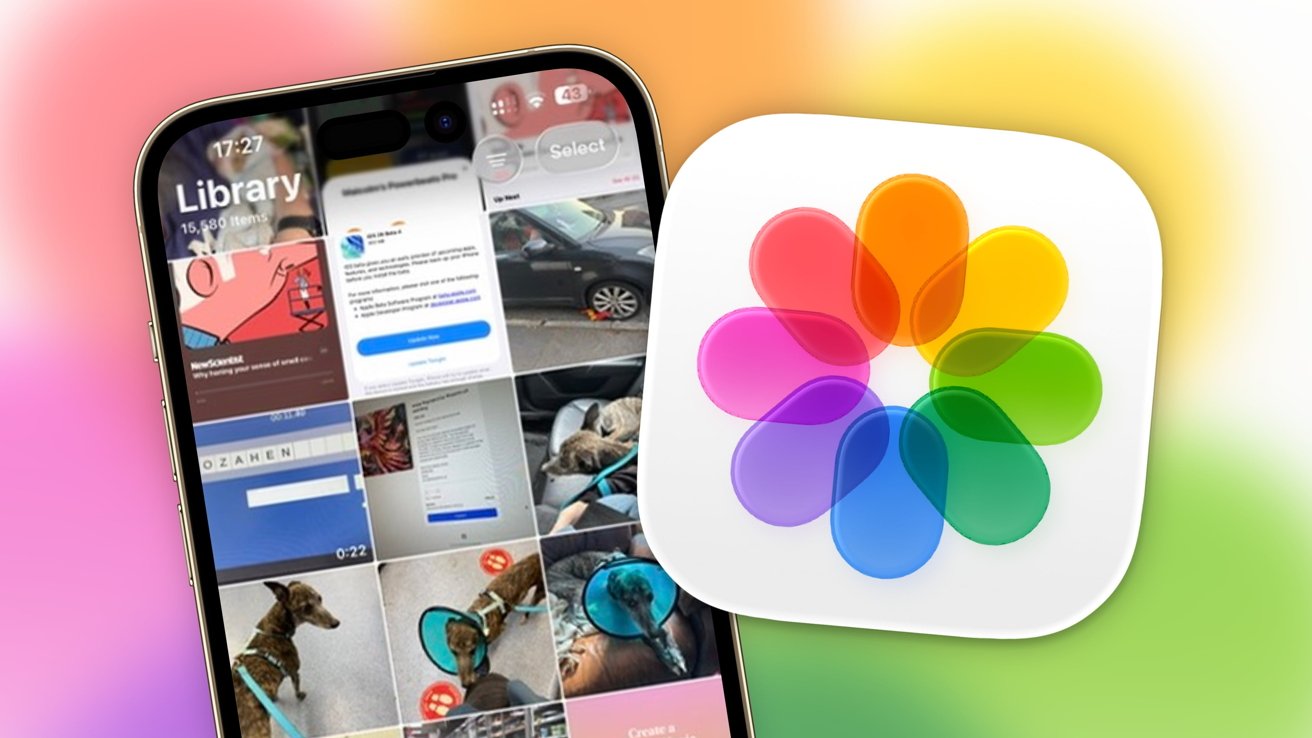
The Photos app now boasts a cleaner, more intuitive interface. Central to this redesign is the reintroduction of tabs, a feature many users missed after its removal in previous versions. The app is now organized into two primary tabs:
– Library: Displays your entire photo collection, providing a comprehensive view of all your images and videos.
– Collections: Automatically groups photos based on themes such as trips, people, or time periods, making it easier to locate specific memories.
This structured approach simplifies navigation and ensures that users can quickly access their desired content.
Spatial Scenes: Bringing Photos to Life
A standout feature in the updated Photos app is the introduction of Spatial Scenes. This innovative tool allows users to transform standard 2D photos into immersive 3D-like images. By leveraging depth data, Spatial Scenes create a layered effect, adding depth and dimension to your photos. This feature is particularly effective with Portrait Mode shots, where the depth information is more pronounced. The result is a more engaging and lifelike representation of your memories.
Enhanced Editing Capabilities with Generative AI
Apple has integrated generative AI into the Photos app, significantly enhancing its editing capabilities. The new Clean Up feature allows users to remove unwanted objects from their photos seamlessly. By selecting an area with a brush tool, the app intelligently fills in the space, making it appear as if the object was never there. This functionality is akin to professional-grade editing tools but is now accessible to all users within the Photos app.
Integration with Image Playground and Genmoji
The Photos app now integrates with Image Playground and Genmoji, two creative tools that expand the possibilities of image creation and customization.
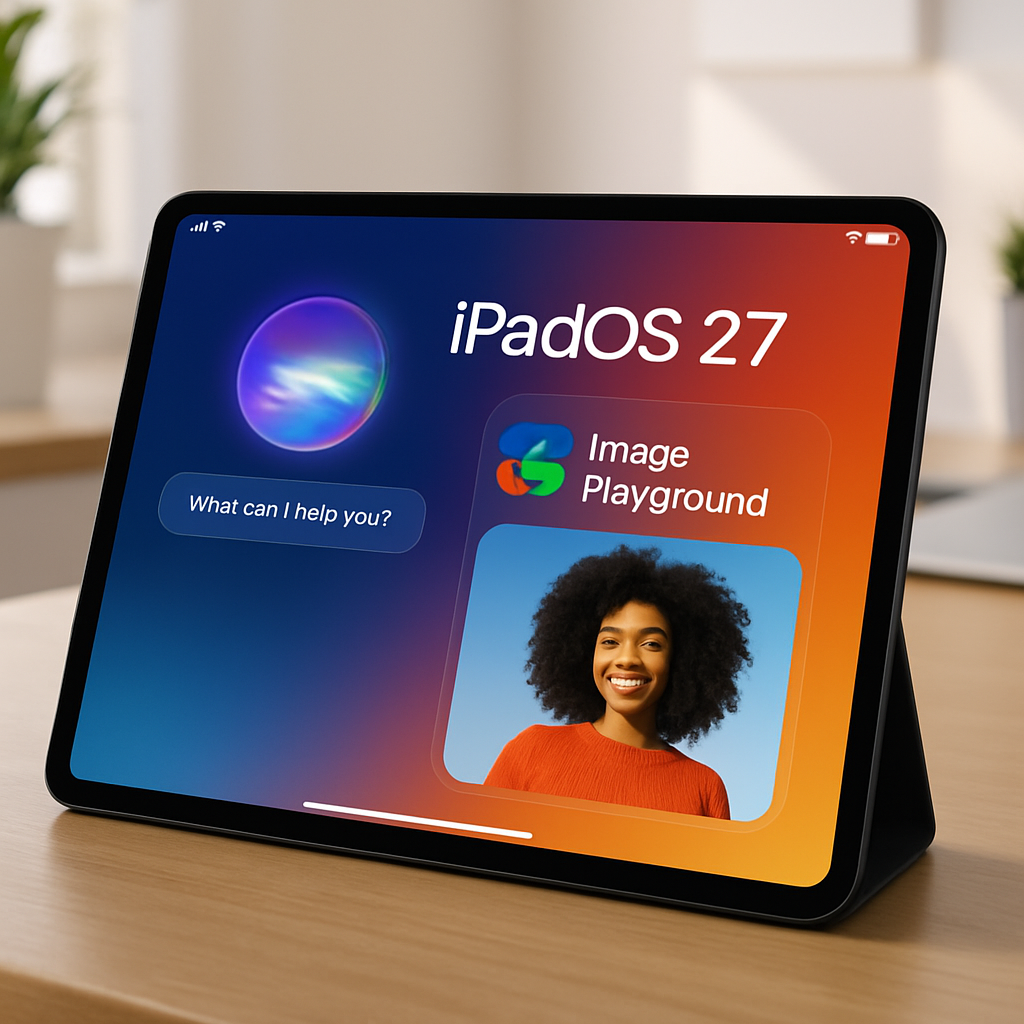
– Image Playground: This feature allows users to generate custom images using short prompts. With the addition of new visual styles powered by ChatGPT, users can explore different aesthetics for mockups, concept art, and more. The generated images can be used instantly within your conversations or notes, all processed on-device to ensure privacy.
– Genmoji: Building upon its initial release, Genmoji now offers enhanced creative tools. Users can combine up to six concepts, including text prompts, emojis, stickers, or previous Genmoji, to create entirely new and unique designs. The interface has been reorganized into themes such as Expressions, Costumes, Accessories, and Places, making it easier to design custom sticker packs based on specific moods or ideas.
Improved Search Functionality
Finding specific photos has become more efficient with the improved search functionality. The app now supports more detailed search queries, allowing users to locate images based on various criteria such as location, date, or even objects within the photo. This enhancement saves time and ensures that users can quickly find the images they’re looking for.
Seamless Integration Across Devices
With iOS 26 and macOS 26, the Photos app offers seamless integration across all Apple devices. Edits made on one device are instantly reflected on others, ensuring a consistent experience. This synchronization extends to albums, favorites, and even the new Spatial Scenes, allowing users to enjoy their enhanced photos regardless of the device they’re using.
Privacy and On-Device Processing
Apple continues to prioritize user privacy. Many of the new features, including generative AI editing and Image Playground, are processed entirely on-device. This approach ensures that your data remains private and secure, as it doesn’t need to be uploaded to external servers.
Conclusion
The updates to the Photos app in iOS 26 and macOS 26 represent a significant leap forward in photo and video management. With a redesigned interface, advanced editing tools powered by generative AI, and seamless integration across devices, users have more control and creative freedom than ever before. Whether you’re a casual photographer or a seasoned pro, these enhancements are designed to make managing and editing your memories more intuitive and enjoyable.