Google Pixel Introduces Samsung-Style Navigation Button Layout in Latest Android 16 Beta
In a significant update for Android enthusiasts, Google has introduced a new feature in the latest Android 16 QPR3 Beta 1, allowing Pixel users to customize their navigation button layout to mirror that of Samsung Galaxy devices. This development caters to users transitioning from Samsung to Pixel, offering a familiar navigation experience.
Background on Navigation Systems
Android’s navigation system has evolved over the years, transitioning from physical buttons to on-screen navigation and, more recently, to gesture-based controls. Despite this evolution, the traditional three-button navigation remains a preferred choice for many users. The standard Android layout positions the Back, Home, and Recents buttons from left to right. In contrast, Samsung’s default arrangement is Recents, Home, and Back, reflecting the company’s unique approach to user interface design.
Details of the New Feature
With the release of Android 16 QPR3 Beta 1, Pixel users now have the option to switch their navigation button layout to align with Samsung’s configuration. This feature can be accessed by navigating to:
– Settings > System > Navigation mode > 3-button navigation > Settings
Within this menu, users can select their preferred button arrangement, enhancing the device’s adaptability to individual preferences.
Implications for Users
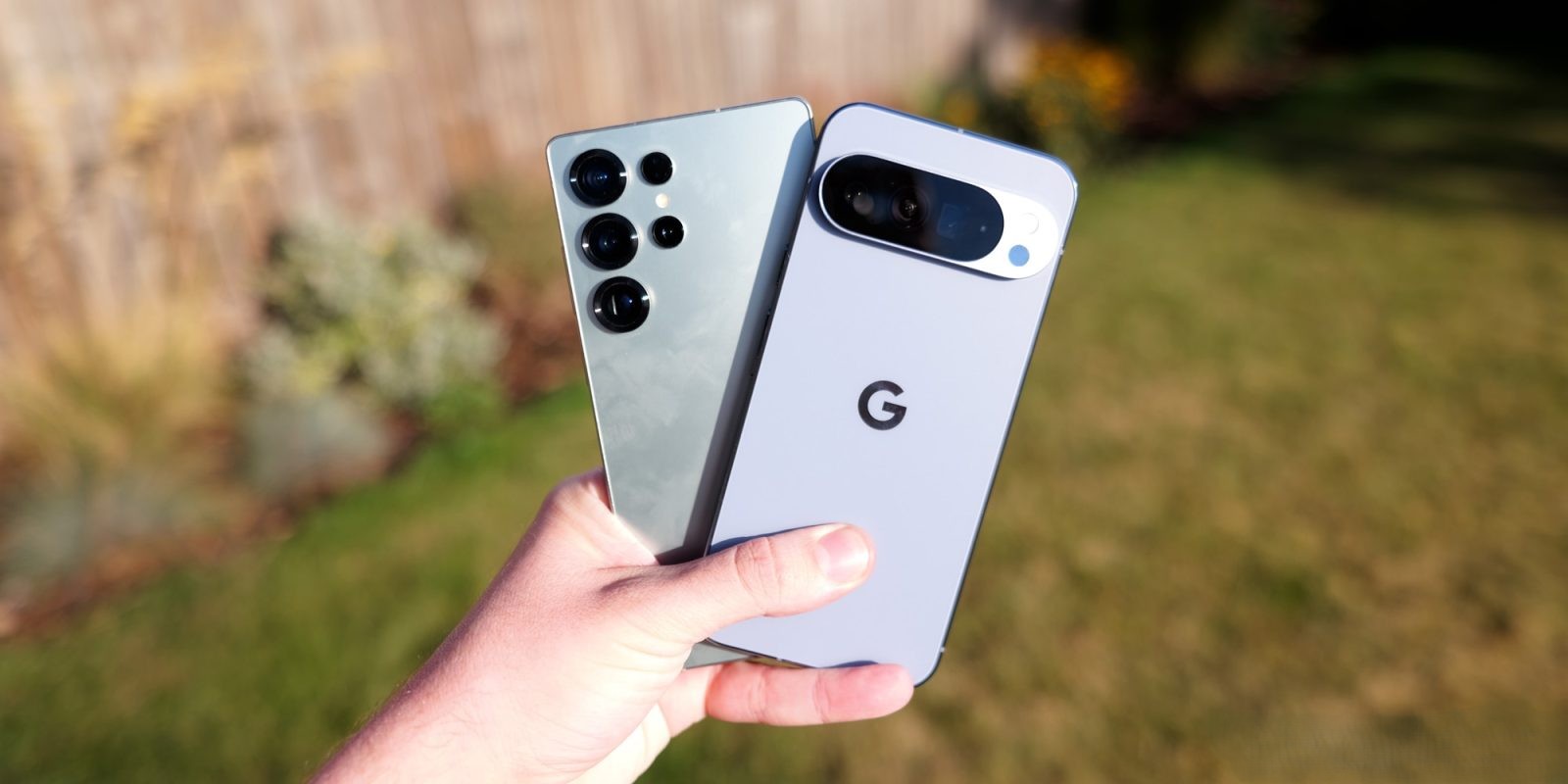
This update is particularly beneficial for users who have developed muscle memory with Samsung’s navigation layout. By offering this customization, Google acknowledges the diverse preferences of its user base and aims to provide a more seamless transition for those switching from Samsung devices to Pixel phones.
Availability
The Android 16 QPR3 Beta 1 is currently available for all Pixel devices powered by Google’s Tensor chipset. Users interested in exploring this new feature can enroll in the beta program to gain early access to the update.
Conclusion
Google’s decision to incorporate Samsung’s navigation button layout into Pixel devices underscores the company’s commitment to user-centric design. By offering greater customization options, Google enhances the overall user experience, catering to the varied preferences of its diverse user base.