iOS 26’s Shortcuts App Revolutionizes Automation with Over 25 New Actions
With the release of iOS 26, Apple has significantly enhanced the Shortcuts app, introducing over 25 new actions that expand its automation capabilities. These additions empower users to create more sophisticated and personalized workflows across various applications.
New Actions Across Applications:
– Freeform:
– Add Files to Board: Integrate files directly into Freeform boards, streamlining project management.
– Image Playground:
– Create Image: Generate images using predefined parameters, enhancing creative projects.
– Mail:
– Find Message: Search for specific emails within the Mail app, improving email management.
– Measure:
– Launch Measure: Open the Measure app directly, facilitating quick measurements.
– Messages:
– Find Message: Locate specific messages within conversations.
– Find Conversation: Search for entire conversations based on criteria.
– Photos:
– Rename Album: Change album names for better organization.
– Search Photos: Find photos using keywords or metadata.
– Create New Memory: Automatically generate new Memories from selected photos.
– Filter Library: Apply filters to view specific subsets of your photo library.
– Reminders:
– Show Quick Reminder: Display a brief reminder without opening the app.
– Screen Time:
– Get App & Website Data: Retrieve usage statistics for apps and websites.
– Sports:
– Get Upcoming Sports Events: Access information on forthcoming sports events.
– Stocks:
– Delete Symbol from Watchlist: Remove stocks from your watchlist.
– Add Symbol to Watchlist: Add new stocks to monitor.
– Use Model:
– Use Model: Leverage Apple Intelligence models or ChatGPT to generate responses within shortcuts.
– Visual Intelligence:
– Open Visual Intelligence: Access visual analysis tools directly.
– Voice Memos:
– Find Voice Recording: Search for specific voice memos.
– Weather:
– Add Location to List: Include new locations in your weather list.
– Remove Locations from List: Delete locations from your weather list.
– Writing Tools:
– Adjust Tone of Text: Modify the tone of selected text.
– Make List from Text: Convert text into a list format.
– Make Table from Text: Transform text into a table.
– Proofread Text: Check text for grammatical errors.
– Rewrite Text: Rephrase text for clarity or style.
– Summarize Text: Generate concise summaries from longer texts.
Enhancements to Existing Actions:
Apple has also improved several existing actions:
– Calculate Expression: Now evaluates expressions with units, including real-time currency conversion rates, temperature, and distance.
– Create QR Code: Allows specification of colors and styling for customized QR codes.
– Date: Can now specify holidays, aiding in scheduling and planning.
– Find Contacts: Filters contacts by relationship, streamlining communication.
– Transcribe Audio: Improved performance for faster and more accurate transcriptions.
– Show Content: Displays scrollable lists of items like calendar events and reminders, enhancing user interaction.
Integration of Apple Intelligence:
A standout feature in iOS 26’s Shortcuts app is the integration of Apple Intelligence. The new Use Model action enables users to tap directly into Apple’s AI models or ChatGPT, providing dynamic responses that can be incorporated into various shortcuts. This integration opens up possibilities for creating more intelligent and context-aware automations.
Design and User Interface Updates:
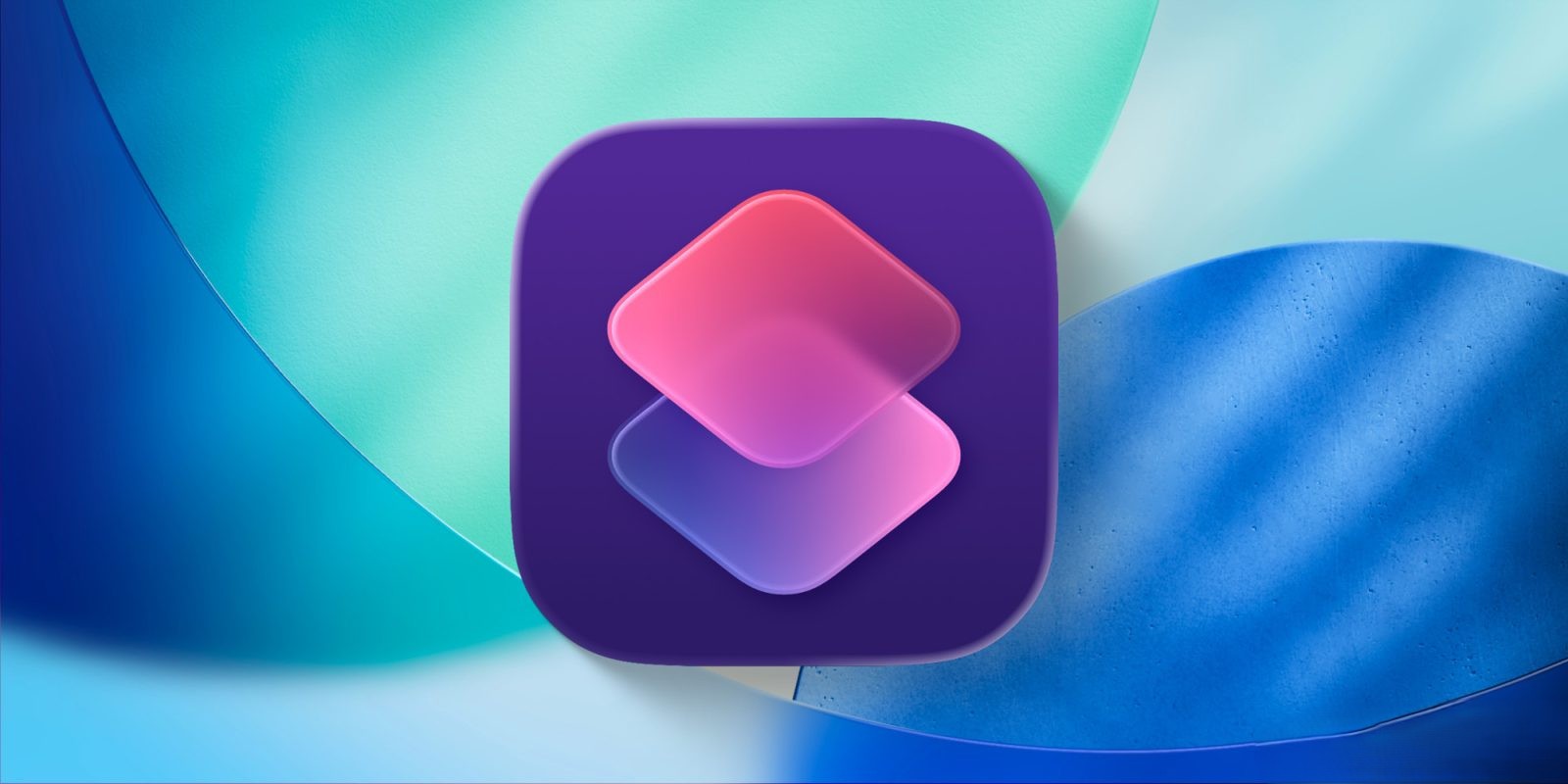
The Shortcuts app has undergone a visual overhaul with the introduction of the Liquid Glass design. This update includes a new app icon with a consistent pink-purple hue and a floating, transparent navigation tab bar. These design changes contribute to a more modern and cohesive user experience.
Automation on Mac:
With macOS Tahoe, the Shortcuts app brings automation capabilities to the Mac. Users can now set shortcuts to trigger based on parameters such as time of day, file movements, or external display connections. This expansion allows for seamless automation across Apple’s ecosystem.
Conclusion:
The enhancements in iOS 26’s Shortcuts app reflect Apple’s commitment to providing users with powerful tools for automation and personalization. The addition of over 25 new actions, integration with Apple Intelligence, and design updates collectively elevate the user experience, enabling more efficient and intelligent workflows.