NotebookLM App Introduces Built-In Camera for Image Integration
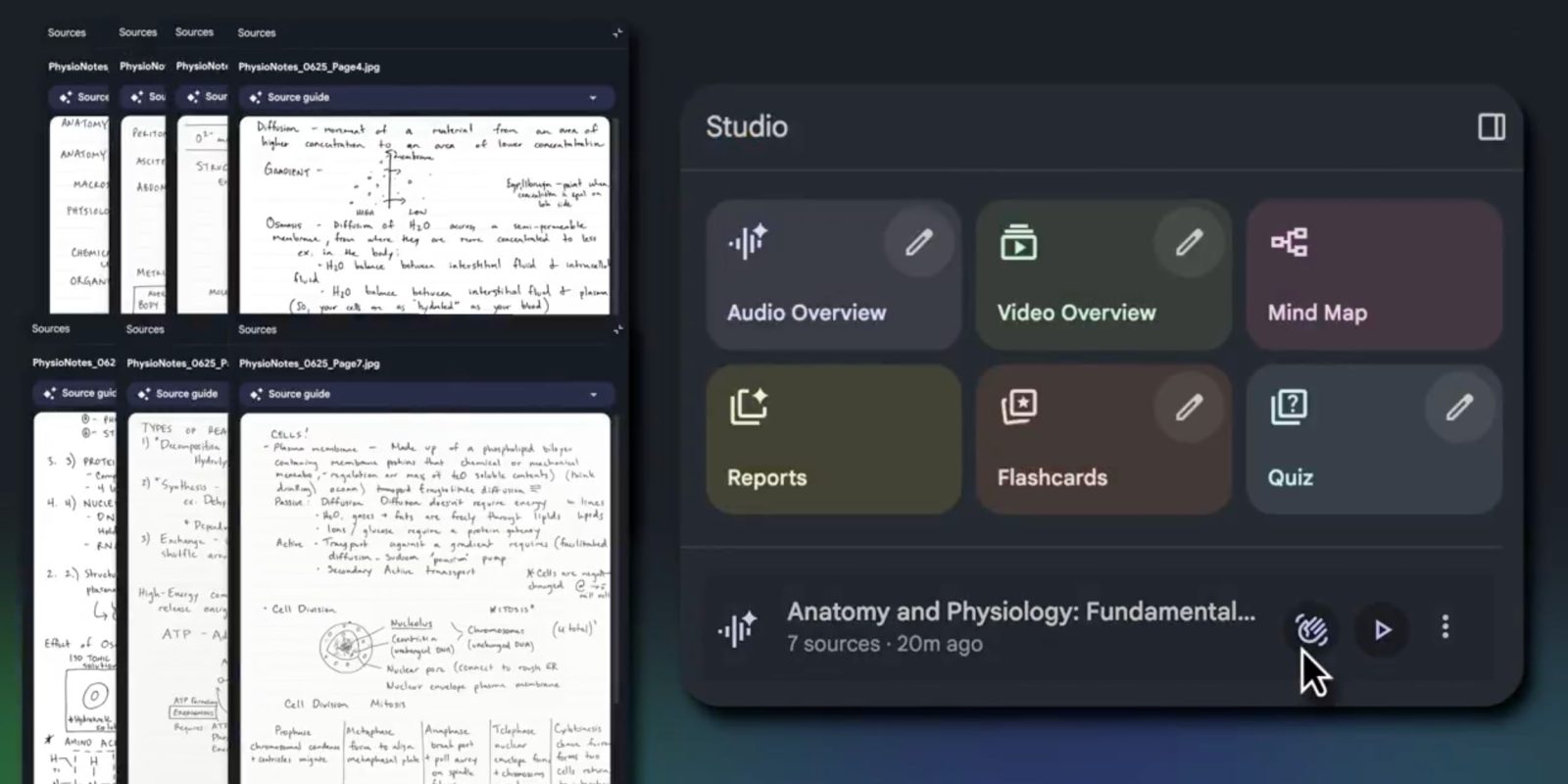
Google has enhanced the NotebookLM application for Android and iOS by introducing a built-in camera feature, enabling users to swiftly capture and incorporate images as sources within their notebooks. This advancement broadens the app’s capabilities, allowing for the inclusion of various visual materials such as handwritten notes, whiteboard content, printed documents, and infographics.
Initially, NotebookLM was designed to facilitate on-the-go listening to Audio Overviews. Subsequent updates have expanded its functionality to include flashcards and quizzes, catering to a more interactive mobile experience. The latest update introduces a floating action button (FAB) on both the homepage and the Sources tab, granting users direct access to their device’s camera interface. This feature simplifies the process of adding visual content to notebooks, enhancing the diversity of source materials available for study and reference.
In addition to the camera integration, the Add a source option now includes an Image button, allowing users to browse and select images from their local photo library, including screenshots. This functionality was initially rolled out to the web platform in mid-November and has now been extended to the Android and iOS applications. Users may need to force stop the app to activate this server-side update.
The recent mobile updates have also made features such as flashcards, quizzes, and the ability to unselect sources widely available. However, the shared chat history across sessions is not yet broadly accessible on Android and iOS devices.
In related developments, Google has reinstated Infographics and Slides for both free users and Pro subscribers, further enriching the suite of tools available within NotebookLM.