Cybercriminals Exploit Calendly in Sophisticated Phishing Scheme Targeting Google Workspace Accounts
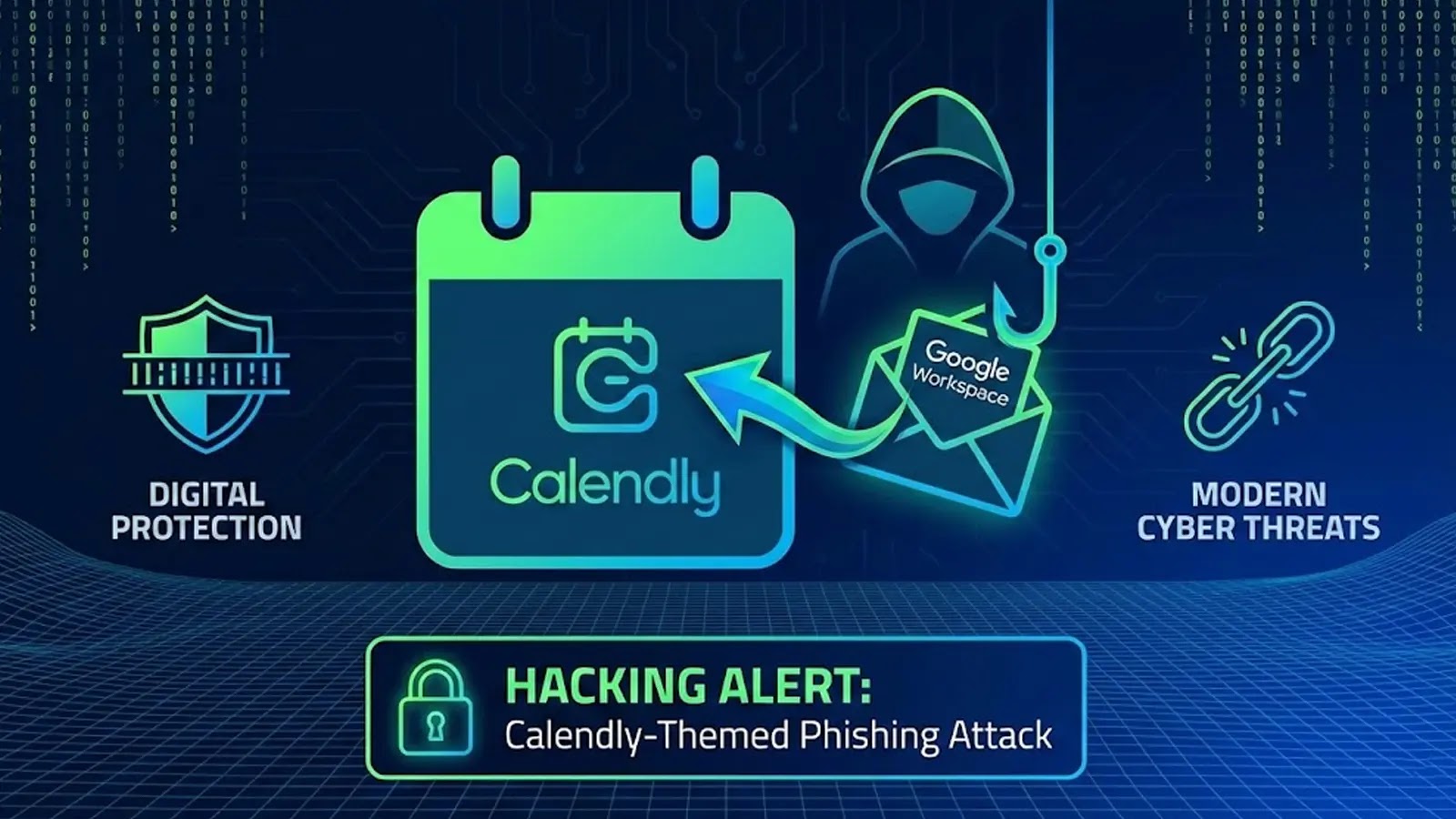
A new phishing campaign has emerged, targeting business professionals by impersonating the popular scheduling tool, Calendly. This attack combines advanced social engineering tactics with credential theft techniques, focusing primarily on Google Workspace and Facebook Business accounts.
The Attack’s Progression
The campaign initiates with an email that appears to be from a reputable recruiter, such as one from LVMH, the luxury goods conglomerate. The email commends the recipient’s professional achievements and presents a promising job opportunity within LVMH’s digital performance team. To enhance credibility, the message includes personal details about the recipient’s work experience and is signed by an individual claiming to be an HR manager at LVMH. It’s likely that the attackers utilized artificial intelligence to gather and personalize this information from publicly available sources like LinkedIn.
Credential Theft Mechanism
The attack employs a multi-stage delivery method designed to bypass email security filters. Initially, the email inquires if the recipient is interested in the opportunity. Only after receiving a positive response does the attacker send a follow-up message containing a malicious link disguised as a Calendly scheduling link. This staged approach helps the phishing email evade content scanning tools that typically flag messages with suspicious links.
Upon clicking the link, victims are directed to a counterfeit Calendly page that closely resembles the legitimate service. After completing a CAPTCHA verification, clicking Continue with Google redirects users to an Attacker-in-the-Middle (AiTM) phishing page. This page mimics Google’s login interface but is specifically branded with Calendly elements to appear authentic.
The phishing infrastructure includes intelligent validation mechanisms that block unauthorized email domains from accessing the page. Only emails matching the intended victim’s organization domain can proceed to the password entry field. Researchers also discovered advanced anti-analysis features, including IP blocking that prevents investigation from VPN or proxy connections and access restrictions triggered when developer tools are opened. These protections suggest the attackers are actively working to stay ahead of security researchers and automated analysis tools.
Evolution of the Campaign
This campaign has evolved significantly since its inception over two years ago. Attackers have continuously refined their tactics and introduced new detection evasion methods to maintain operational effectiveness. The use of legitimate platforms like Calendly in phishing attacks is not new. For instance, a previous campaign involved North Korean hackers using weaponized Calendly and Google Meet links to deliver malware, targeting cryptocurrency organizations with elaborate social engineering techniques. In that case, attackers sent Calendly invitations that led to Google Meet events, where victims were prompted to download malicious Zoom extensions, ultimately compromising their systems.
Broader Implications
The abuse of trusted platforms in phishing campaigns is a growing concern. For example, hackers have leveraged Google Classroom to distribute over 115,000 malicious emails to more than 13,500 organizations globally. By creating fake classrooms and sending invitations from the official Google Classroom email address, attackers were able to bypass conventional security filters and reach a broad audience.
Similarly, cybercriminals have exploited Google Meet by creating fake landing pages that use the ClickFix technique to deliver Remote Access Trojans (RATs). In these attacks, victims are instructed to perform specific keystrokes that execute malicious scripts, effectively bypassing browser-based security controls.
Protective Measures
To safeguard against such sophisticated phishing attacks, individuals and organizations should:
– Verify Sender Information: Always double-check the sender’s email address and be cautious of unsolicited job offers or meeting invitations.
– Avoid Clicking Suspicious Links: Refrain from clicking on links in emails from unknown sources. Instead, navigate to the official website directly.
– Implement Multi-Factor Authentication (MFA): While some phishing attacks aim to bypass MFA, having it in place adds an additional layer of security.
– Educate Employees: Regularly conduct security awareness training to help employees recognize and report phishing attempts.
– Use Advanced Email Filtering Solutions: Deploy email security solutions that can detect and block phishing emails based on behavioral patterns and known indicators of compromise.
By staying vigilant and implementing robust security measures, individuals and organizations can better protect themselves against these evolving phishing threats.