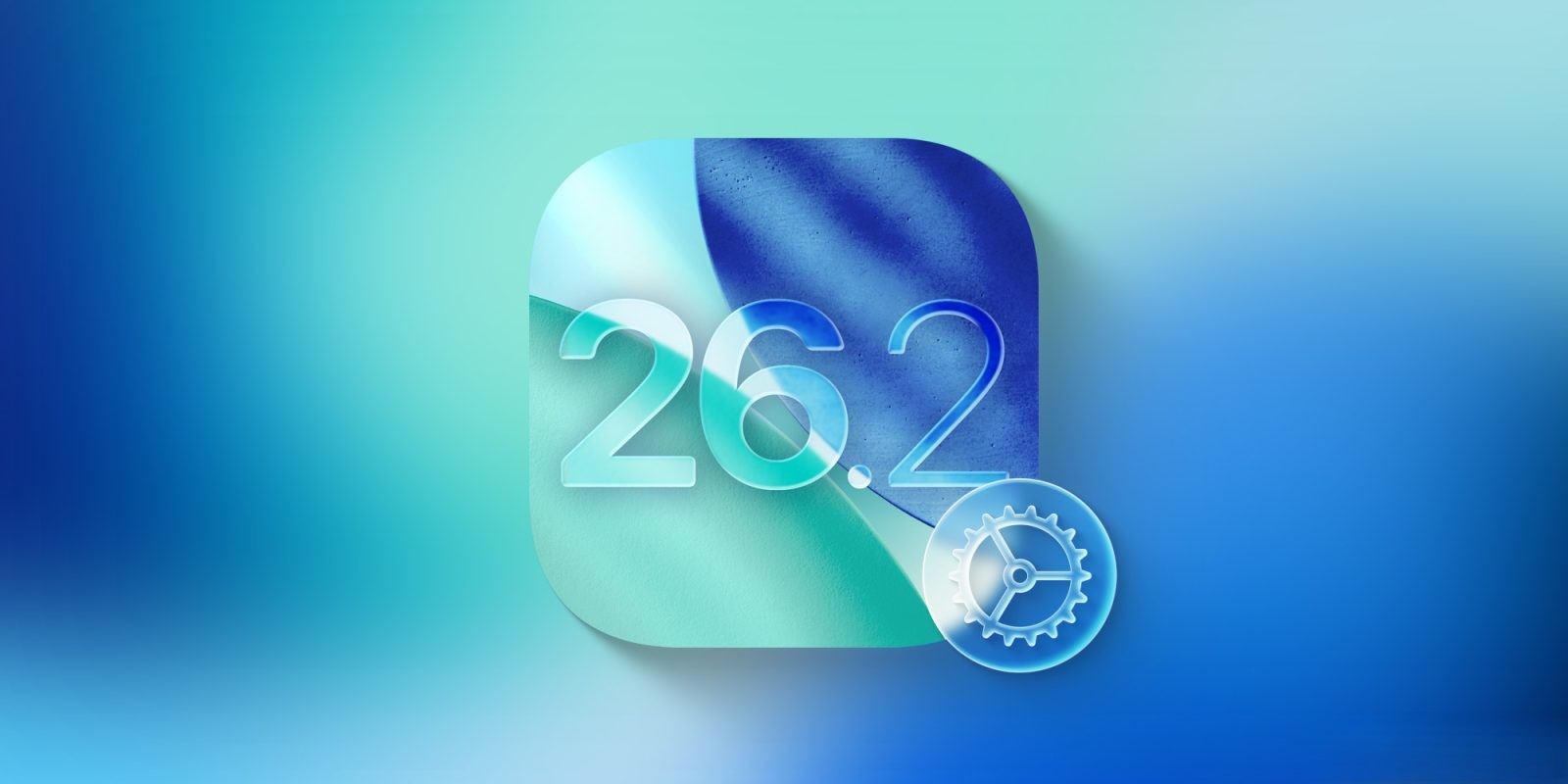
iOS 26.2: Elevate Your iPhone Experience with Enhanced Customization Features
Apple’s forthcoming iOS 26.2 update is set to revolutionize the way users personalize their iPhones, introducing a suite of new features that enhance both aesthetics and functionality. This update focuses on providing users with greater control over their device’s appearance and interaction, ensuring a more tailored and engaging experience.
1. Enhanced Liquid Glass Slider for Lock Screen Clock
The Lock Screen serves as a prime canvas for personal expression on the iPhone. With iOS 26, Apple introduced the Liquid Glass design for the Lock Screen clock, allowing users to adjust its opacity. Building upon this, iOS 26.2 expands the capabilities of the Liquid Glass slider, offering a broader range of transparency and opacity settings.
To utilize this feature:
– Navigate to the Lock Screen customization settings.
– Ensure the clock is set to the ‘Glass’ mode.
– Adjust the slider to achieve the desired level of transparency or opacity.
This enhancement is compatible with all font options, providing users with the flexibility to create a Lock Screen that truly reflects their personal style. However, it’s important to note that resizing the clock remains exclusive to the default font setting.
2. Screen Flash Notifications for Enhanced Alerts
Traditionally, iPhone users have had the option to enable the camera flash as a visual alert for incoming notifications—a feature particularly beneficial for individuals with hearing impairments. iOS 26.2 introduces an alternative visual cue: the Screen Flash notification.
To activate this feature:
– Go to Settings > Accessibility > Audio & Visual > Flash for Alerts.
– Toggle on the ‘Screen’ option.
With this setting enabled, the iPhone’s display will momentarily illuminate upon receiving a notification, providing a noticeable visual alert. For those seeking maximum visibility, this can be combined with the existing camera flash option.
3. ‘Urgent’ Alarms in the Reminders App
The Reminders app receives a significant upgrade in iOS 26.2 with the introduction of the ‘Urgent’ toggle for time-sensitive tasks. This feature ensures that critical reminders are accompanied by prominent alarms, enhancing the likelihood of timely completion.
To set an ‘Urgent’ reminder:
– Open the Reminders app and create a new reminder.
– Set a specific time for the reminder.
– Enable the ‘Urgent’ toggle.
By default, when an ‘Urgent’ reminder becomes due, an alarm will sound on the Lock Screen, presenting ‘Snooze’ and ‘Stop’ options similar to the standard alarm interface. Users can customize this behavior by navigating to Settings > Apps > Reminders, where they can opt to replace the ‘Snooze’ button with a ‘Complete’ button. Selecting ‘Complete’ will stop the alarm and mark the reminder as completed simultaneously.
Additional Customization Features in iOS 26.2
Beyond the three primary enhancements, iOS 26.2 introduces several other features aimed at enriching the user experience:
– Freeform App Tables: The Freeform app, known for its versatile canvas, now supports the addition of tables. This allows users to organize content more effectively, making the app even more powerful for brainstorming and collaboration.
– Apple Games App Enhancements: The Apple Games app sees improvements such as library filters, enabling users to sort games based on various criteria, and enhanced controller support, providing a more seamless gaming experience.
– Measure App Liquid Glass Design: The Measure app’s Level tool adopts the Liquid Glass aesthetic, offering a visually appealing and modernized interface.
– CarPlay Updates: CarPlay users can now disable pinned conversations in the Messages app, allowing for a more streamlined messaging experience while driving.
Conclusion
iOS 26.2 is poised to offer iPhone users an array of new customization options, empowering them to tailor their devices to better suit their preferences and needs. From aesthetic adjustments like the enhanced Liquid Glass slider to functional improvements such as ‘Urgent’ alarms in Reminders, this update underscores Apple’s commitment to providing a personalized and user-centric experience.