Transform Your Apple Watch into a Classic Quartz Timepiece
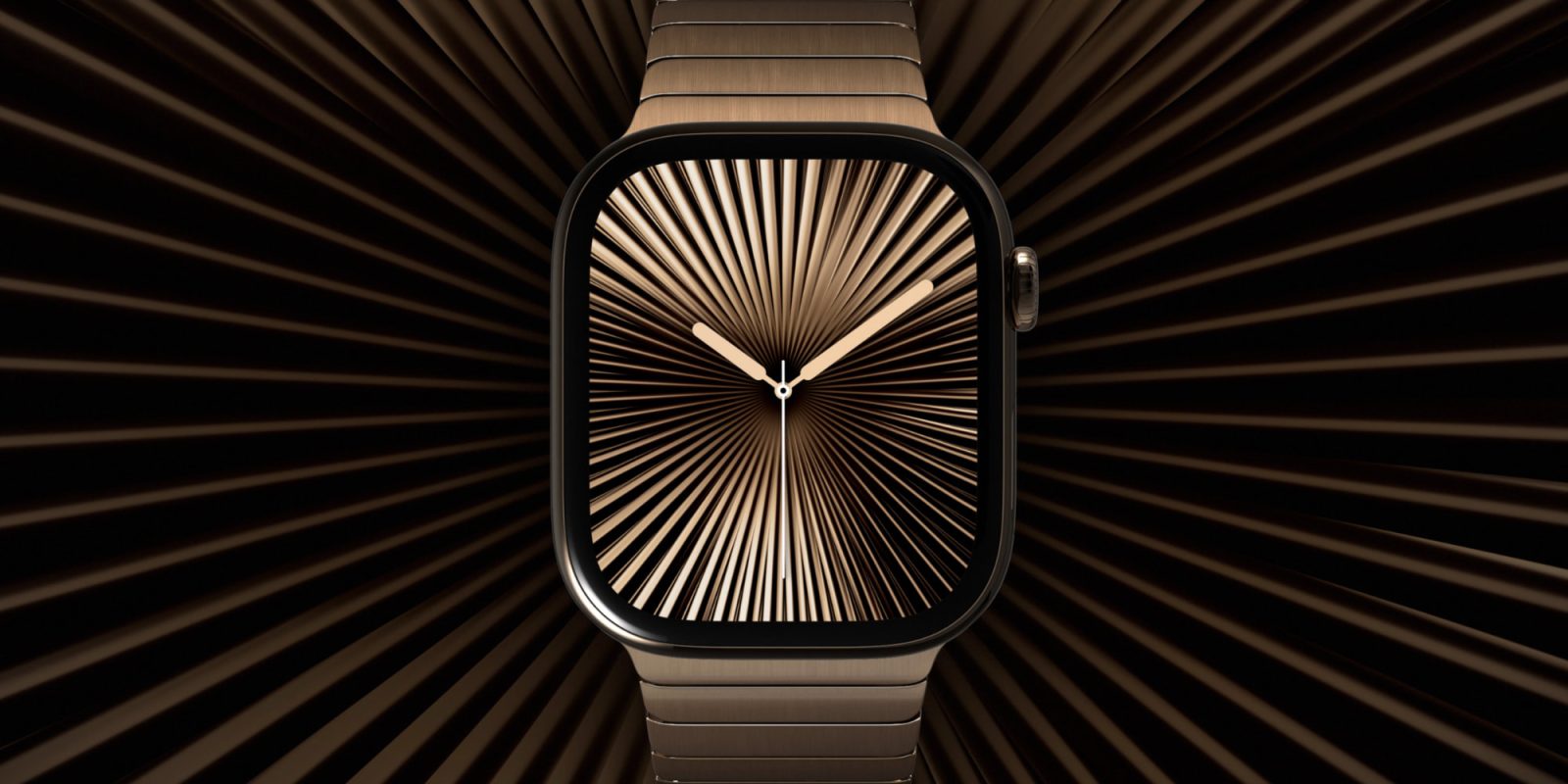
The Apple Watch, renowned for its advanced features and sleek design, has traditionally displayed a continuously moving seconds hand on its analog faces, emulating the smooth motion of automatic mechanical watches. However, with the introduction of the Apple Watch Series 10 and Ultra 3, users now have the option to modify this behavior to resemble the distinct ticking motion characteristic of quartz watches.
Understanding the Display Dynamics
The latest Apple Watch models boast displays capable of refreshing once per second. This technological advancement allows the watch to present the time with a ticking seconds hand in the always-on mode, mirroring the behavior of traditional quartz watches. In contrast, when the watch is active, the seconds hand exhibits a smooth, continuous motion akin to that of automatic mechanical watches.
Achieving the Quartz-Like Ticking Effect
For enthusiasts who prefer the ticking motion over the sweeping one, a simple adjustment can be made:
1. Access Settings: Open the Settings app on your Apple Watch.
2. Navigate to Display & Brightness: Scroll down and select the Display & Brightness option.
3. Disable Wake on Wrist Raise: Toggle off the Wake on Wrist Raise feature.
By deactivating the Wake on Wrist Raise function, the watch remains in its always-on state, displaying the time with the ticking seconds hand. This adjustment provides a visual experience reminiscent of traditional quartz watches.
Considerations and Limitations
While this modification offers a nostalgic aesthetic, it’s essential to be aware of certain trade-offs:
– Dimmed Display: In the always-on state, the watch face appears dimmer compared to its active mode.
– Reduced Gesture Functionality: Disabling Wake on Wrist Raise means losing access to certain one-handed gestures, such as the double tap used for scrolling through widgets or interacting with notifications.
– Alternative Activation Methods: To wake the display fully, users can tap the screen, press a button, or rotate the Digital Crown.
It’s also noteworthy that this feature is exclusive to the Apple Watch Series 10, Series 11, and Ultra 3 models. Earlier versions without the always-on display capability will not exhibit the ticking seconds hand when Wake on Wrist Raise is disabled.
Embracing the Classic Watch Experience
For those who appreciate the traditional ticking of quartz watches, this adjustment offers a delightful blend of classic timekeeping and modern technology. By customizing your Apple Watch settings, you can enjoy a timepiece that not only delivers advanced functionalities but also pays homage to the timeless charm of quartz movements.